

SeeLevel - visual clinometer
SeeLevel - visual clinometer is made and published by Sten Kaiser. AppBrain is an independent app data site and isn't affiliated with Sten Kaiser. The app name, icon, screenshots and description belong to Sten Kaiser and are shown as published on the App Store.
AppBrain's verdict
Established- Best rank
- #22
- Top Paid, Brazil
- Rating on App Store
- 3.83
- 18 ratings
- Last updated
- April 27, 2017
It doesn't have enough ratings yet to judge what users think. Its best ranking is #22 in Top Paid, Utilities in Brazil.
Rankings
App Store top charts- Highest rank
- #22
- Chart
- Top Paid
- Utilities
- Country
- Brazil
Competitors
Similar apps and more from Sten KaiserAlternatives to SeeLevel - visual clinometer



More from Sten Kaiser








Releases
Updates seen on the App Store- Version
- 3.9
- Launched
- before 2010
No changelog data
User feedback
Ratings and reviews on the App StoreComments on SeeLevel - visual clinometer for iOS
We don't have enough comments to show example comments. Please check back later.
Technology
Found in the app by AppBrain- Price
- $0.99
- App size
- 4.64 MB
- Content rating
- Everyone
Technologies used by SeeLevel - visual clinometer
About the app and developer
About SeeLevel - visual clinometer
SeeLevel - visual clinometer is an utilities app developed by Sten Kaiser.
User Ratings
SeeLevel - visual clinometer is rated 3.83 out of 5 stars. The rating is based on 18 ratings.
App Information
SeeLevel - visual clinometer costs $0.99. The app size is 4.64 MB. The latest version available is 3.9. The last update was on April 27, 2017.
Technical Requirements
The app has a content rating of Everyone. The app has been available on the App Store since before 2010.
Developer information for Sten Kaiser
Address:
Store listing
By Sten Kaiser, from the App Store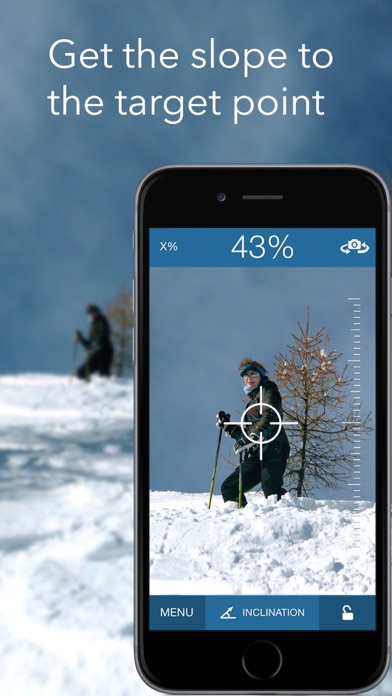
Description by Sten Kaiser Written by the developer, not by AppBrain. Click to read.
With SeeLevel you can for example:
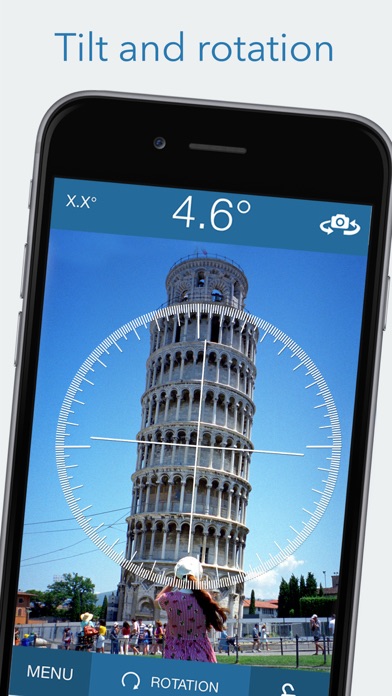
- Find the angle relative to the horizon (like a sextant)
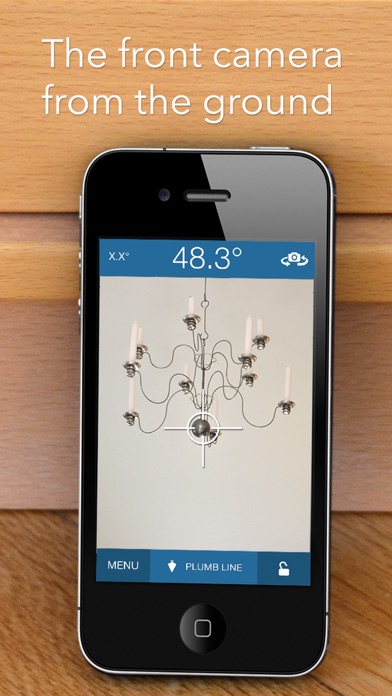
- Get the vertical line to the ground (like a plumb)
- Estimate the tilt of objects in the distance
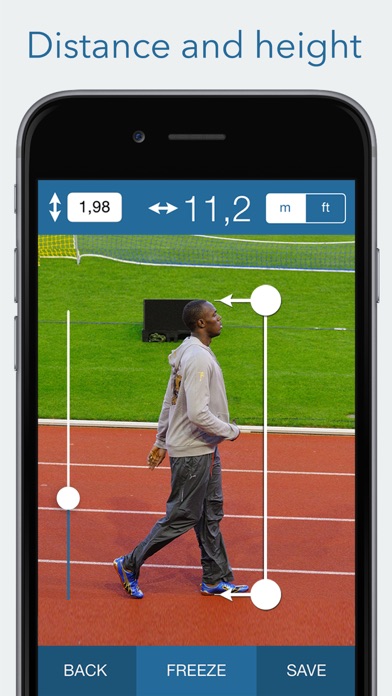
- Calculate the height of, or distance to, an object (Inclinometer).
- The unit of the input and output distances are always the same so you can use any unit you wish (meter, feet, yards etc)
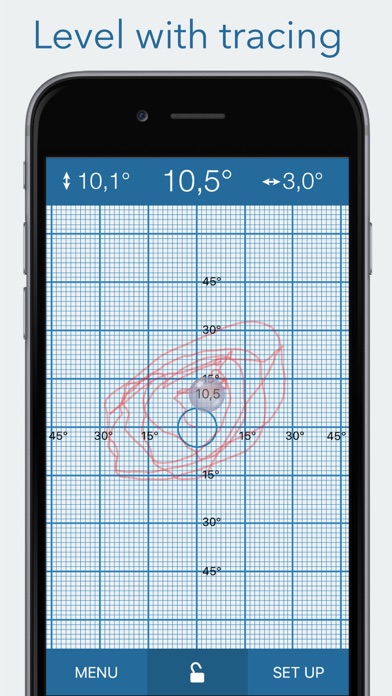
- Use it as a conventional level, independent of the camera
- Zoom in the measured object to improve accuracy
- If your device has a front camera you can use it to measure the level from the ground or use it as an inverted plumb.
USER FEEDBACK:
Simple, effective and finally offering a clinometer with percentage. Very good, I can recommend it.
Piwilari, France
It is easy to use and effective for many types of measurements (angle, height, distance). The interface is uncluttered and very clear. Good job.
TychoMoon, France
Very good idea that works very well.
angor69, Italy
I work for satelite co. and this is 'bout the best visual inclinometer I've come across, and yes my boss does like it, especially on how close the accuracy is compared to a Suunto Tandem.
Top Tier, USA
NOTE: Requires a device with a camera. i.e. compatible with all iPhones, iPod Touch 4 and iPad 2.