

SensorLog is made and published by Bernd Thomas. AppBrain is an independent app data site and isn't affiliated with Bernd Thomas. The app name, icon, screenshots and description belong to Bernd Thomas and are shown as published on the App Store.
AppBrain's verdict
Established- Rating on App Store
- 4.39
- 41 ratings
- Last updated
- November 5, 2024
It doesn't have enough ratings yet to judge what users think.
Rankings
App Store top chartsApp Store Rankings for SensorLog
Competitors
Similar apps and more from Bernd ThomasAlternatives to SensorLog





Releases
Updates seen on the App Store- Version
- 6.1
- Launched
- September 2010
No changelog data
User feedback
Ratings and reviews on the App StoreComments on SensorLog for iOS
We don't have enough comments to show example comments. Please check back later.
Technology
Found in the app by AppBrain- Price
- $2.99
- App size
- 3.97 MB
- Content rating
- Everyone
Technologies used by SensorLog
About the app and developer
About SensorLog
SensorLog is an utilities app developed by Bernd Thomas.
User Ratings
SensorLog is rated 4.39 out of 5 stars. The rating is based on 41 ratings.
App Information
SensorLog costs $2.99. The app size is 3.97 MB. The latest version available is 6.1. The last update was on November 5, 2024.
Technical Requirements
The app has a content rating of Everyone. The app has been available on the App Store since September 2010.
Developer information for Bernd Thomas
Address:
Frequently asked questions about SensorLog
Is SensorLog free?
No. SensorLog costs $2.99 on the App Store.
Is SensorLog still available?
Yes. SensorLog is on the App Store, and the last update we saw was on November 5, 2024.
How large is SensorLog?
SensorLog is 3.97 MB.
Is SensorLog suitable for children?
App Store rates the content of SensorLog as suitable for everyone.
How do people rate SensorLog?
SensorLog scores 4.39 out of 5 stars, from 41 ratings on the App Store.
Who made SensorLog?
SensorLog was developed by Bernd Thomas. It is listed in the utilities category on the App Store.
What are the best alternatives to SensorLog?
People looking at SensorLog also look at these utilities apps: Sensor Data Recorder, Sensor Play - Data Recorder, HemiPhysioData, G-Field Recorder, Sensor-App.
Store listing
By Bernd Thomas, from the App Store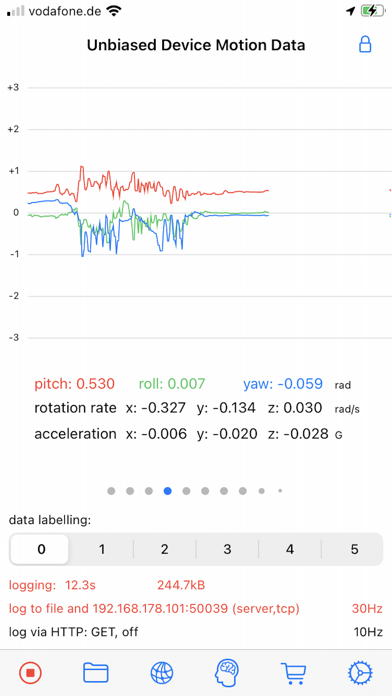
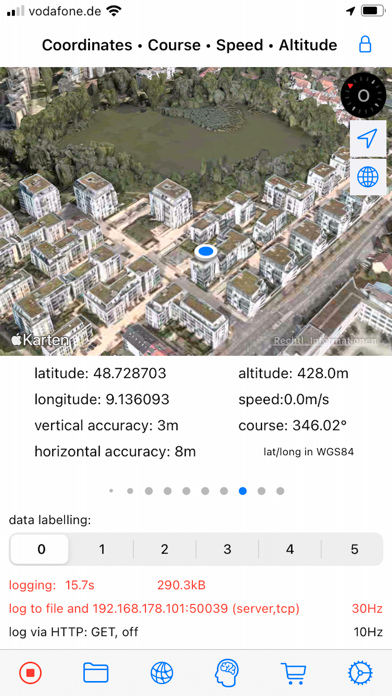
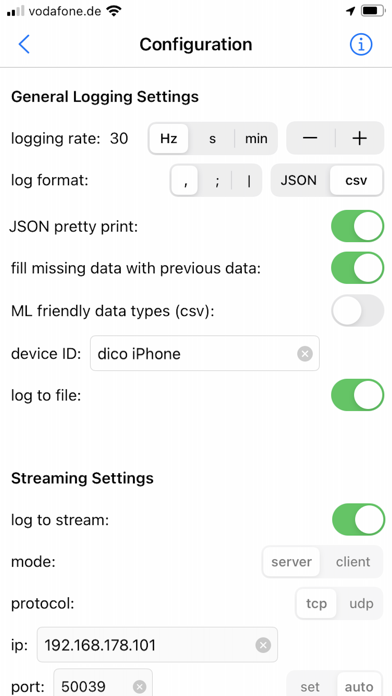
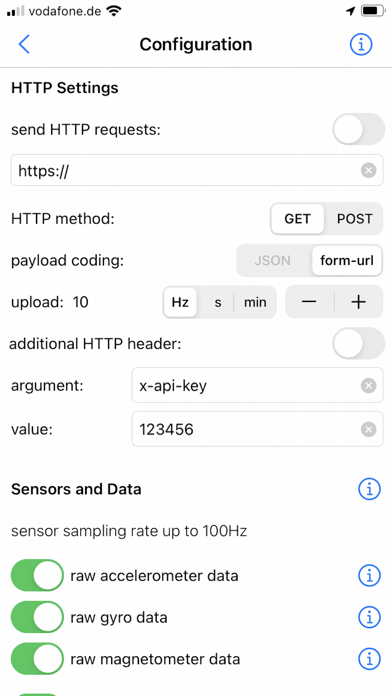
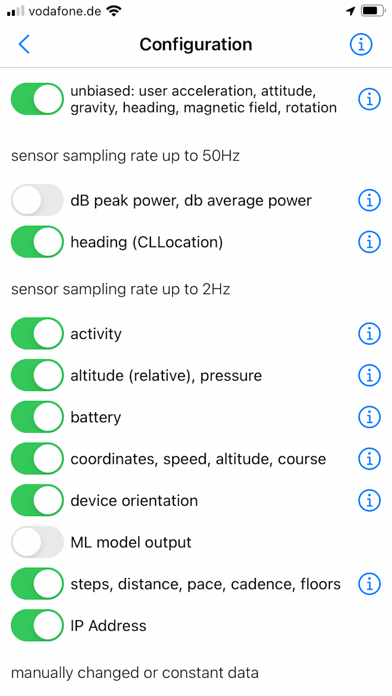

Description by Bernd Thomas Written by the developer, not by AppBrain. Click to read.
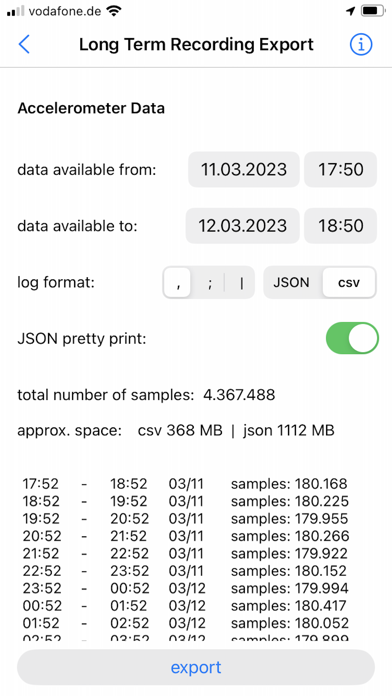
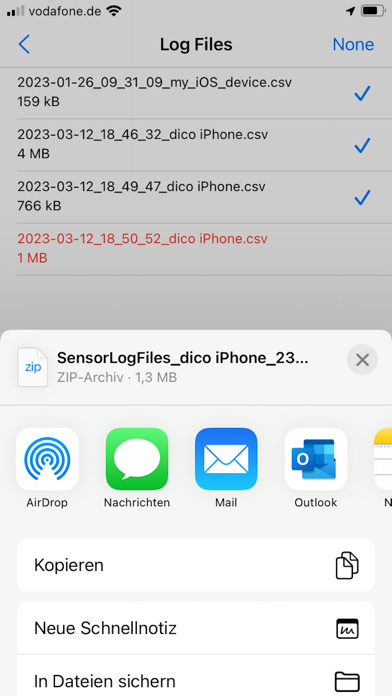
The sensor data can be saved as a file in CSV or JSON format, streamed via TCP/UDP or sent as an HTTP request.
The most important functions for iPhone and iPad:
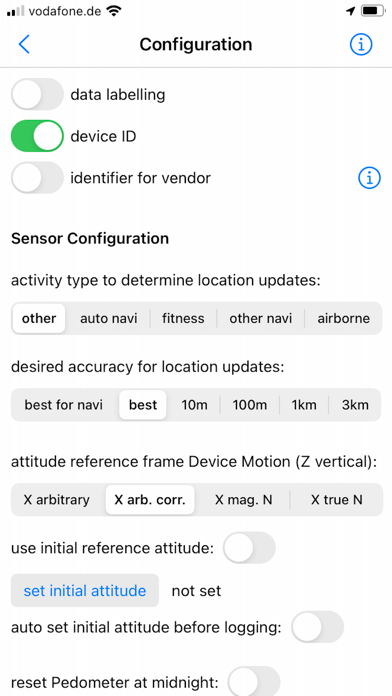
- Sensor data can be recorded at up to 100Hz (depending on the iOS device version and sensor type).
- Sensor data can be streamed in server or client mode using TCP or UDP. Depending on the network speed and the server or client configuration used, this is possible with up to 100Hz.
- Via HTTP(S) GET/POST request, sensor data in JSON format (POST) or form-url encoded (POST and GET) can be transmitted to a REST API with up to 20Hz.
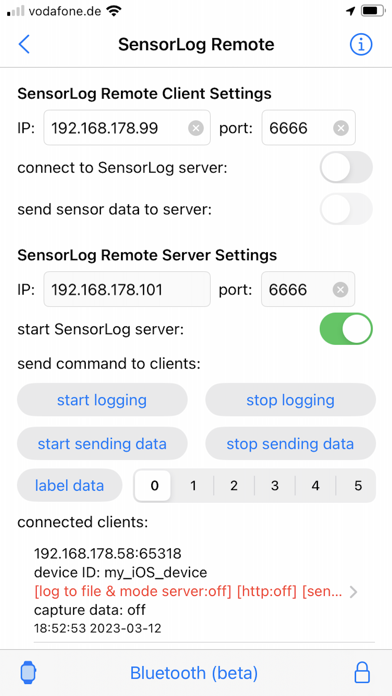
- With the SensorLog Remote Client/Server function, an iPad or iPhone can connect as a SensorLog Remote Client to an iPhone or iPad, which takes on the role of SensorLog Remote Server. The client's sensor data can be visualized on the server, and the server can control the clients (start/stop logging, start/stop sending data).
- Logging can be started and stopped using Siri and shortcuts.
- SensorLog supports Core ML models created with Apple's Create ML app. Log data with SensorLog, train a model with the data in Create ML, load exported models in SensorLog and log the model prediction. Supported Create ML models are: Activity Classifier, Tabular Regressor and Tabular Classifier.
- If you have an Apple Watch, HealthKit data such as heart rate, energy used, sleep and movement data can be exported on the watch as a csv or json file and then transferred to your iPhone.
Sensor data iPhone / iPad:
For sample log files, please visit the SensorLog homepage (link App Support).
- CLLocation, CLHeading, CMAccelerometer, CMGyroData, CMMagnetometer, CMDeviceMotion, CMActivity, CMPedometer, CMAltimeter, WLAN and network provider IP addresses, device orientation, battery info, decibels.
The most important functions for Apple Watch:
- Logging Option 1: Logging duration up to 1 hour
Simultaneous logging of all selectable sensor data is supported in the background with up to 50Hz. Individual sensors can be logged with a higher frequency of up to 100Hz. Sending data via HTTP requests is supported.
- Logging option 2: Logging duration greater than 1 hour
In the background only logging of the accelerometer data with max. 50Hz is supported. In the foreground all sensor data with up to 100Hz. Sending data via HTTP requests is only supported when the app is in the foreground.
- Via HTTP(S) GET/POST request, sensor data can be transmitted to a REST API with up to 10Hz in JSON format (POST) or form-url encoded (POST and GET).
- The Health Store data feature off the SensorLog Watch app allows you to export HealthKit data like heart rate, energy burned, sleep, and movement data. This data is automatically recorded by your Watch and can be read out and exported by SensorLog as csv or json file and transferred to your iPhone.
- Logging can be started and stopped using Siri and Shortcuts.
Sensor Data Watch:
For sample log files, please visit the SensorLog homepage (link App Support).
- CLLocation, CMAccelerometer, CMDeviceMotion, CMActivity, CMPedometer, CMAltimeter, battery info