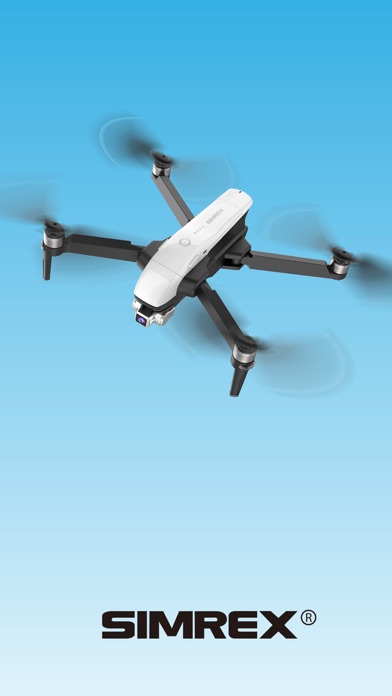
SIMREX FLY is a photo & video app developed by Shenzhen Jiandanzhijie Technology Co., Ltd.
User Ratings
SIMREX FLY is rated 1.80 out of 5 stars. The rating is based on 40 ratings.
App Information
SIMREX FLY is freely available from the App Store. The app size is 62.45 MB. The latest version available is 1.33. The last update was on December 18, 2020.
Technical Requirements
The app has a content rating of Everyone. The app has been available on the App Store since September 2020.
Description by Shenzhen Jiandanzhijie Technology Co., Ltd.(from the App Store)
SIMREX FLY is a control application software for smart drones. Based on WI-FI wireless transmission technology, it realizes real-time transmission of images and flight data between mobile phones and drones.
Features 1. GPS status: Take off safely only after 6N stars 2. Latitude and longitude: Real-time display of aircraft coordinates 3. Battery power: Real-time display of the aircraft power percentage, low power automatically return to home 4. Shortcut keys for manual joystick operation: Click the button to unlock the aircraft joystick, which can replace the remote control joystick to operate the aircraft 5. Settings: There are operating joysticks (game mode setting, accelerometer calibration, geomagnetic calibration and beginner mode selection), map, and others (real-time preview pixel selection, device information, data center) 6. Flight mode: Turn on flight mode to choose waypoint planning, follow, point of interest orbit, and exit 7. Map: Click on the map to display the map in full screen, click again to switch to the scene shot by the aircraft 8. One key return to home: Click this function button to automatically return to home and land at short distances 9. One key take-off and landing: Click this function button to conduct take-off and landing 10. High and low speed display: Display the current speed of the aircraft 11. One-key unlock: Click this button to start the aircraft's brushless motor and prepare for take-off 12. Camera parameter setting: you can set the camera for single shooting, continuous shooting, and delayed shooting 13. Shooting: Click this button to directly shoot your favorite scene 14. Recording: Click this button to realize the scene recording function, click this button again to stop recording and save video automatically. 15. Gallery: Click this button to view the captured pictures, videos, and pictures and videos in the SD card (it need to install the SD card )
Each subscription will automatically renew 3 days before the expiration date for
the same time period. Subscriptions can be cancelled at any time before the renewal.