

SkrrrPang is made and published by DAMIN KIM. AppBrain is an independent app data site and isn't affiliated with DAMIN KIM. The app name, icon, screenshots and description belong to DAMIN KIM and are shown as published on the App Store.
AppBrain's verdict
- Last updated
- July 26, 2024
Rankings
App Store top chartsApp Store Rankings for SkrrrPang
This app is not ranked
Competitors
Similar apps and more from DAMIN KIMMore from DAMIN KIM



Releases
Updates seen on the App Store- Version
- 1.0
- Launched
- July 2024
No changelog data
User feedback
Ratings and reviews on the App StoreComments on SkrrrPang for iOS
We don't have enough comments to show example comments. Please check back later.
Technology
Found in the app by AppBrain- Price
- Free
- App size
- 2.09 MB
- Content rating
- Everyone
Technologies used by SkrrrPang
About the app and developer
About SkrrrPang
SkrrrPang is a games app developed by DAMIN KIM.
User Ratings
The app has no ratings yet.
App Information
SkrrrPang is freely available from the App Store. The app size is 2.09 MB. The latest version available is 1.0. The last update was on July 26, 2024.
Technical Requirements
The app has a content rating of Everyone. The app has been available on the App Store since July 2024.
Developer information for DAMIN KIM
Address:
Store listing
By DAMIN KIM, from the App Store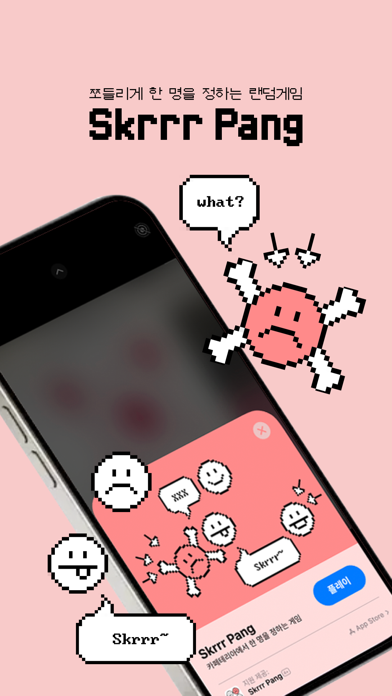


Screenshots by DAMIN KIM, from the the App Store listing
Description by DAMIN KIM Written by the developer, not by AppBrain. Click to read.
1. 카메라에 같이 게임을 할 친구들과 얼굴을 프레임에 맞춰 자리를 잡습니다.
(카메라 허용을 해주셔야 게임을 즐길 수 있으니 게임 시작전 카메라 허용하기를 눌러주세요~!)
2. 프레임에 얼굴을 잘 맞췄다면 '사진찍기'를 통해 촬영 후 게임을 시작합니다.
3. 게임이 시작되면 각 프레임 칸이 깜빡이는데 점점 빨라지다가 다시 느려집니다. (쫄리는 순간!)
4. 그러다가 한 칸에 멈추고 '땡큐' 라는 글자가 띄워지면서 당첨자가 선택이 됩니다!
(빈 칸에 선택이 되었다면 다시 하기를 눌러주세요~ 혹은 게임전 친구들과 협의해서 칸을 나눌 수 있습니다)
5. 이미지 위에 스티커를 붙여서 당첨자를 축하해주고 그 이미지를 '공유하기' 버튼을 통해 친구들과 공유할 수 있습니다.
(카메라 허용을 해주셔야 게임을 즐길 수 있으니 게임 시작전 카메라 허용하기를 눌러주세요~!)
2. 프레임에 얼굴을 잘 맞췄다면 '사진찍기'를 통해 촬영 후 게임을 시작합니다.
3. 게임이 시작되면 각 프레임 칸이 깜빡이는데 점점 빨라지다가 다시 느려집니다. (쫄리는 순간!)
4. 그러다가 한 칸에 멈추고 '땡큐' 라는 글자가 띄워지면서 당첨자가 선택이 됩니다!
(빈 칸에 선택이 되었다면 다시 하기를 눌러주세요~ 혹은 게임전 친구들과 협의해서 칸을 나눌 수 있습니다)
5. 이미지 위에 스티커를 붙여서 당첨자를 축하해주고 그 이미지를 '공유하기' 버튼을 통해 친구들과 공유할 수 있습니다.