

SlideScan by Photomyne
SlideScan by Photomyne is made and published by Photomyne LTD. AppBrain is an independent app data site and isn't affiliated with Photomyne LTD. The app name, icon, screenshots and description belong to Photomyne LTD and are shown as published on the App Store.
AppBrain's verdict
EstablishedLoved by users- Rating on App Store
- 4.61
- 12,826 ratings
- Last updated
- August 12, 2026
Users love it: 4.6 stars from 12,826 ratings.
Rankings
App Store top chartsApp Store Rankings for SlideScan by Photomyne
Competitors
Similar apps and more from Photomyne LTD











Releases
Updates seen on the App Store- Version
- 3.19
- Launched
- November 2019
No changelog data
User feedback
Ratings and reviews on the App StoreComments on SlideScan by Photomyne for iOS
We don't have enough comments to show example comments. Please check back later.
Technology
Found in the app by AppBrain- Price
- Free
- App size
- 157.1 MB
- Content rating
- High
Technologies used by SlideScan by Photomyne
About the app and developer
About SlideScan by Photomyne
SlideScan by Photomyne is a photo & video app developed by Photomyne LTD.
What is the rating of SlideScan by Photomyne?
SlideScan by Photomyne is rated 4.61 out of 5 stars, based on 13 thousand ratings.
Is SlideScan by Photomyne free?
SlideScan by Photomyne is free. The app size is 157.08 MB. The latest version available is 3.19. The last update was on August 12, 2026.
What are the requirements for SlideScan by Photomyne?
The app has a content rating of High Maturity. The app has been available on the App Store since November 2019.
Developer information for Photomyne LTD
Address:
Frequently asked questions about SlideScan by Photomyne
Is SlideScan by Photomyne free?
Yes. SlideScan by Photomyne is free on the App Store.
Is SlideScan by Photomyne still available?
Yes. SlideScan by Photomyne is on the App Store, and the last update we saw was on August 12, 2026.
How large is SlideScan by Photomyne?
SlideScan by Photomyne is 157.08 MB.
Is SlideScan by Photomyne suitable for children?
App Store gives SlideScan by Photomyne a high maturity rating. It is meant for adults.
How do people rate SlideScan by Photomyne?
SlideScan by Photomyne scores 4.61 out of 5 stars, from 12,826 ratings on the App Store.
Who made SlideScan by Photomyne?
SlideScan by Photomyne was developed by Photomyne LTD. It is listed in the photo & video category on the App Store.
What are the best alternatives to SlideScan by Photomyne?
People looking at SlideScan by Photomyne also look at these photo & video apps: Kodak Mobile Film Scanner, FilmLab: Negative Film Scanner, Negative Photo: Photo Inverter, Photo Scanner: Scan old Albums, PhotoScan by Google Photos.
Store listing
By Photomyne LTD, from the App Store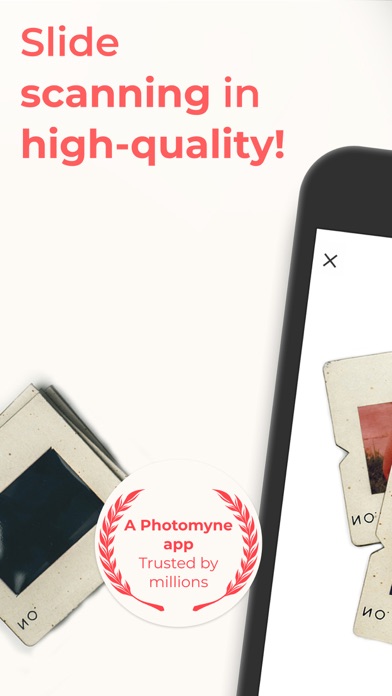
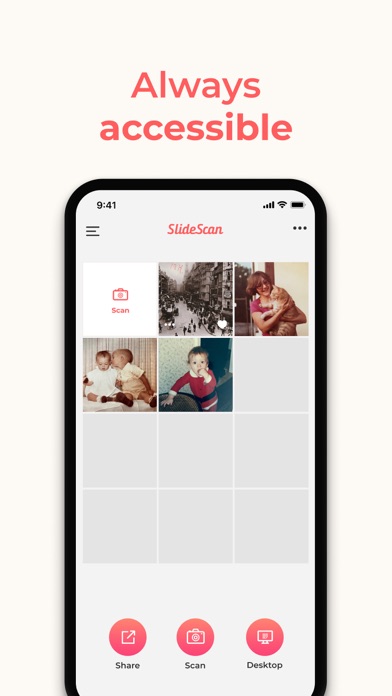
Description by Photomyne LTD Written by the developer, not by AppBrain. Click to read.
IT’S AUTOMATIC - JUST ADD SLIDES:
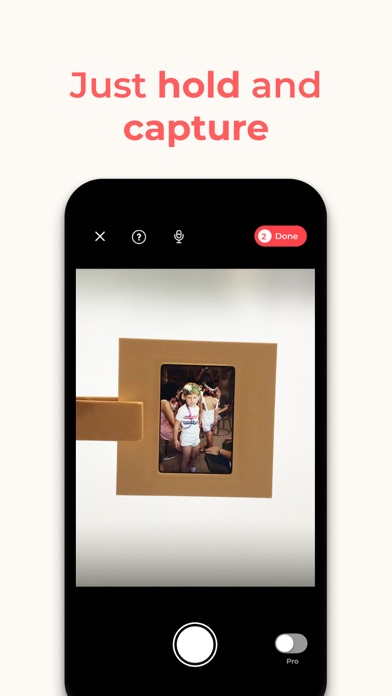
1. Open a backlight source on your computer (or use the link provided in the app)
2. Hold the slide in front of the light
3. Long-press the capture button or simply say “Go” (if voice control is enabled)
4. See slides magically scanned and images revealed
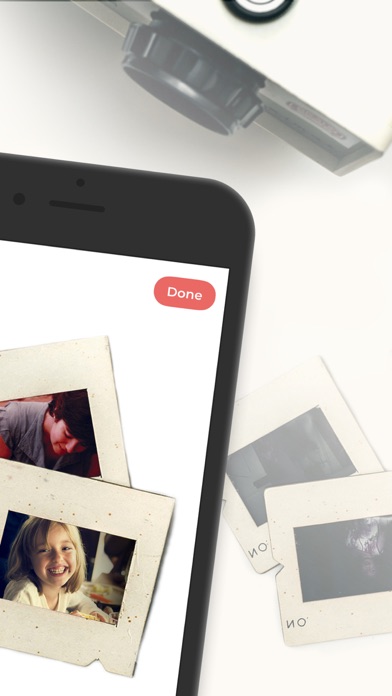
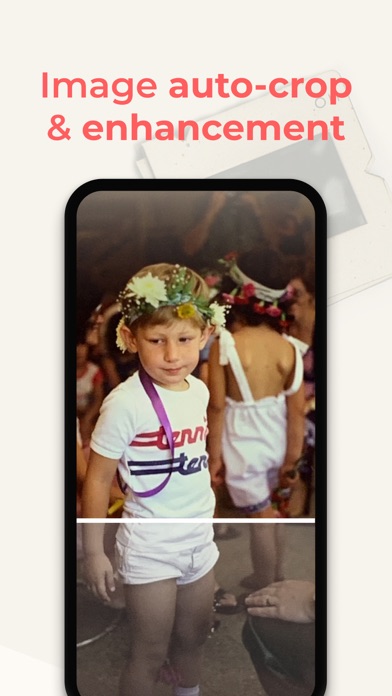
The app’s smart algorithm will automatically crop, rotate, enhance, and save the slide as a digital photo in the app.
OPTIONAL IN-APP UPGRADE:
The first few photos are free. For unlimited use, consider purchasing an optional paid plan (in-app purchase).
Here are the premium features you get with a paid plan:
* Unlimited scanning
* Unlimited photo saving and sharing
* Photo backup and access on other devices and online.
The app offers an optional paid plan via monthly/yearly auto-renewing subscriptions**, as well as a One-Time plan which is paid for by a single upfront payment (valid for 2 years). These offer unlimited access to the premium mentioned above.
**Payment will be charged to your App Store account at confirmation of purchase. Your subscription will automatically renew itself unless auto-renewal is turned off at least 24 hours before the end of the current period. Your account will be charged for renewal within 24 hours prior to the end of the current period. You can manage your subscriptions and turn off auto-renewal by going to your Account Settings in the App Store. If offered, if you choose to use our free trial, any unused portion of the free trial period will be forfeited when you purchase a subscription to that publication, where applicable.
Got any questions? We’d love to connect: support@photomyne.com
Privacy Policy: https://photomyne.com/privacy-policy
Terms of Use: https://photomyne.com/terms-of-use