

Social_Manager
Social_Manager is made and published by Seung-Un Ham. AppBrain is an independent app data site and isn't affiliated with Seung-Un Ham. The app name, icon, screenshots and description belong to Seung-Un Ham and are shown as published on the App Store.
AppBrain's verdict
- Last updated
- October 6, 2026
Rankings
App Store top chartsApp Store Rankings for Social_Manager
Competitors
Similar apps and more from Seung-Un HamAlternatives to Social_Manager








More from Seung-Un Ham


Releases
Updates seen on the App Store- Version
- 3.0.1
- Launched
- September 2020
No changelog data
User feedback
Ratings and reviews on the App StoreComments on Social_Manager for iOS
We don't have enough comments to show example comments. Please check back later.
Technology
Found in the app by AppBrain- Price
- Free
- App size
- 42.1 MB
- Content rating
- Everyone
Technologies used by Social_Manager
About the app and developer
About Social_Manager
Social_Manager is an utilities app developed by Seung-Un Ham.
User Ratings
The app has no ratings yet.
App Information
Social_Manager is freely available from the App Store. The app size is 42.11 MB. The latest version available is 3.0.1. The last update was on October 6, 2026.
Technical Requirements
The app has a content rating of Everyone. The app has been available on the App Store since September 2020.
Developer information for Seung-Un Ham
Address:
Store listing
By Seung-Un Ham, from the App Store

Description by Seung-Un Ham Written by the developer, not by AppBrain. Click to read.
THE PROBLEM
We forget things we want to talk about. That great idea for mom, the question for your boss, the topic you wanted to bring up with a friend—gone when you finally see them.
WHY EXISTING SOLUTIONS FAIL
Regular notes get messy and disorganized. You can't quickly find what you wanted to say to a specific person. By the time you scroll through everything, the conversation has moved on.
THE SOLUTION
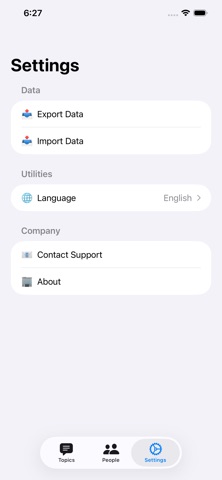
SocialManager keeps one note per person. Save facts, questions, and ideas, and read them with Markdown formatting. On supported devices, ask Apple Intelligence about someone using these notes through Private Cloud Compute. Review, copy, or apply its answers. Older topics remain in Settings for export or deletion.
Simple. Organized. Your conversations, always prepared.