

Softphone is made and published by VoiceHost. AppBrain is an independent app data site and isn't affiliated with VoiceHost. The app name, icon, screenshots and description belong to VoiceHost and are shown as published on the App Store.
AppBrain's verdict
- Last updated
- December 17, 2025
Rankings
App Store top chartsApp Store Rankings for Softphone
Competitors
Similar apps and more from VoiceHostAlternatives to Softphone


Releases
Updates seen on the App Store- Version
- 3.4.1
- Launched
- January 2017
No changelog data
User feedback
Ratings and reviews on the App StoreComments on Softphone for iOS
We don't have enough comments to show example comments. Please check back later.
Technology
Found in the app by AppBrain- Price
- Free
- App size
- 98.1 MB
- Content rating
- Everyone
Technologies used by Softphone
About the app and developer
About Softphone
Softphone is a business app developed by VoiceHost.
User Ratings
The app has no ratings yet.
App Information
Softphone is freely available from the App Store. The app size is 98.09 MB. The latest version available is 3.4.1. The last update was on December 17, 2025.
Technical Requirements
The app has a content rating of Everyone. The app has been available on the App Store since January 2017.
Developer information for VoiceHost
Address:
Frequently asked questions about Softphone
Is Softphone free?
Yes. Softphone is free on the App Store.
Is Softphone still available?
Yes. Softphone is on the App Store, and the last update we saw was on December 17, 2025.
How large is Softphone?
Softphone is 98.09 MB.
Is Softphone suitable for children?
App Store rates the content of Softphone as suitable for everyone.
Who made Softphone?
Softphone was developed by VoiceHost. It is listed in the business category on the App Store.
What are the best alternatives to Softphone?
People looking at Softphone also look at these business apps: MobileSoftphone, Engage Softphone, Universe Softphone, MTT Virtual PBX, WATI.
Store listing
By VoiceHost, from the App Store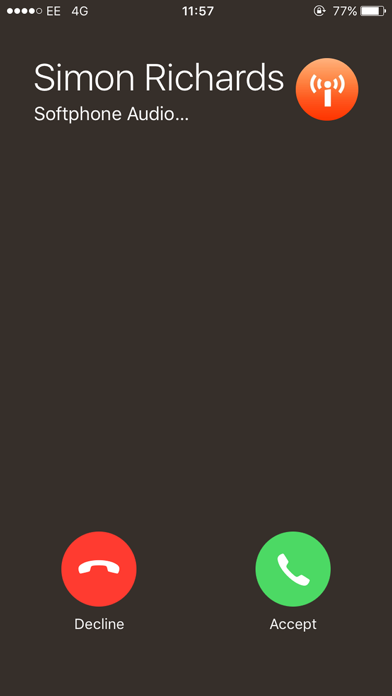
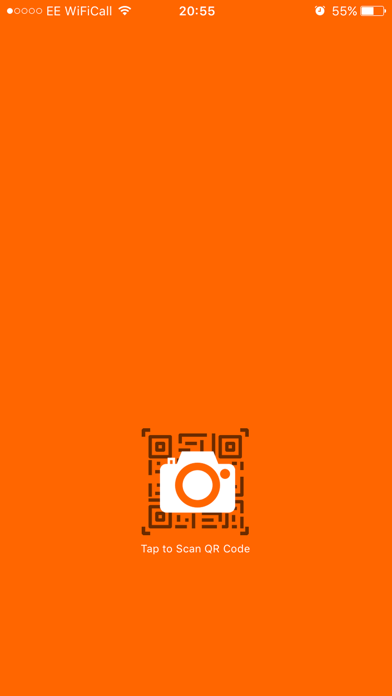
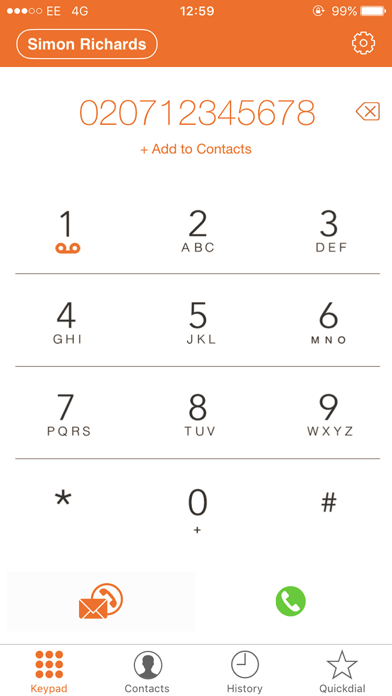
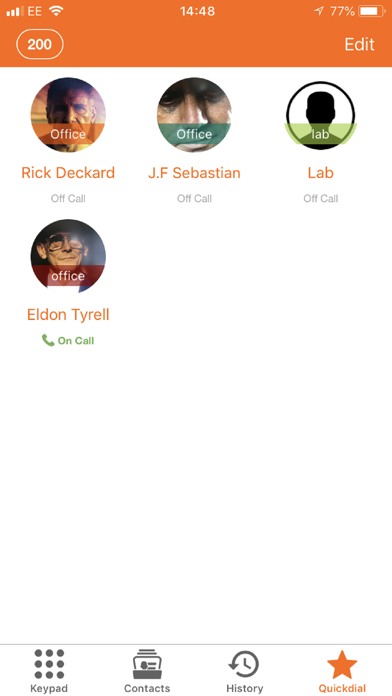
Description by VoiceHost Written by the developer, not by AppBrain. Click to read.
Softphone enabled for High Definition voice and video communication along with Instant messaging.
VoiceHost Hosted PBX users can enable the softphone app via the control panel and provision all settings via a QR Code without any configuration.
Secure Calling / TLS encryption as default.
Zero-Touch Provisioning via QR code.
Pushkit Enabled - Improved battery performance.
Ultra low bandwidth usage on mobile or cellular networks via the OPUS codec.
How to use:
1. Create a VoiceHost Account is you do not have one already (www.voicehost.co.uk)
2. In your VoiceHost account control panel go to "Seat Settings"
3. Select the checkbox to enable the Softphone App - You will now see a QR code.
4. Download the Softphone App from iTunes
5. Open the App and Scan the QR code shown to you previously
***Designed for use with the VoiceHost Hosted PBX and cloud platform only.***