

Solarvista
Solarvista is made and published by Solarvista Software Ltd. AppBrain is an independent app data site and isn't affiliated with Solarvista Software Ltd. The app name, icon, screenshots and description belong to Solarvista Software Ltd and are shown as published on the App Store.
AppBrain's verdict
Established- Rating on App Store
- 5.00
- 1 ratings
- Last updated
- October 19, 2026
It doesn't have enough ratings yet to judge what users think.
Rankings
App Store top chartsApp Store Rankings for Solarvista
Competitors
Similar apps and more from Solarvista Software LtdAlternatives to Solarvista







Releases
Updates seen on the App Store- Version
- 9.5.2305
- Launched
- January 2020
No changelog data
User feedback
Ratings and reviews on the App StoreComments on Solarvista for iOS
We don't have enough comments to show example comments. Please check back later.
Technology
Found in the app by AppBrain- Price
- Free
- App size
- 303.4 MB
- Content rating
- Everyone
Technologies used by Solarvista
About the app and developer
About Solarvista
Solarvista is a business app developed by Solarvista Software Ltd.
User Ratings
Solarvista is rated 5.00 out of 5 stars. The rating is based on one rating ratings.
App Information
Solarvista is freely available from the App Store. The app size is 303.40 MB. The latest version available is 9.5.2305. The last update was on October 19, 2026.
Technical Requirements
The app has a content rating of Everyone. The app has been available on the App Store since January 2020.
Developer information for Solarvista Software Ltd
Address:
Store listing
By Solarvista Software Ltd, from the App Store

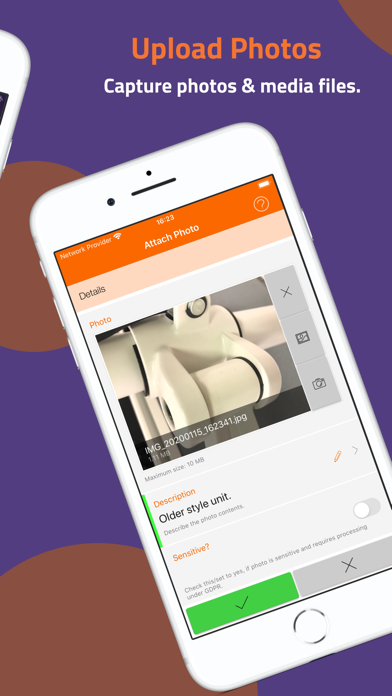
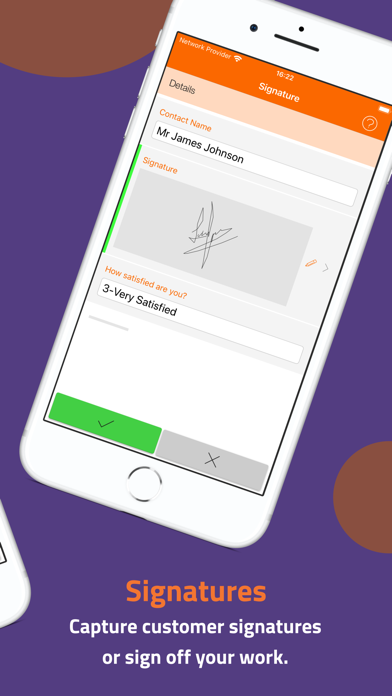
Description by Solarvista Software Ltd Written by the developer, not by AppBrain. Click to read.
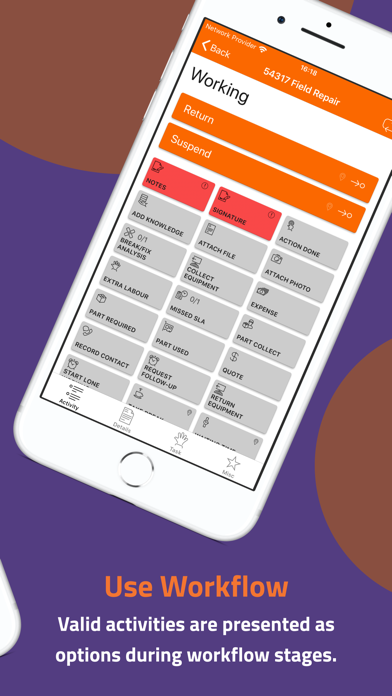
An app for the busy mobile operative with everything they need to receive your custom-built work instructions, plan, update and capture information efficiently and quickly. It's purpose built for the mobile operative with intuitive screens, easy-to-use navigation, full offline operation and simple button-led workflow. Work Items received, workflow, activities and forms (which are either ready-made or custom designed by you in the web portal) are presented in the optimum way to maximise user productivity. These can be used for any purpose or used to track/manage parts, materials, labour, forms, equipment/assets and lots more.
FEATURES
• Seamless offline or online operation.
• Flexible sync engine with ability to edit information up and until final confirmation.
• Offline viewing of attached documents or other files to work items.
• Field-ready design with clear buttons, fewer clicks, process-driven screens and live validation.
• Capture signatures of clients at key moments in workflows or activities.
• Fully configurable and templated work items, workflow, activities, forms, checklists.
• Work items are colour coded for easier identification.
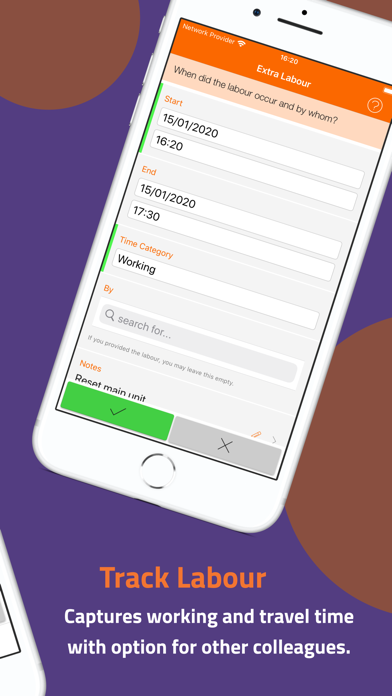
• Capture elapsed travel and labour in real-time.
• Add extra time or travel for other colleagues if required.
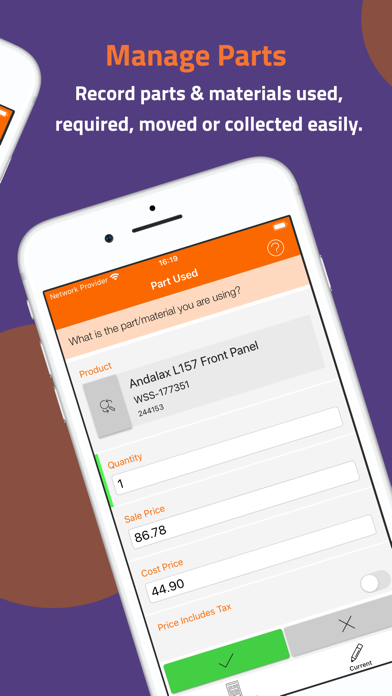
• Track parts used or required to complete work.
• Record break/fix codes where applicable.
• Capture out-of-pocket expenses.
• Maintain equipment or assets via collection and return activities.
• Record free-text notes or use action codes.
• Quick launch of device maps apps for travel directions/location of sites.
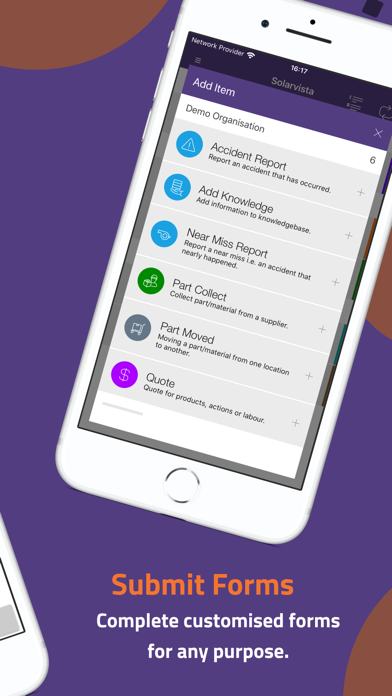
• Complete ad-hoc forms and activities at any time.
• Integration with device voice-to-text capabilities.
• Submit leave/holiday requests and sickness notices.
• Report near-miss or accidents.
• Request follow-ups by other colleagues.
*some features dependent upon account plan selected