

SongisticX is made and published by RV Software LTD. AppBrain is an independent app data site and isn't affiliated with RV Software LTD. The app name, icon, screenshots and description belong to RV Software LTD and are shown as published on the App Store.
AppBrain's verdict
- Last updated
- August 17, 2026
Rankings
App Store top chartsApp Store Rankings for SongisticX
Competitors
Similar apps and more from RV Software LTDMore from RV Software LTD

Releases
Updates seen on the App Store- Version
- 2.7.84
- Launched
- November 2023
No changelog data
User feedback
Ratings and reviews on the App StoreComments on SongisticX for iOS
We don't have enough comments to show example comments. Please check back later.
Technology
Found in the app by AppBrain- Price
- Free
- App size
- 110.5 MB
- Content rating
- Everyone
Technologies used by SongisticX
About the app and developer
About SongisticX
SongisticX is a music app developed by RV Software LTD.
User Ratings
The app has no ratings yet.
App Information
SongisticX is freely available from the App Store. The app size is 110.51 MB. The latest version available is 2.7.84. The last update was on August 17, 2026.
Technical Requirements
The app has a content rating of Everyone. The app has been available on the App Store since November 2023.
Developer information for RV Software LTD
Address:
Store listing
By RV Software LTD, from the App Store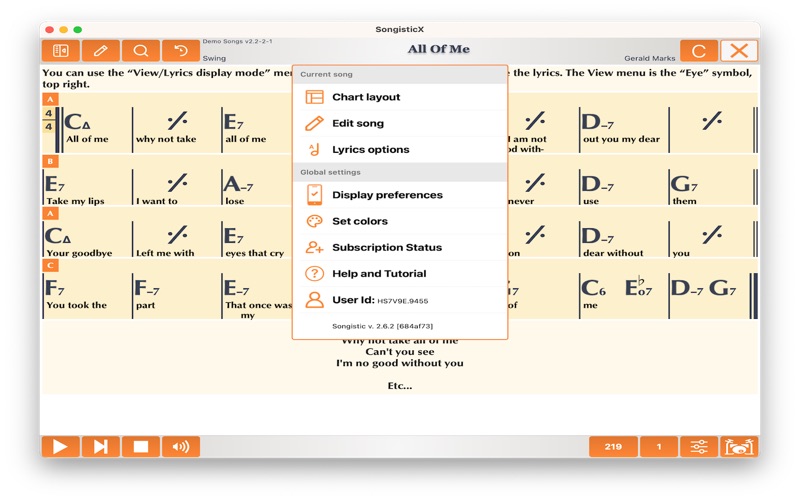
Description by RV Software LTD Written by the developer, not by AppBrain. Click to read.
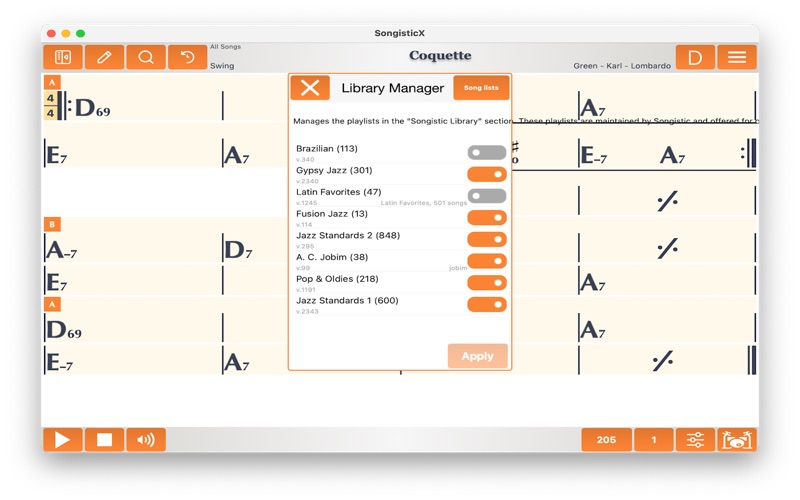
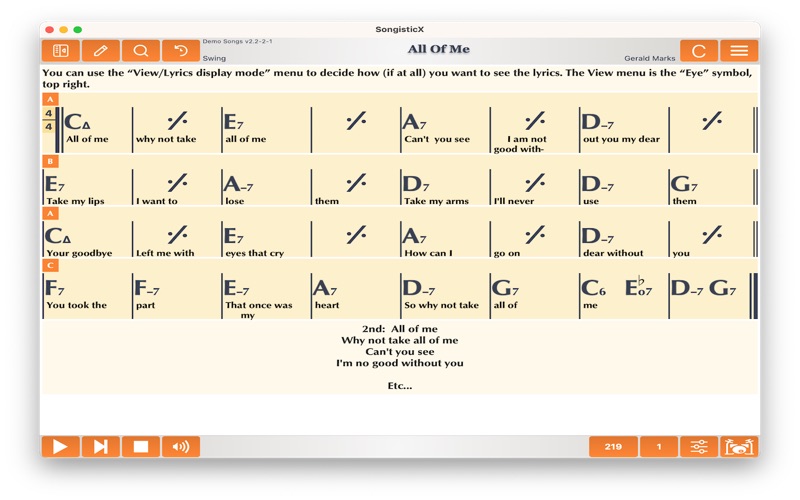
The players will simply use the charts, in chart mode, will probably do little or no editing at all. Assemble some playlists for gigs/practice and simply read the charts on their device. In Songistic we enforce correct use of the symbols for both chord and navigation, and we give the end user (the player) the control over how the charts will look on his particular device. The charts we supply with Songistic are all audited to be correct in both form and harmonic content.
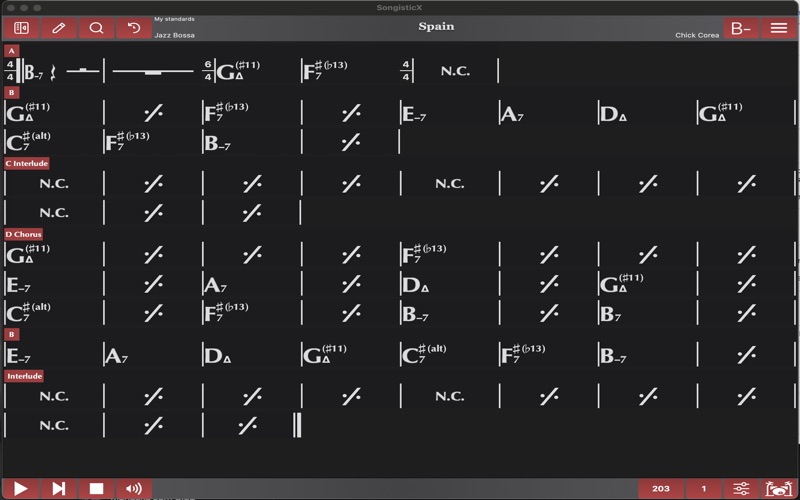
Options: How the charts will look on your particular device, will depend on your individual settings. The symbols for "minor" or "major" chords will be what you set, how many bars will display in a single line, and many chart layout options will determine how the chart will look on your device. These options will give you deep control on the chart layout regardless of how they looked on the author's machine. The reason for this is very simple: the same chart wants to look very different on a small iPhone screen from what it will look like on an iPad Professional. Our view options and features (including auto-navigation) are far more advanced than anything you would find in the other apps.
2. The practicing musicians
Music students of all ages/levels, even professional musicians can use Songistic for practicing. Songistic has many sounds and grooves built in you can choose from. All gooves/groove options can be audited while the song is playing. For instance you can select "Shuffle" for your song then pick the appropriate drum and bass grooves while the song is playing. Songistic is a full featured play-along app, has great sounding grooves, the songs can be played in any key and tempo.
3. The Writes/Editors
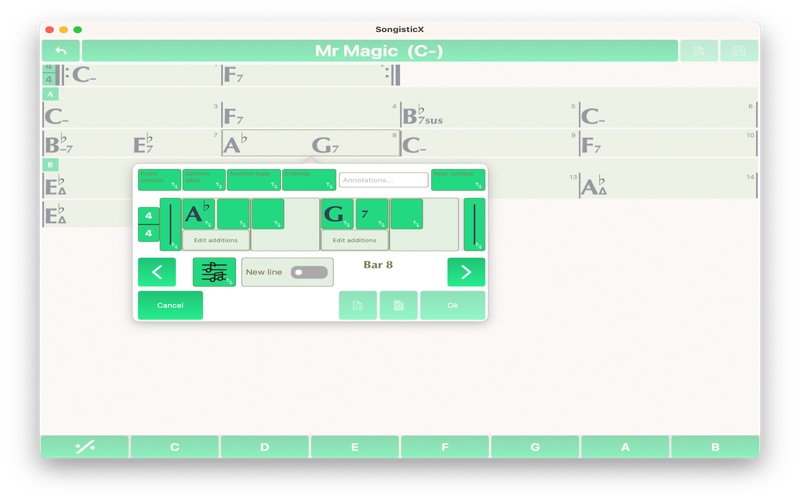
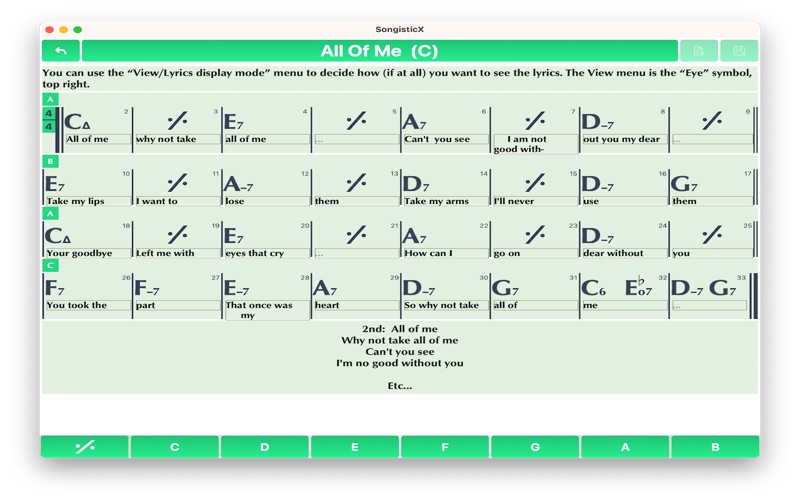
These are the musicians who will write/customize existing songs for their own purposes. They will use the editing function a lot. Songistic has a first class bar editor that is very powerful, has many features to speed your work in either editing existing music or entering a new song from scratch. Our quick-bar-insert bar lets you enter a new song in matter of minutes. The logical breakdown of harmonies will ensure that you do not have to dig through a hundred obscure chord types to find a minor7. After analyzing thousands of songs we know what the most used chord combinations are, and these are quickly at your fingertips as you edit. Once you are ready to save, another Songistic feature kicks in: error checking. In order to maintain consistency of the charts we enforce many rules in how repeat signs, repeat bars, codas etc.. are used. When you save a song Songistic will warn you if the chart have errors that were detected during the error check. Once you fix these errors and save without warnings, your song is ready to be played or presented as a chart.
4. Performance
Songistic is more than a practicing tool. By default, the chart is being repeated in midi-play infinitely. However, there are repeat settings, where you can set the song to just play the song from top to bottom, once. Or, repeat the "form" of the song a predetermined number of times. Even better, using the solo-section feature (which identifies the form, the "meat"of the song between the intro and the outro), a performance can be set up easily where the intro is played, then the middle section is repeated a number of times, then the outro is played, possibly with a fermata (birdseye) at the end. This can be used for performances where a singer or a soloist play along the Songistic backing.
Terms of service: https://songistic.eu/terms-of-service/