

Sound Terrain is made and published by 弢 张. AppBrain is an independent app data site and isn't affiliated with 弢 张. The app name, icon, screenshots and description belong to 弢 张 and are shown as published on the App Store.
AppBrain's verdict
- Last updated
- October 4, 2026
Rankings
App Store top chartsApp Store Rankings for Sound Terrain
Competitors
Similar apps and more from 弢 张More from 弢 张


Releases
Updates seen on the App Store- Version
- 1.1
- Launched
- October 2026
No changelog data
User feedback
Ratings and reviews on the App StoreComments on Sound Terrain for iOS
We don't have enough comments to show example comments. Please check back later.
Technology
Found in the app by AppBrain- Price
- $1.99
- App size
- 3.17 MB
- Content rating
- Everyone
Technologies used by Sound Terrain
About the app and developer
About Sound Terrain
Sound Terrain is a music app developed by 弢 张.
User Ratings
The app has no ratings yet.
App Information
Sound Terrain costs $1.99. The app size is 3.17 MB. The latest version available is 1.1. The last update was on October 4, 2026.
Technical Requirements
The app has a content rating of Everyone. The app has been available on the App Store since October 2026.
Developer information for 弢 张
Address:
Frequently asked questions about Sound Terrain
Is Sound Terrain free?
No. Sound Terrain costs $1.99 on the App Store.
Is Sound Terrain still available?
Yes. Sound Terrain is on the App Store, and the last update we saw was on October 4, 2026.
How large is Sound Terrain?
Sound Terrain is 3.17 MB.
Is Sound Terrain suitable for children?
App Store rates the content of Sound Terrain as suitable for everyone.
Who made Sound Terrain?
Sound Terrain was developed by 弢 张. It is listed in the music category on the App Store.
Store listing
By 弢 张, from the App Store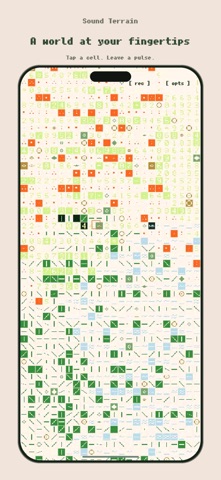

Description by 弢 张 Written by the developer, not by AppBrain. Click to read.
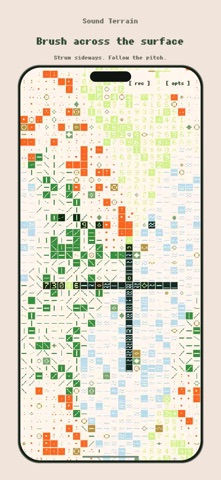
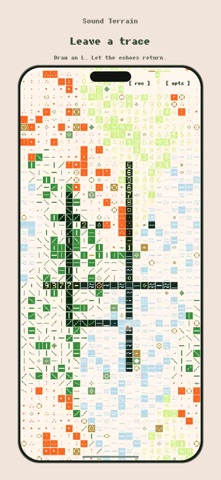
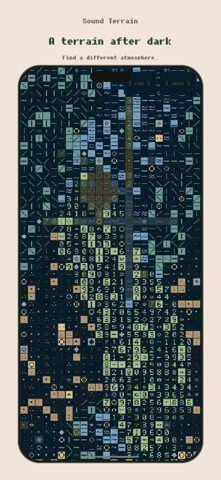
Explore dust, wind, clicks, drones, bells and plucks. Spread two fingers to reshape a short tape loop. Draw an L for an echo, or trace a circle to leave a repeating phrase. Double-tap to mute a sound type.
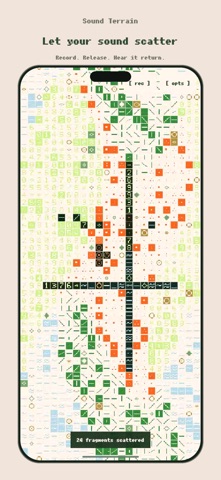
Your samples return as scattered grains, reverse playback and vocoder-like textures. Use rec to record a performance, then save or share the audio.
Tilt your iPhone to send particles through the field, or enable camera brightness control to change speed and pitch by covering and uncovering the lens. Choose a palette or let colors follow the time of day. English and Chinese interfaces are included.
Sound synthesis and recording work offline. No account, advertising or subscription. Microphone, camera and motion controls are optional. Samples are temporary and cleared by reset or closing the app process; exported performances remain wherever you save them. Playback pauses in the background.