

SpaceCraft Granular Synth
SpaceCraft Granular Synth is made and published by Mark Watt. AppBrain is an independent app data site and isn't affiliated with Mark Watt. The app name, icon, screenshots and description belong to Mark Watt and are shown as published on the App Store.
AppBrain's verdict
EstablishedLoved by users- Rating on App Store
- 4.68
- 151 ratings
- Last updated
- February 8, 2021
Users love it: 4.7 stars from 151 ratings.
Rankings
App Store top chartsApp Store Rankings for SpaceCraft Granular Synth
Competitors
Similar apps and more from Mark WattAlternatives to SpaceCraft Granular Synth








Releases
Updates seen on the App Store- Version
- 1.2.2
- Launched
- July 2018
No changelog data
User feedback
Ratings and reviews on the App StoreComments on SpaceCraft Granular Synth for iOS
We don't have enough comments to show example comments. Please check back later.
Technology
Found in the app by AppBrain- Price
- $9.99
- App size
- 103.2 MB
- Content rating
- Everyone
Technologies used by SpaceCraft Granular Synth
About the app and developer
About SpaceCraft Granular Synth
SpaceCraft Granular Synth is a music app developed by Mark Watt.
User Ratings
SpaceCraft Granular Synth is rated 4.68 out of 5 stars. The rating is based on 150 ratings.
App Information
SpaceCraft Granular Synth costs $9.99. The app size is 103.17 MB. The latest version available is 1.2.2. The last update was on February 8, 2021.
Technical Requirements
The app has a content rating of Everyone. The app has been available on the App Store since July 2018.
Developer information for Mark Watt
Address:
Store listing
By Mark Watt, from the App Store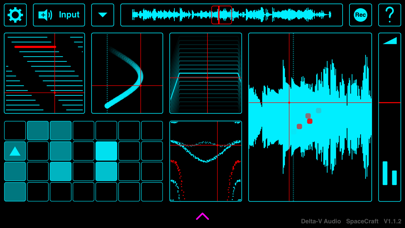
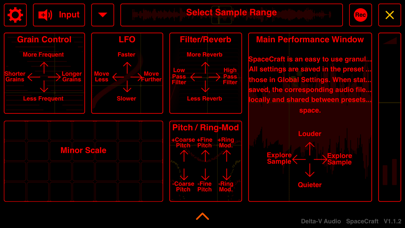
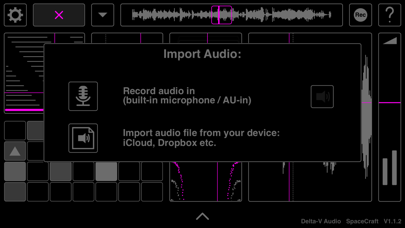
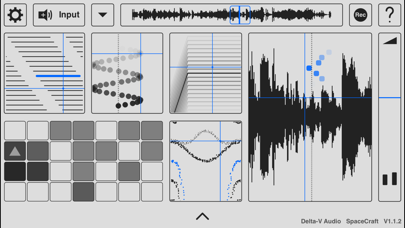
Description by Mark Watt Written by the developer, not by AppBrain. Click to read.
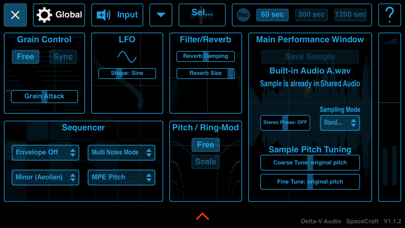
Tap the 'Input' button (top left) to record audio via your device's microphone or load a file from your device (access* to iCloud, Dropbox, Google Drive, Audioshare*** etc.). Experiment with turning everyday sounds into unusual instruments.
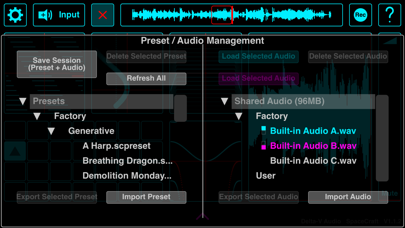
Save your creations and corresponding samples via presets. Also, tap the 'rec' button (top right) to record your performance (maximum 20 minutes). This is used in standalone only as the AUv3 host can be used to record the output.
Supports AUv3 and IAA (recommended to use in the effects slot to allow live input audio recording).
* NOT COMPATIBLE with GarageBand as AUv3 (but can be loaded as Inter App Audio (IAA) or via an effects insert in the GarageBand sampler, with no MIDI capability)
** iOS11 and above provides equivalent folder access to the built-in iOS 'Files' app. Note that iOS10 and below has limited access to folders (no Audioshare folder access for iOS10 and below)
*** Access to Audioshare files is done via the iOS files app