

Split Pic Collage Maker Layout
Split Pic Collage Maker Layout is made and published by Mosaic S.r.l. AppBrain is an independent app data site and isn't affiliated with Mosaic S.r.l. The app name, icon, screenshots and description belong to Mosaic S.r.l. and are shown as published on the App Store.
AppBrain's verdict
EstablishedLoved by users- Rating on App Store
- 4.62
- 15,670 ratings
- Last updated
- April 7, 2025
Users love it: 4.6 stars from 15,670 ratings.
Rankings
App Store top chartsApp Store Rankings for Split Pic Collage Maker Layout
Competitors
Similar apps and more from Mosaic S.r.l.Alternatives to Split Pic Collage Maker Layout


More from Mosaic S.r.l.


Releases
Updates seen on the App Store- Version
- 6.0.13
- Launched
- November 2012
No changelog data
User feedback
Ratings and reviews on the App StoreComments on Split Pic Collage Maker Layout for iOS
We don't have enough comments to show example comments. Please check back later.
Technology
Found in the app by AppBrain- Price
- Free
- App size
- 69.3 MB
- Content rating
- Everyone
Technologies used by Split Pic Collage Maker Layout
About the app and developer
About Split Pic Collage Maker Layout
Split Pic Collage Maker Layout is a graphics & design app developed by Mosaic S.r.l.
What is the rating of Split Pic Collage Maker Layout?
Split Pic Collage Maker Layout is rated 4.62 out of 5 stars, based on 16 thousand ratings.
Is Split Pic Collage Maker Layout free?
Split Pic Collage Maker Layout is free. The app size is 69.30 MB. The latest version available is 6.0.13. The last update was on April 7, 2025.
What are the requirements for Split Pic Collage Maker Layout?
The app has a content rating of Everyone. The app has been available on the App Store since November 2012.
Developer information for Mosaic S.r.l.
Address:
Frequently asked questions about Split Pic Collage Maker Layout
Is Split Pic Collage Maker Layout free?
Yes. Split Pic Collage Maker Layout is free on the App Store.
Is Split Pic Collage Maker Layout still available?
Yes. Split Pic Collage Maker Layout is on the App Store, and the last update we saw was on April 7, 2025.
How large is Split Pic Collage Maker Layout?
Split Pic Collage Maker Layout is 69.30 MB.
Is Split Pic Collage Maker Layout suitable for children?
App Store rates the content of Split Pic Collage Maker Layout as suitable for everyone.
How do people rate Split Pic Collage Maker Layout?
Split Pic Collage Maker Layout scores 4.62 out of 5 stars, from 15,670 ratings on the App Store.
Who made Split Pic Collage Maker Layout?
Split Pic Collage Maker Layout was developed by Mosaic S.r.l. It is listed in the graphics & design category on the App Store.
What are the best alternatives to Split Pic Collage Maker Layout?
People looking at Split Pic Collage Maker Layout also look at these graphics & design apps: Font Candy Photo & Text Editor, Photo Collage Maker : Pic Grid, Poster Maker - AI Flyer Design, Flyer Maker + Poster Maker, Leto: Font for Instagram Story.
Store listing
By Mosaic S.r.l., from the App Store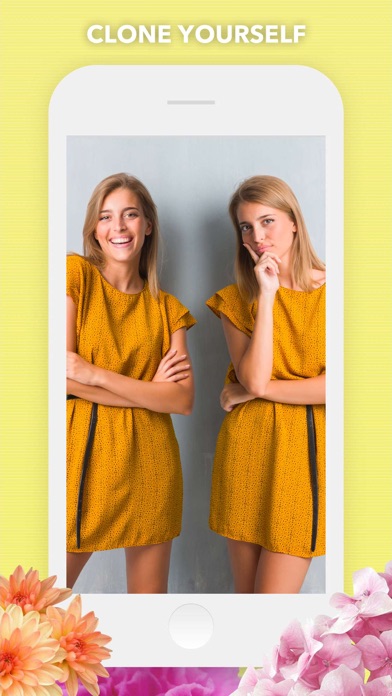
Description by Mosaic S.r.l. Written by the developer, not by AppBrain. Click to read.
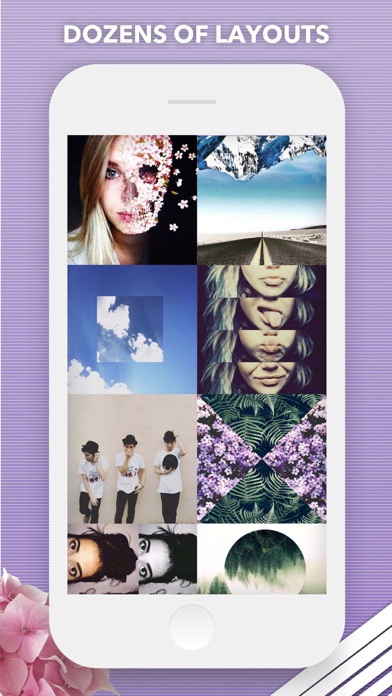
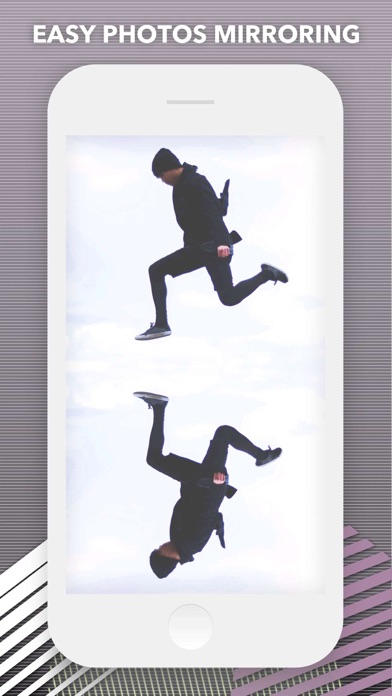
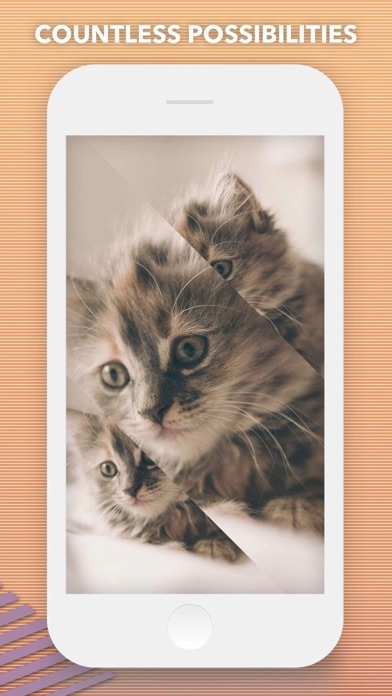
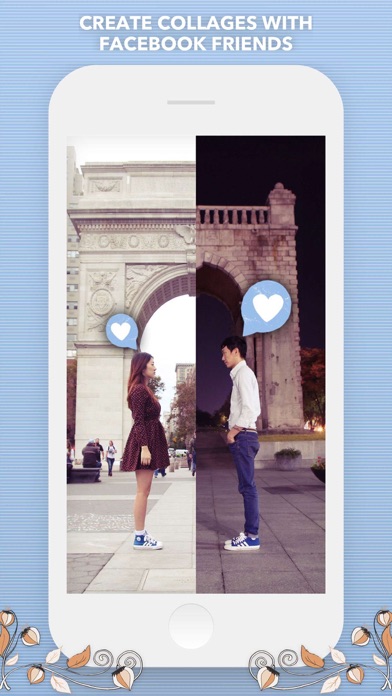
Split Pic divides your camera into several sections with several free layouts to choose from. You can choose to blend these images together creating a flawless looking special effect or make a sharp contrast between the photos to collage multiple images. The possibilities are limitless!
HOW IT WORKS:
• Select a layout
• Take photos or import images from your Camera Roll. You can now choose the order you take your images and if you’re not feeling the layout no problem just press the random button to check out more layout options!
• To blend or not to blend, it’s up to you! You can blend the images together to look like one photo and fool all your friends or keep the sharp contrast and show off your artistic side. The blend bar is now available immediately so you can test it before moving on to the editing process!
• Adjust your images. Zoom-in or out, move the split bars, move your images around, and choose from various photo editing options like crop, rotate, color adjustments, etc!
• Choose from 14 custom photo filters to get your Split Pic looking fly. You can filter each section separately to switch it up or make the each frame the same filter!
• Save it to your Camera Roll or share it with friends! With our integrated social media posting to Instagram, Facebook, Twitter, Flickr, Tumblr, Email, or SMS is just a click away.
FEATURES:
• COLLABORATE with friends anywhere in the world (heck even Mars if they have wifi)! Just take part of a Split Pic and select which of your Facebook friends you want to complete it. Way better than a postcard!
•Beautiful, Exclusive Artwork and Stickers to apply over your edits.
• Any unfinished Split Pics get automatically saved to your in-app LIBRARY! You can save your projects to easily come back and work on it over time or make several combinations and choose your favorite.
• Need some Split Pic-spiration? Check out the HALL OF FAME section to see what amazing images users are creating all around the world...your photo can be featured too just post your creations to Instagram with the hashtag #splitpic to enter your photo!
• Having trouble or want to give us feedback? Go to SETTINGS to send us feedback, ask for help, or to just say Hi!
SUBSCRIPTION INFO:
Subscribe to take advantage of the features described above.
• Subscription length: weekly
• Your payment will be charged to your iTunes Account as soon as you confirm your purchase.
• You can manage your subscriptions and turn off auto-renewal from your Account Settings after the purchase.
• Your subscription will renew automatically, unless you turn off auto-renew at least 24 hours before the end of the current period.
• The cost of renewal will be charged to your account in the 24 hours prior to the end of the current period.
• When canceling a subscription, your subscription will stay active until the end of the period. Auto-renewal will be disabled, but the current subscription will not be refunded.
• Any unused portion of a free trial period, if offered, will be forfeited when purchasing a subscription.
Terms of service: https://support.bendingspoons.com/tos?app=570748340
Privacy policy: https://bendingspoons.com/privacy.html?app=570748340
Have a feature request you would like to see in a future version of the app? Do not hesitate to contact us at splitpic@bendingspoons.com