

Square Video No Crop for Insta
Square Video No Crop for Insta is made and published by out thinking limited. AppBrain is an independent app data site and isn't affiliated with out thinking limited. The app name, icon, screenshots and description belong to out thinking limited and are shown as published on the App Store.
AppBrain's verdict
EstablishedWell rated- Rating on App Store
- 4.00
- 264 ratings
- Last updated
- January 25, 2024
- Size
- 60.2 MB
Users rate it well: 4.0 stars from 264 ratings.
User feedback
Ratings and reviews on the App StoreComments on Square Video No Crop for Insta for iOS
We don't have enough comments to show example comments. Please check back later.
Store listing
By out thinking limited, from the App Store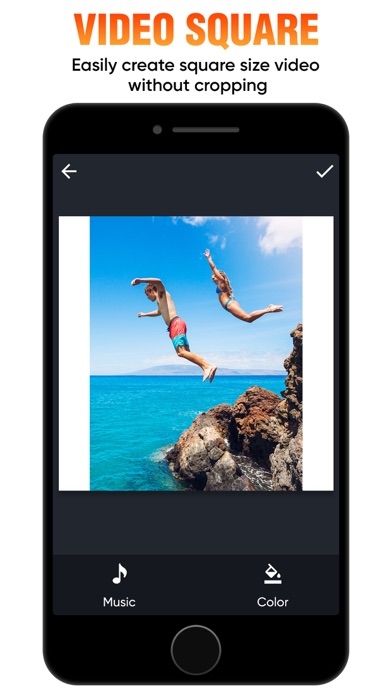
Description by out thinking limited Written by the developer, not by AppBrain. Click to read.
Key Features of our VideoSquare App :
* You can make Square Video from landscape or Portrait video
* Makes Square Video without cropping that original video
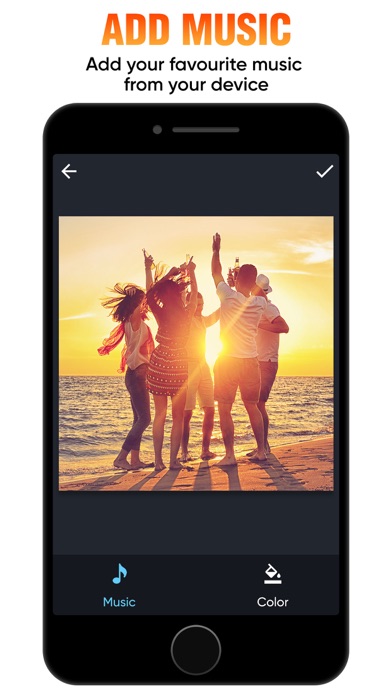
* You can add Music of your own Choice
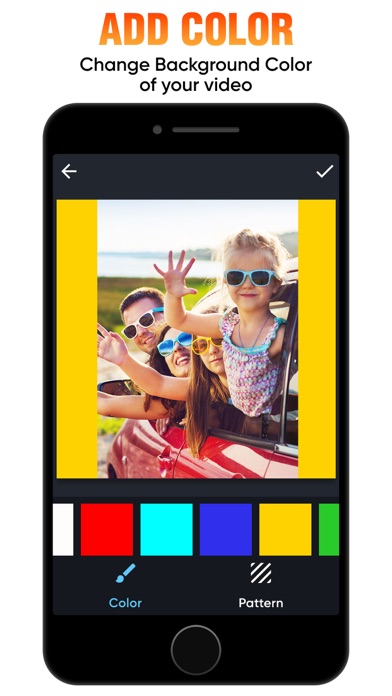
* Add background color to video
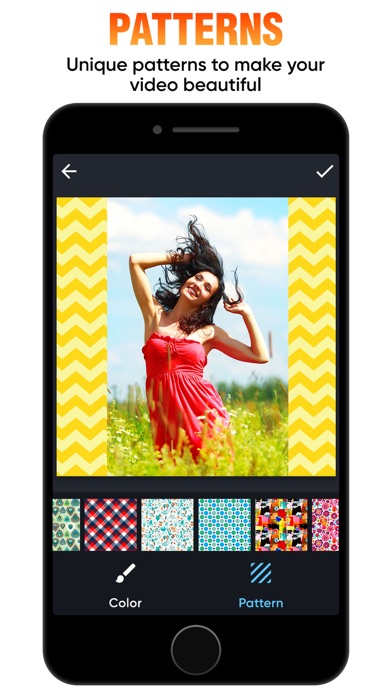
* Add Patterns to videos
* Preview the Squared video
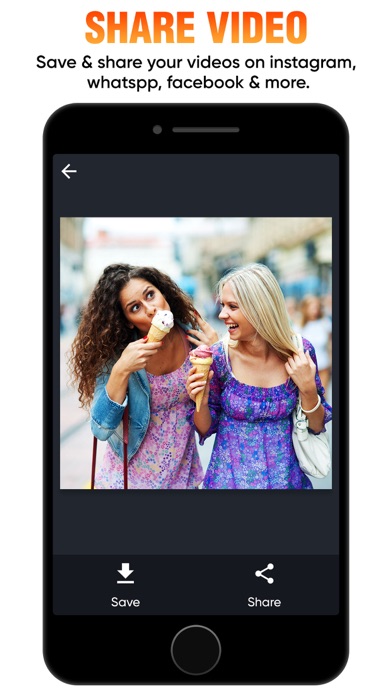
* Share the video with any social networking site
Steps to Make Square Video from our VideoSquare App:
1. Click on 'Add' button to select video.
2. Select your music from music library by clicking on 'Music' button.
3. Click on color/pattern button to choose your background color.
4. To watch the preview click on 'Play' button.
5. Share your master piece by clicking in 'Share' button.
This is the best and free application to make square video easily on your device directly. Just download our free VideoSquare app and keep making square video instantly on your device.
Subscription Terms
- Subscribe to get unlimited access to all premium features.
- Upon confirmation of purchase, the payment will be charged to the iTunes
account.
- Until you turn off the auto-renew at least 24 hours before the end of the
current period it will be automatically renewed.
- If you decide to turn off auto-renewal, you can turn it off maybe by going to
the account settings after purchase.
- As per the policy, cancellation of the current subscription is not allowed
during the active subscription period. Once purchased, refunds will not be
returned for any unused portion of the subscription period.
- The renewal amount will be charged from the account within 24 hours before
the end of the current period.
Terms of use - https://www.outthinkingindia.com/terms-of-use/
Privacy policy - https://www.outthinkingindia.com/privacy-policy/
Safety and technology
Found in the app by AppBrain- Price
- Free
- App size
- 60.2 MB
- Content rating
- Everyone
Technologies used by Square Video No Crop for Insta
Releases
Updates seen on the App Store- Version
- 1.6
- Launched
- June 2014
No changelog data
Alternatives
Similar apps and more from out thinking limitedAlternatives to Square Video No Crop for Insta







More from out thinking limited







Rankings
App Store top chartsApp Store Rankings for Square Video No Crop for Insta
About the app and developer
About Square Video No Crop for Insta
Square Video No Crop for Insta is a photo & video app developed by out thinking limited.
User Ratings
Square Video No Crop for Insta is rated 4.00 out of 5 stars. The rating is based on 260 ratings.
App Information
Square Video No Crop for Insta is freely available from the App Store. The app size is 60.22 MB. The latest version available is 1.6. The last update was on January 25, 2024.
Technical Requirements
The app has a content rating of Everyone. The app has been available on the App Store since June 2014.
Developer information for out thinking limited
Address: