

StimuliApp
StimuliApp is made and published by Rafael Marin Campos. AppBrain is an independent app data site and isn't affiliated with Rafael Marin Campos. The app name, icon, screenshots and description belong to Rafael Marin Campos and are shown as published on the App Store.
AppBrain's verdict
Established- Rating on App Store
- 5.00
- 1 ratings
- Last updated
- December 9, 2025
It doesn't have enough ratings yet to judge what users think.
Rankings
App Store top chartsApp Store Rankings for StimuliApp
Competitors
Similar apps and more from Rafael Marin CamposAlternatives to StimuliApp





Releases
Updates seen on the App Store- Version
- 2.2
- Launched
- February 2020
No changelog data
User feedback
Ratings and reviews on the App StoreComments on StimuliApp for iOS
We don't have enough comments to show example comments. Please check back later.
Technology
Found in the app by AppBrain- Price
- Free
- App size
- 10.3 MB
- Content rating
- Everyone
Technologies used by StimuliApp
About the app and developer
About StimuliApp
StimuliApp is an utilities app developed by Rafael Marin Campos.
What is the rating of StimuliApp?
StimuliApp is rated 5.00 out of 5 stars, based on one rating ratings.
Is StimuliApp free?
StimuliApp is free. The app size is 10.25 MB. The latest version available is 2.2. The last update was on December 9, 2025.
What are the requirements for StimuliApp?
The app has a content rating of Everyone. The app has been available on the App Store since February 2020.
Developer information for Rafael Marin Campos
Address:
Store listing
By Rafael Marin Campos, from the App Store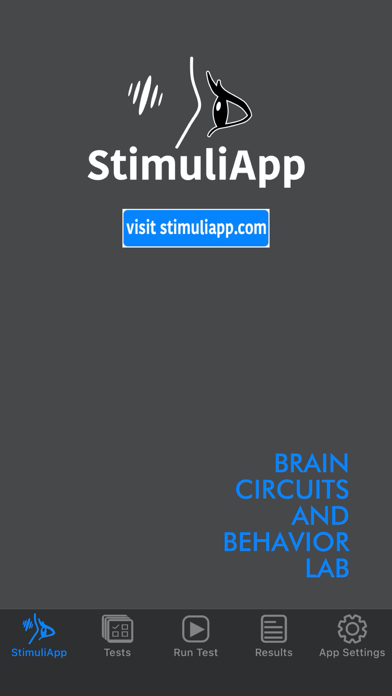
Description by Rafael Marin Campos Written by the developer, not by AppBrain. Click to read.
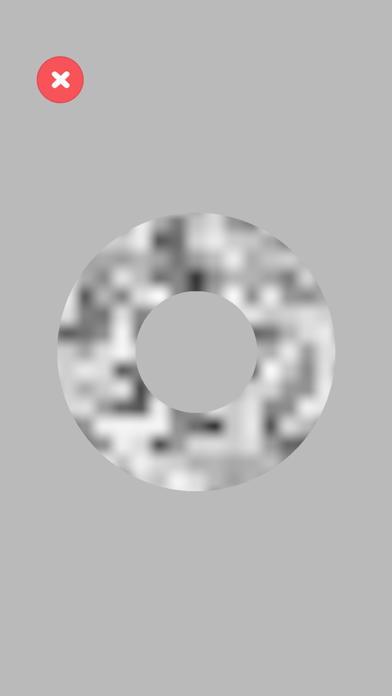
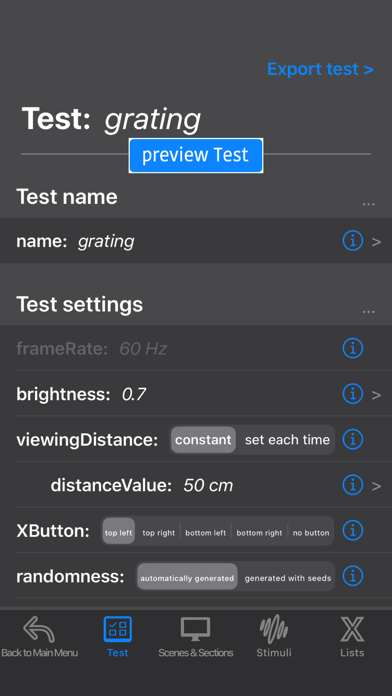
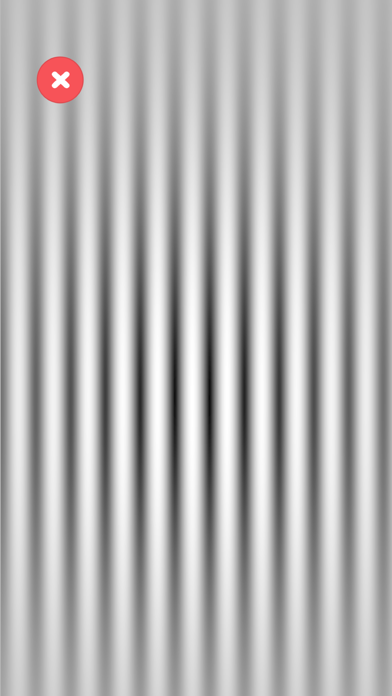
With a simple system of menus, different types of tests including the most common stimuli (gabors, random dots, images, sounds and videos among others) can be created. Programming skills are not necessary.
Features:
- Precise timing (frames are not dropped) thanks to the use of the native framework Metal, which provides a direct access to the GPU of the iOS device.
- Option to run tests at 60 or 120 Hz depending on the model of the device.
- Visual and auditory stimulation are synchronized.
- Interactive creation of stimuli using real-time preview.
- Possibility of using different spatial and time units.
- Gamma-correction features.
- Automatic report generation.