Storyist 4 is made and published by
Storyist Software.
AppBrain is an independent app data site and isn't affiliated with Storyist Software.
The app name, icon, screenshots and description belong to Storyist Software and are shown as
published on the App Store.
About Storyist 4
Storyist 4 is a productivity app developed by Storyist Software.
What is the rating of Storyist 4?
Storyist 4 is rated 4.33 out of 5 stars, based on 390 ratings.
Is Storyist 4 free?
Storyist 4 is free. The app size is 21.26 MB. The latest version available is 4.7.1. The last update was on September 9, 2026.
What are the requirements for Storyist 4?
The app has a content rating of Everyone. The app has been available on the App Store since March 2019.
Description by Storyist Software(from the App Store)
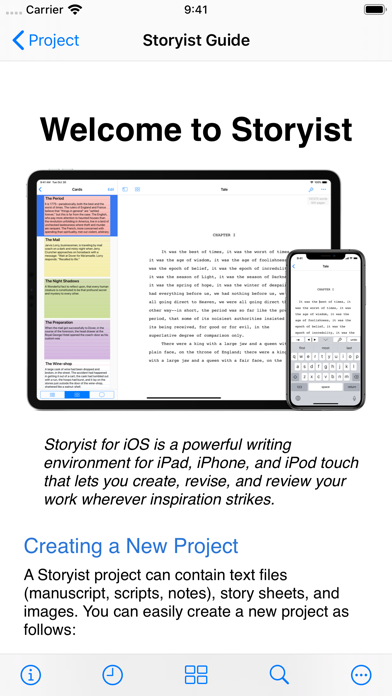
Storyist is a powerful writing environment that lets you create, review, and revise your work wherever inspiration strikes.
“If I could have only one screenwriting app on my iPad, Storyist would be it.” – Taz Goldstein, Hand Held Hollywood.
“I'm currently traveling in Europe and am just now putting the finishing touches on the book that will be published in September. I'm using the Storyist app for my iPad Mini and it's sensational... a real godsend.” – Michael Brandman, Bestselling Author.
With Storyist, you can:
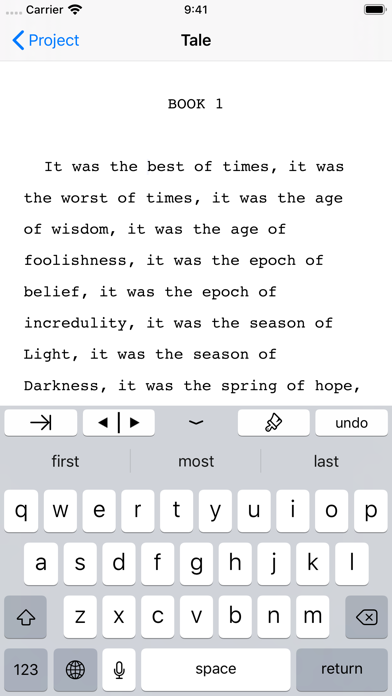
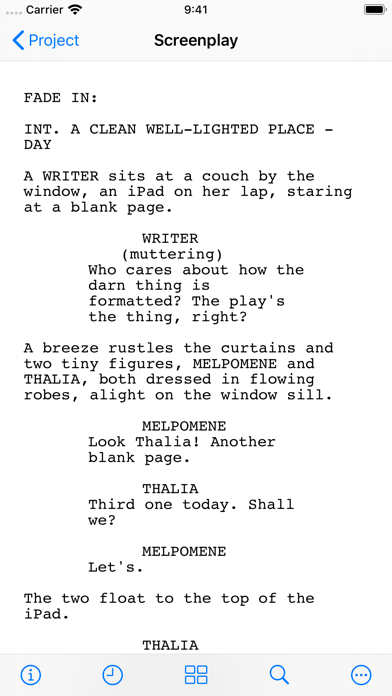
• Produce submission-ready manuscripts and screenplays. Storyist provides a rich text editor with support for comments, images, headers, footers, and style sheets so you can create properly formatted manuscripts and screenplays. And Storyist comes with manuscript and screenplay templates so you can focus on the writing, not the formatting.
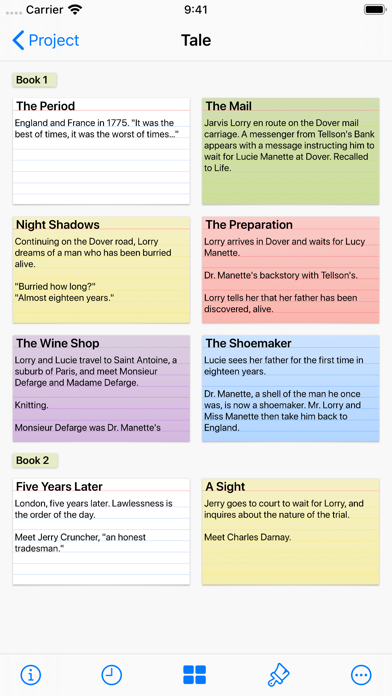
• Work with your story at a high level. Storyist lets you sketch out a story using index cards and then refine it with customizable plot, character, and setting sheets. When you're ready to put words on the page, Storyist can even display your index cards next to your manuscript as you write.
• Review and revise on the go. Have a few minutes? Open Storyist and jot down a note, rewrite a few paragraphs, or annotate your manuscript with ideas for future changes.
• Keep all your writing organized and accessible. Storyist organizes your novel manuscripts, screenplays, notes, and other project-related writing so you can access them with just a few taps. And the Files app support lets you store your projects where you want and edit them in place.
Features at a Glance
• Rich text editor with support for fonts, colors, comments, images, headers, footers, and style sheets.
• Files interface with the ability to collaborate with other writers, browse version history, and sync with your favorite cloud storage service.
• Automatic manuscript and screenplay formatting with familiar tab and return key shortcuts.
• Color-coded index cards.
• Customizable story sheets.
• Easy import and export of text and images.
• Support for Storyist for Mac, RTF, Plain Text, Fountain, and Final Draft FDX files.
• Ability to export text files as PDF.
• Wireless printing with AirPrint.
• Courier Prime font for screenplays.
Try Storyist 4 for free for 14 days. After the trial period ends, you can purchase Storyist 4 to continue using the editing features or use the app in reader mode for free. Upgrade pricing is available for customers who purchased Storyist 3 for iOS. No subscription required.
Each subscription will automatically renew 3 days before the expiration date for
the same time period. Subscriptions can be cancelled at any time before the renewal.