

Streamlabs Controller
Streamlabs Controller is made and published by Streamlabs. AppBrain is an independent app data site and isn't affiliated with Streamlabs. The app name, icon, screenshots and description belong to Streamlabs and are shown as published on the App Store.
AppBrain's verdict
EstablishedLoved by users- Rating on App Store
- 4.56
- 2,222 ratings
- Last updated
- October 15, 2026
Users love it: 4.6 stars from 2,222 ratings.
Rankings
App Store top chartsApp Store Rankings for Streamlabs Controller
Competitors
Similar apps and more from Streamlabs





Releases
Updates seen on the App Store- Version
- 3.8.28
- Launched
- August 2019
No changelog data
User feedback
Ratings and reviews on the App StoreComments on Streamlabs Controller for iOS
We don't have enough comments to show example comments. Please check back later.
Technology
Found in the app by AppBrain- Price
- Free
- App size
- 54.5 MB
- Content rating
- Everyone
Technologies used by Streamlabs Controller
About the app and developer
About Streamlabs Controller
Streamlabs Controller is a social networking app developed by Streamlabs.
User Ratings
Streamlabs Controller is rated 4.56 out of 5 stars. The rating is based on 2.2 thousand ratings.
App Information
Streamlabs Controller is freely available from the App Store. The app size is 54.55 MB. The latest version available is 3.8.28. The last update was on October 15, 2026.
Technical Requirements
The app has a content rating of Everyone. The app has been available on the App Store since August 2019.
Developer information for Streamlabs
Address:
Store listing
By Streamlabs, from the App Store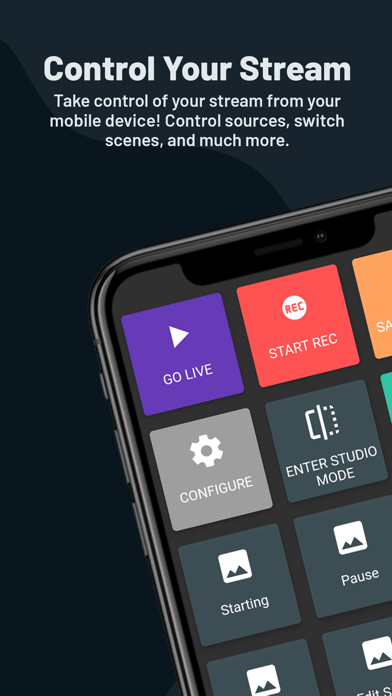
Description by Streamlabs Written by the developer, not by AppBrain. Click to read.
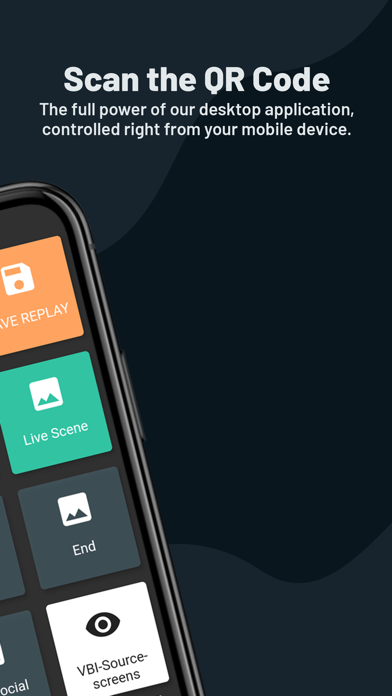
No more need for expensive hardware! Use your mobile phone as a remote controller to run your desktop broadcast and put even more power in your hands. Just link your device to Streamlabs Desktop using the same network that you are streaming from on your desktop or laptop and you can instantly:
- Switch between scenes and scene collections
- Control your broadcast
- Start and stop the recording of your live stream
- Toggle each and every source visibility
- Mute and unmute audio sources
- Precisely adjust the sound volume for your audio mixer sources
- See your chats and recent events
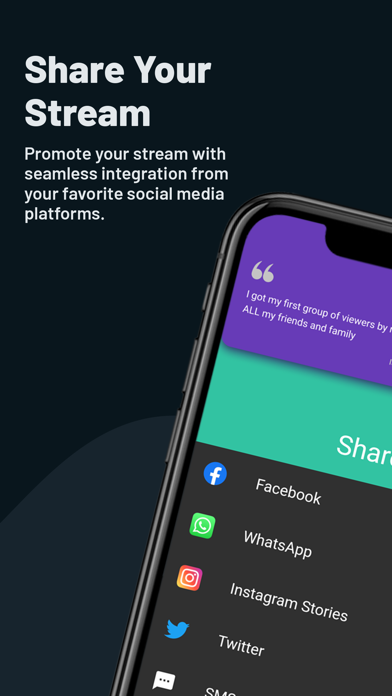
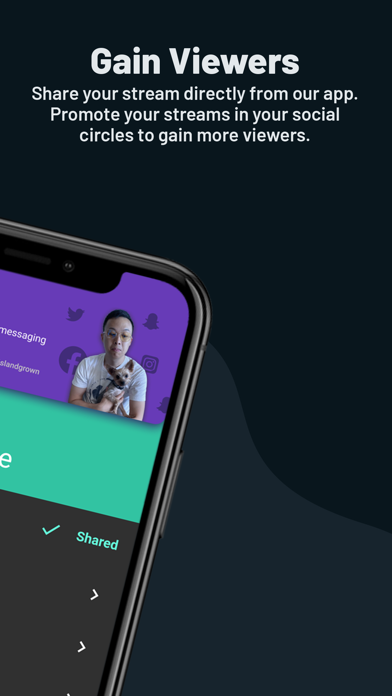
- Share your stream on social media