

Stylish Bird Stickers
Stylish Bird Stickers is made and published by Aman Kumar. AppBrain is an independent app data site and isn't affiliated with Aman Kumar. The app name, icon, screenshots and description belong to Aman Kumar and are shown as published on the App Store.
AppBrain's verdict
- Last updated
- March 3, 2026
Rankings
App Store top chartsApp Store Rankings for Stylish Bird Stickers
Competitors
Similar apps and more from Aman KumarAlternatives to Stylish Bird Stickers




More from Aman Kumar







Releases
Updates seen on the App Store- Version
- 1.3
- Launched
- November 2017
No changelog data
User feedback
Ratings and reviews on the App StoreComments on Stylish Bird Stickers for iOS
We don't have enough comments to show example comments. Please check back later.
Technology
Found in the app by AppBrain- Price
- $0.99
- App size
- 8.68 MB
- Content rating
- Everyone
Technologies used by Stylish Bird Stickers
About the app and developer
About Stylish Bird Stickers
Stylish Bird Stickers is a stickers app developed by Aman Kumar.
What is the rating of Stylish Bird Stickers?
Stylish Bird Stickers has no ratings yet.
Is Stylish Bird Stickers free?
Stylish Bird Stickers costs $0.99. The app size is 8.68 MB. The latest version available is 1.3. The last update was on March 3, 2026.
What are the requirements for Stylish Bird Stickers?
The app has a content rating of Everyone. The app has been available on the App Store since November 2017.
Developer information for Aman Kumar
Address:
Store listing
By Aman Kumar, from the App Store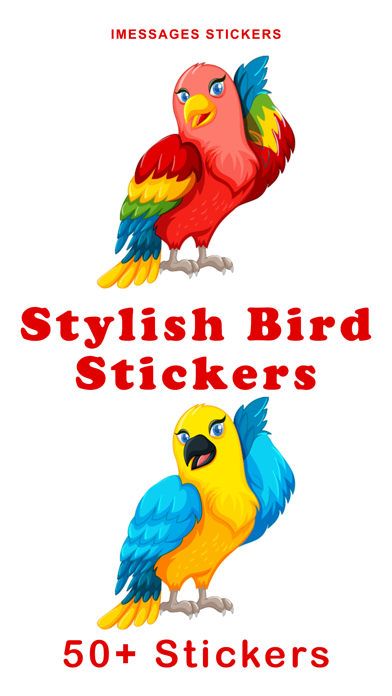
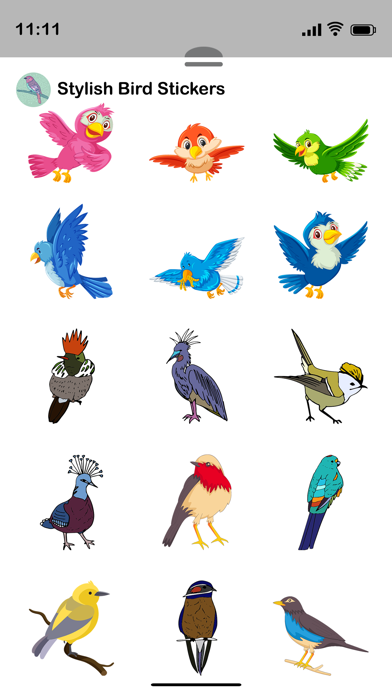
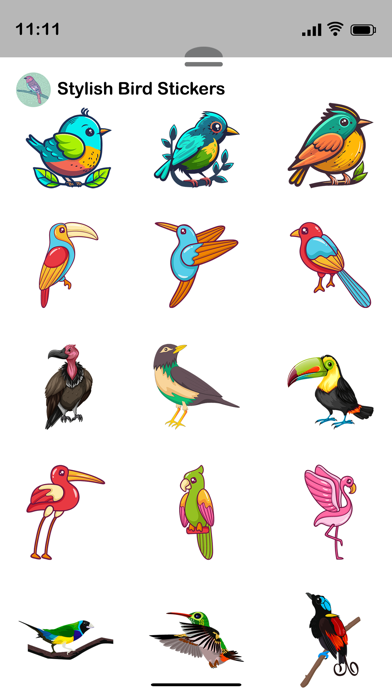

Description by Aman Kumar Written by the developer, not by AppBrain. Click to read.
How to Download and Install:
1. Open the Messages app on your iPhone.
2. Open any conversation or start a new message.
3. Tap the + button next to the message field to open the iMessage app drawer.
4. Tap Store.
5. Find the sticker pack you want.
6. Tap Get to download.
Once installed, the sticker app will automatically appear in your iMessage app drawer and is ready to use.
In Case of Already Installed:
- If the sticker app is already installed on your device, it will automatically appear in your iMessage app drawer.
- Tap the + button and select Stickers to view it.
- If needed, tap Edit to reorder or manage its position. No additional setup is required after installation.
How to Reorder Sticker Apps:
- On the Manage Sticker Apps screen, press and hold the three-line icon next to any app.
- Drag it up or down to change its position.
- Apps at the top appear first in the iMessage sticker drawer.
- Tap Done to save.
Remove Unwanted Sticker Apps:
-While in Edit mode, remove unwanted sticker apps from the list.
-This will hide them from your iMessage sticker drawer.
-After organizing your apps, tap Done to save your changes.
How to Send Stickers:
-Tap any sticker to instantly send it in your conversation.
-Touch and hold a sticker to drag and drop it onto a message bubble or photo.
-You can send stickers alone or combine them with text and emojis.
-Stickers can be placed anywhere in the chat to create fun reactions.