

Sudoku - Aged Studio
Sudoku - Aged Studio is made and published by Aged Studio Limited. AppBrain is an independent app data site and isn't affiliated with Aged Studio Limited. The app name, icon, screenshots and description belong to Aged Studio Limited and are shown as published on the App Store.
AppBrain's verdict
EstablishedLoved by users- Rating on App Store
- 4.53
- 660 ratings
- Last updated
- August 29, 2026
Users love it: 4.5 stars from 660 ratings.
Rankings
App Store top chartsApp Store Rankings for Sudoku - Aged Studio
Competitors
Similar apps and more from Aged Studio Limited




Releases
Updates seen on the App Store- Version
- 1.8.7
- Launched
- August 2020
No changelog data
User feedback
Ratings and reviews on the App StoreComments on Sudoku - Aged Studio for iOS
We don't have enough comments to show example comments. Please check back later.
Technology
Found in the app by AppBrain- Price
- Free
- App size
- 136.1 MB
- Content rating
- Medium
Technologies used by Sudoku - Aged Studio
About the app and developer
About Sudoku - Aged Studio
Sudoku - Aged Studio is a games app developed by Aged Studio Limited.
User Ratings
Sudoku - Aged Studio is rated 4.53 out of 5 stars. The rating is based on 660 ratings.
App Information
Sudoku - Aged Studio is freely available from the App Store. The app size is 136.07 MB. The latest version available is 1.8.7. The last update was on August 29, 2026.
Technical Requirements
The app has a content rating of Medium Maturity. The app has been available on the App Store since August 2020.
Developer information for Aged Studio Limited
Address:
Frequently asked questions about Sudoku - Aged Studio
Is Sudoku - Aged Studio free?
Yes. Sudoku - Aged Studio is free on the App Store.
Is Sudoku - Aged Studio still available?
Yes. Sudoku - Aged Studio is on the App Store, and the last update we saw was on August 29, 2026.
How large is Sudoku - Aged Studio?
Sudoku - Aged Studio is 136.07 MB.
Is Sudoku - Aged Studio suitable for children?
App Store gives Sudoku - Aged Studio a medium maturity rating, so it is not meant for young children.
How do people rate Sudoku - Aged Studio?
Sudoku - Aged Studio scores 4.53 out of 5 stars, from 660 ratings on the App Store.
Who made Sudoku - Aged Studio?
Sudoku - Aged Studio was developed by Aged Studio Limited. It is listed in the games category on the App Store.
What are the best alternatives to Sudoku - Aged Studio?
People looking at Sudoku - Aged Studio also look at these games apps: Sudoku Classic Brain Puzzle, Sudoku : Daily Fun Puzzle Game, Sudoku - Exercise your brain, Sudoku Puzzle game Number&math, Sudoku Master - Brain Games.
Store listing
By Aged Studio Limited, from the App Store


Description by Aged Studio Limited Written by the developer, not by AppBrain. Click to read.
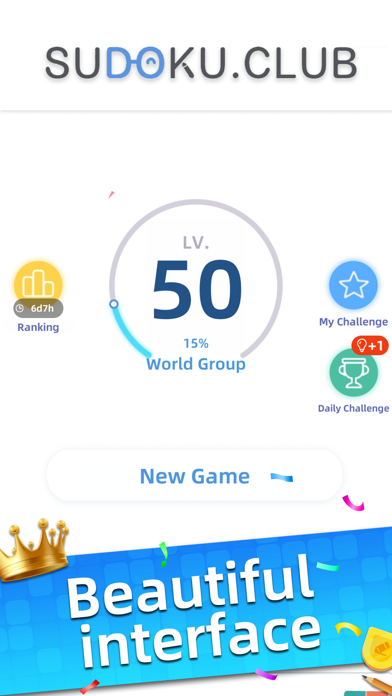
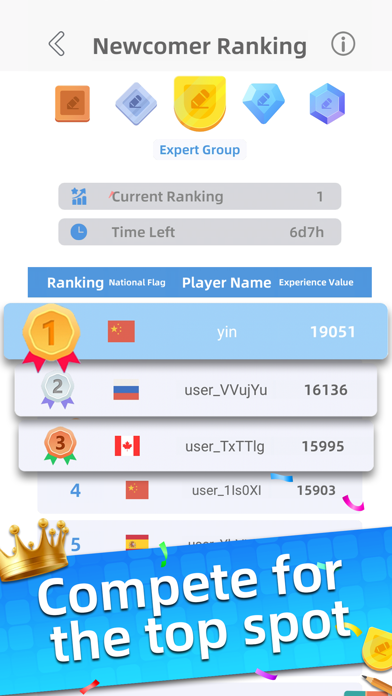
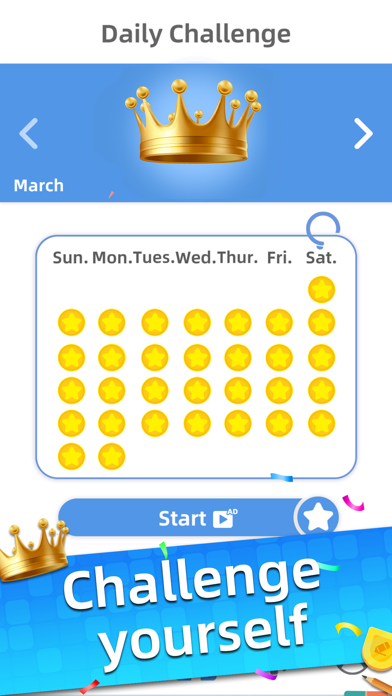
Our sudoku is committed to improve your game experience. It has 4 levels of difficulty for players with different capabilities of sudoku, from beginners to masters on sudoku. Also, it has various functions to help you win the game, such as Hint, Undo/Redo, Take Notes, etc. Moreover, you can practice your skills and challenge yourself by playing Daily Challenge and My Challenge. We are sure you can have great fun and better game experience when you are playing our sudoku.
Now, download Aged Sudoku and start figuring out solutions to every puzzle!
Features:
- Daily Challenge & My Challenge: you can challenge every day to practice your skills of playing sudoku
- 4 levels of difficulty
- Highlighting: selected number, row, column, sub-grid and other same numbers will be highlighted when one of the cells is selected
- Hint: when there is a single solution in the game, you can click Hint and then it will automatically fill the cell with answer
- Intelligent hint: when you select the last empty cell in a row, column or sub-grid, you will be reminded of the answer
- Error Cap: turn on/off mistake limit
- The quantity of remaining numbers is provided
- Hide numbers which have used up
- Unlimited chances of Undo/Redo
- Automatic Error-Checking: when you fill with a wrong answer, it will automatically undo your answer
- Autosave incomplete game
- Multiple background and appearance styles you can choose
- Multiple language choices
[Auto Renewable Ads Removal Subscription]
▸ Subscription Service: Remove the ads + Unlimited Hints
▸ Subscription Payment: Once you confirm the payment, you can find the record in your iTunes Account
▸ Subscription Cancelation: Go to “Setting” -> “iTunes Store and App Store” -> “Apple Id”-> ”View Apple Id”-> “Account Setting” -> “Subscription”
You have to cancel the subscription 24 hours before the end of previous subscription
▸ Term of Use:
https://sudoku.club/terms-of-use
▸ Privacy Policy:
https://sudoku.club/privacy-policy