

Sudoku Tutor is made and published by Quatrian Inc. AppBrain is an independent app data site and isn't affiliated with Quatrian Inc. The app name, icon, screenshots and description belong to Quatrian Inc. and are shown as published on the App Store.
AppBrain's verdict
EstablishedLoved by users- Rating on App Store
- 4.75
- 150 ratings
- Last updated
- September 26, 2026
Users love it: 4.8 stars from 150 ratings.
Rankings
App Store top chartsApp Store Rankings for Sudoku Tutor
Competitors
Similar apps and more from Quatrian Inc.Alternatives to Sudoku Tutor




More from Quatrian Inc.







Releases
Updates seen on the App Store- Version
- 3.7
- Launched
- November 2020
No changelog data
User feedback
Ratings and reviews on the App StoreComments on Sudoku Tutor for iOS
We don't have enough comments to show example comments. Please check back later.
Technology
Found in the app by AppBrain- Price
- Free
- App size
- 18.9 MB
- Content rating
- Everyone
Technologies used by Sudoku Tutor
About the app and developer
About Sudoku Tutor
Sudoku Tutor is a games app developed by Quatrian Inc.
User Ratings
Sudoku Tutor is rated 4.75 out of 5 stars. The rating is based on 150 ratings.
App Information
Sudoku Tutor is freely available from the App Store. The app size is 18.88 MB. The latest version available is 3.7. The last update was on September 26, 2026.
Technical Requirements
The app has a content rating of Everyone. The app has been available on the App Store since November 2020.
Developer information for Quatrian Inc.
Address:
Store listing
By Quatrian Inc., from the App Store



Description by Quatrian Inc. Written by the developer, not by AppBrain. Click to read.
- A user friendly interface to make it easy and fun to solve even the hardest puzzles.
- Learn the strategies to solve easy and very complex classic Sudoku puzzles.
- Provides varying levels of support while solving puzzles through hints and grid highlights.
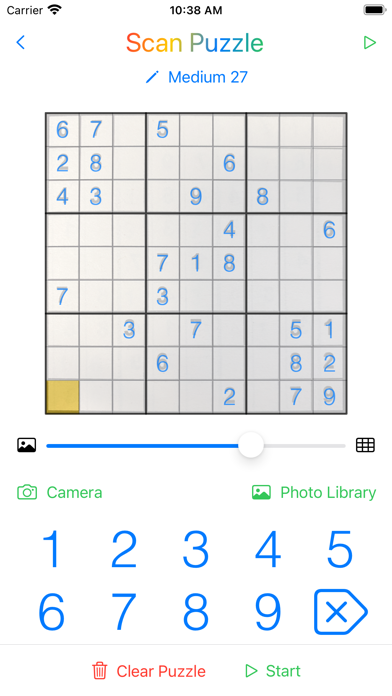
- Uses Artificial Intelligence to scan puzzles using the camera or from a picture.
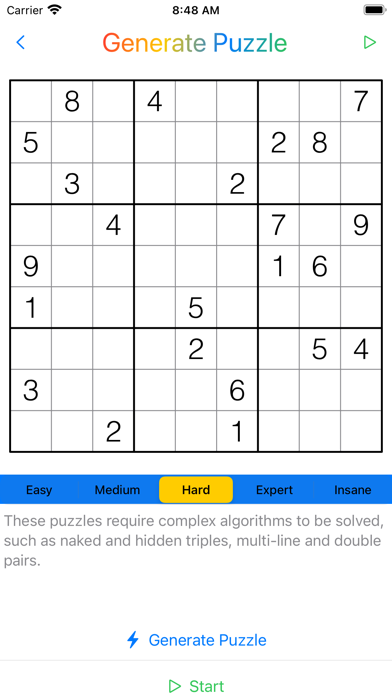
- Generate your own puzzles with levels of difficulty from Easy to Insane.
- Create a puzzle by manually entering the given numbers or pasting in a puzzle text string.
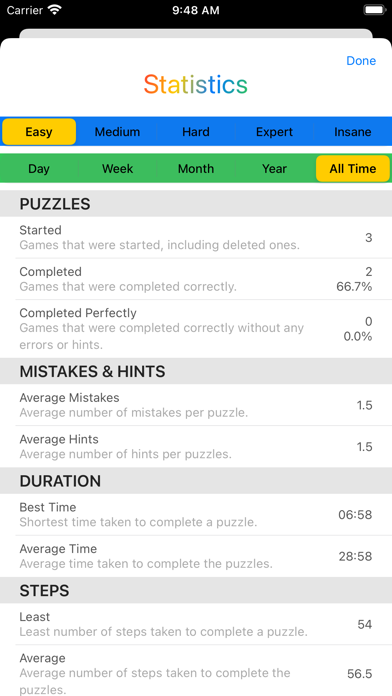
- Track your progress as you improve, with detailed statistics for every puzzle complexity.
- Share puzzles with your friends.
- Save puzzles to work on later.
- Keeps completed puzzles so that you can solve them again or send them to friends.
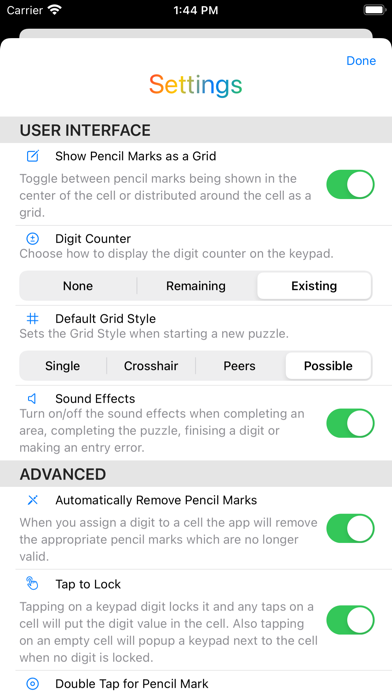
- Supports multiple user interface options for working with puzzles.