

SUMA - FCU
SUMA - FCU is made and published by SUMA Yonkers Federal Credit Union. AppBrain is an independent app data site and isn't affiliated with SUMA Yonkers Federal Credit Union. The app name, icon, screenshots and description belong to SUMA Yonkers Federal Credit Union and are shown as published on the App Store.
AppBrain's verdict
EstablishedLoved by users- Rating on App Store
- 4.86
- 1,078 ratings
- Last updated
- October 15, 2026
Users love it: 4.9 stars from 1,078 ratings.
Rankings
App Store top chartsApp Store Rankings for SUMA - FCU
Competitors
Similar apps and more from SUMA Yonkers Federal Credit UnionAlternatives to SUMA - FCU


Also available on Google Play

Releases
Updates seen on the App Store- Version
- 3.39.0
- Launched
- June 2020
No changelog data
User feedback
Ratings and reviews on the App StoreComments on SUMA - FCU for iOS
We don't have enough comments to show example comments. Please check back later.
Technology
Found in the app by AppBrain- Price
- Free
- App size
- 197.2 MB
- Content rating
- Medium
Technologies used by SUMA - FCU
About the app and developer
About SUMA - FCU
SUMA - FCU is a finance app developed by SUMA Yonkers Federal Credit Union.
User Ratings
SUMA - FCU is rated 4.86 out of 5 stars. The rating is based on 1.1 thousand ratings.
App Information
SUMA - FCU is freely available from the App Store. The app size is 197.22 MB. The latest version available is 3.39.0. The last update was on October 15, 2026.
Technical Requirements
The app has a content rating of Medium Maturity. The app has been available on the App Store since June 2020.
Developer information for SUMA Yonkers Federal Credit Union
SUMA Yonkers Federal Credit Union
Address:
Store listing
By SUMA Yonkers Federal Credit Union, from the App Store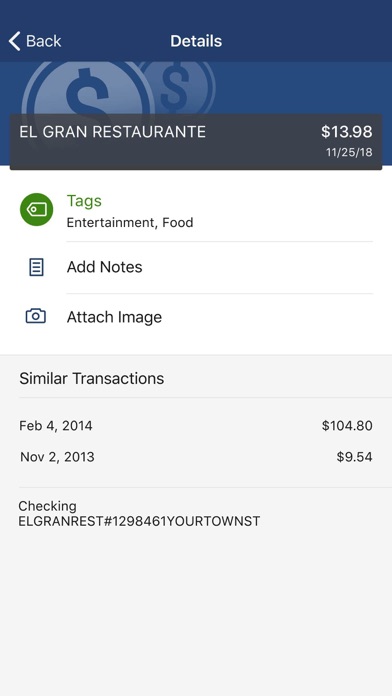
Description by SUMA Yonkers Federal Credit Union Written by the developer, not by AppBrain. Click to read.
Here’s what else you can do with SUMA - FCU :
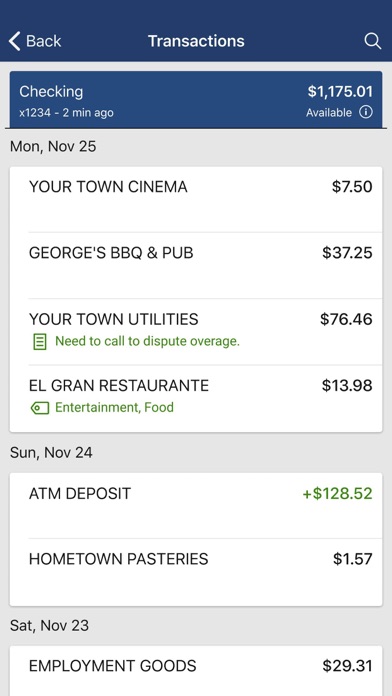
Keep your transactions organized by allowing you to add tags, notes and photos of receipts and checks.
Set up alerts so you know when your balance drops below a certain amount
Make payments, whether you’re paying a company or a friend
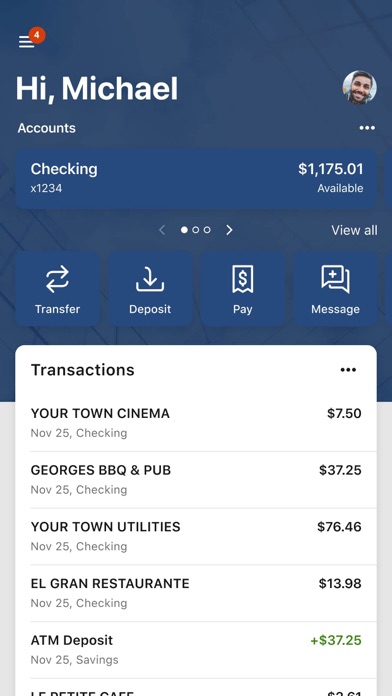
Transfer money between your accounts
Deposit checks in a snap by taking a picture of the front and back
Reorder your debit card or turn it off if you’ve misplaced it
View and save your monthly statements
Find branches and ATMs near you
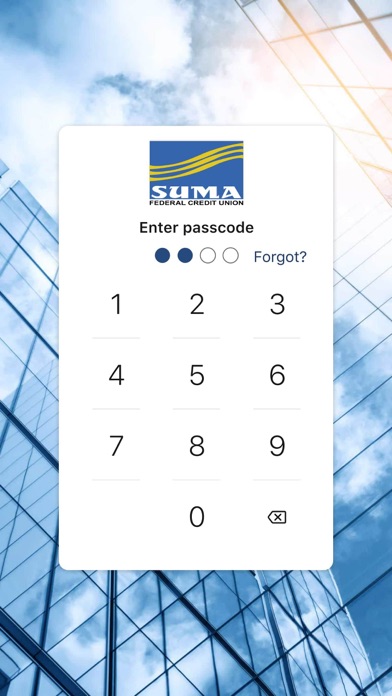
Secure your account with a 4-digit passcode and fingerprint or face reader on supported devices.
To use the SUMA - FCU Mobile app, you must be enrolled as a SUMA - FCU Internet Banking user. If you currently use our Internet Banking, simply download the app, launch it, and login with the same Internet Banking credentials.