

Super Simple Draw Premium
Super Simple Draw Premium is made and published by Bao Lei. AppBrain is an independent app data site and isn't affiliated with Bao Lei. The app name, icon, screenshots and description belong to Bao Lei and are shown as published on the App Store.
AppBrain's verdict
EstablishedLoved by users- Rating on App Store
- 4.57
- 112 ratings
- Last updated
- September 13, 2026
- Size
- 1.06 MB
Users love it: 4.6 stars from 112 ratings.
User feedback
Ratings and reviews on the App StoreComments on Super Simple Draw Premium for iOS
We don't have enough comments to show example comments. Please check back later.
Store listing
By Bao Lei, from the App Store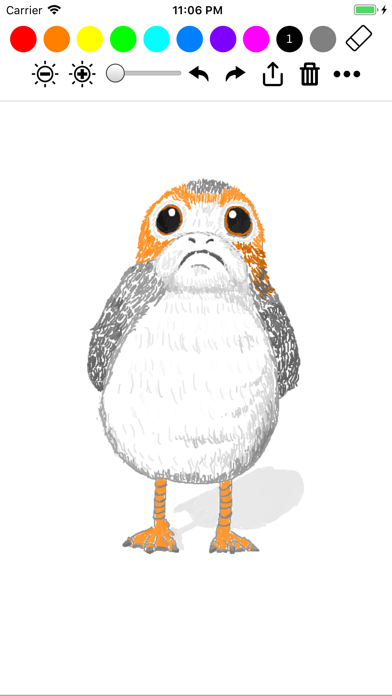

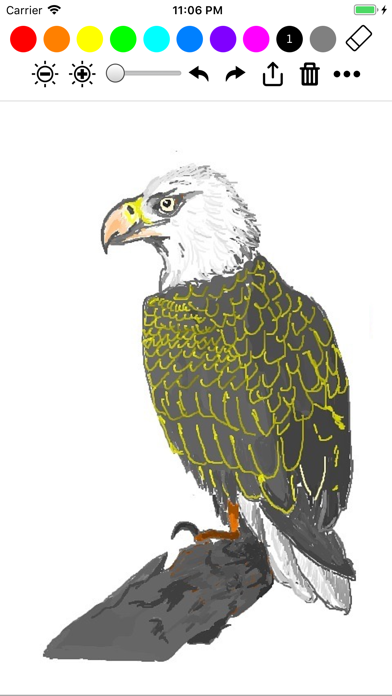
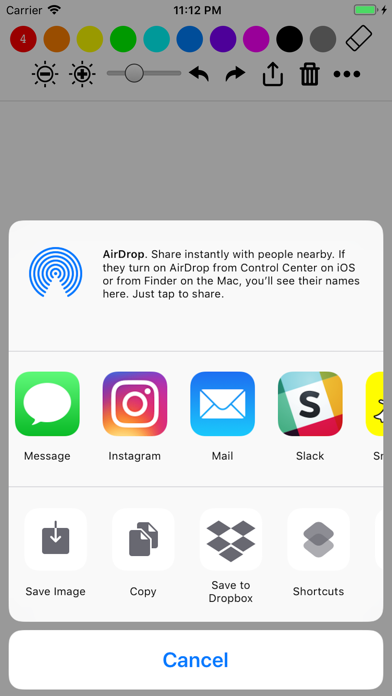
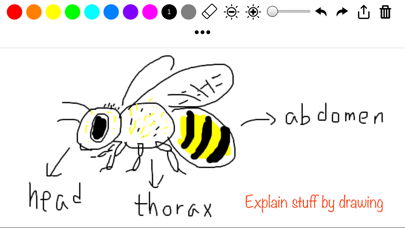
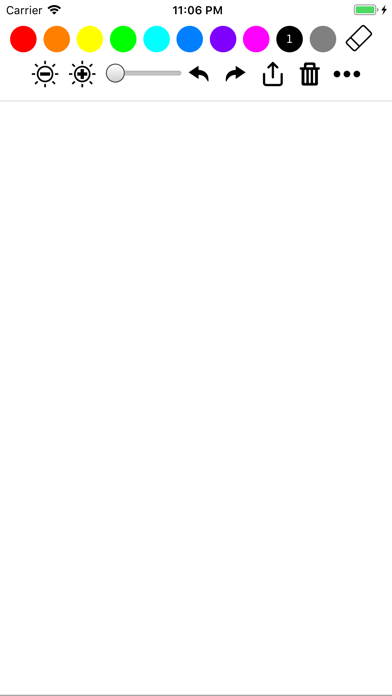
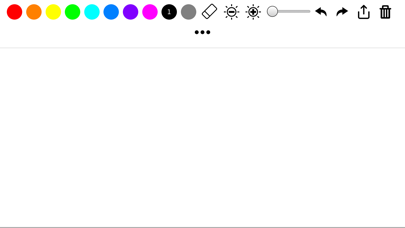
Description by Bao Lei Written by the developer, not by AppBrain. Click to read.
~~ Features ~~
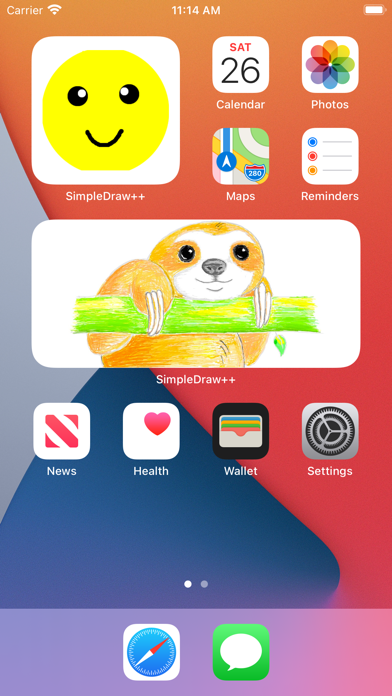
• Widget to show case the latest or favorite drawing on the home screen
• Apple Pencil gesture support
• Multi-window and multitasking support on iPadOS
• Original Apple Pencil support
• Grid background and lined background
• Draw on top of another picture
• Save square images for Instagram submission
• Draw in either landscape or portrait
• Undo and redo
• Standard iOS share/action button (copy, save, send to other messaging/social apps)
~~ Perfect for ~~
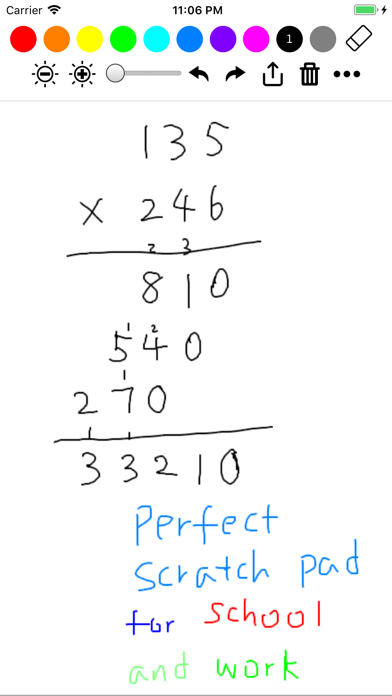
• Jotting down notes
• Illustrate something to friends/coworkers through drawing
• Draw/sketch something casually
• Tell stories to kids with quick illustrations
• Play quick random games with friends (e.g. draw and guess, or any simple board game you just invented)
• Practice some basic drawing skills (drawing straight line, parallel lines, circles, faces, etc)
~~ Draw for a better world ~~
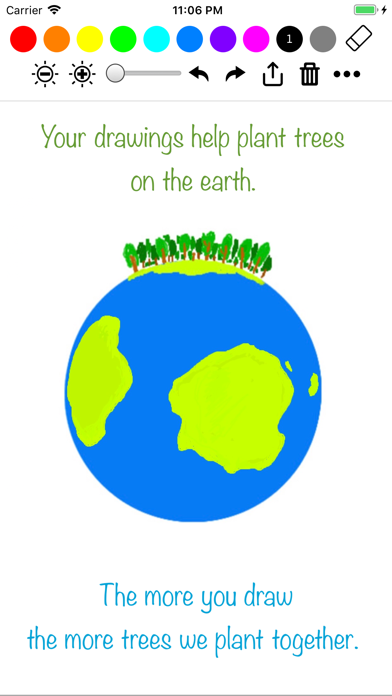
Super Simple Draw started as a way to reduce the use of papers because we believe that the current environmental degradation and the climate change are pressing issues that demand urgent actions. Now we took a step further: for every ~2000 lines you draw, we plant a tree through a partnership with Trees for the Future. More than ten thousand trees have been planted so far. Learn more at https://trees.theiosapp.com
Safety and technology
Found in the app by AppBrain- Price
- $0.99
- App size
- 1.06 MB
- Content rating
- Everyone
Technologies used by Super Simple Draw Premium
Releases
Updates seen on the App Store- Version
- 3.6.4
- Launched
- August 2018
No changelog data
Alternatives
Similar apps and more from Bao LeiAlternatives to Super Simple Draw Premium








More from Bao Lei


Rankings
App Store top chartsApp Store Rankings for Super Simple Draw Premium
About the app and developer
About Super Simple Draw Premium
Super Simple Draw Premium is a productivity app developed by Bao Lei.
What is the rating of Super Simple Draw Premium?
Super Simple Draw Premium is rated 4.57 out of 5 stars, based on 110 ratings.
Is Super Simple Draw Premium free?
Super Simple Draw Premium costs $0.99. The app size is 1.06 MB. The latest version available is 3.6.4. The last update was on September 13, 2026.
What are the requirements for Super Simple Draw Premium?
The app has a content rating of Everyone. The app has been available on the App Store since August 2018.
Developer information for Bao Lei
Address:
Frequently asked questions about Super Simple Draw Premium
Is Super Simple Draw Premium free?
No. Super Simple Draw Premium costs $0.99 on the App Store.
Is Super Simple Draw Premium still available?
Yes. Super Simple Draw Premium is on the App Store, and the last update we saw was on September 13, 2026.
How large is Super Simple Draw Premium?
Super Simple Draw Premium is 1.06 MB.
Is Super Simple Draw Premium suitable for children?
App Store rates the content of Super Simple Draw Premium as suitable for everyone.
How do people rate Super Simple Draw Premium?
Super Simple Draw Premium scores 4.57 out of 5 stars, from 112 ratings on the App Store.
Who made Super Simple Draw Premium?
Super Simple Draw Premium was developed by Bao Lei. It is listed in the productivity category on the App Store.
What are the best alternatives to Super Simple Draw Premium?
People looking at Super Simple Draw Premium also look at these productivity apps: CAD HD - PRO, SiteOwl Design, Turn Touch, CalcMadeEasy Pro, Automize Growth.