

Switcheroo Transfer
Switcheroo Transfer is made and published by Gillad Haftel. AppBrain is an independent app data site and isn't affiliated with Gillad Haftel. The app name, icon, screenshots and description belong to Gillad Haftel and are shown as published on the App Store.
AppBrain's verdict
Established- Rating on App Store
- 3.95
- 148 ratings
- Last updated
- September 1, 2025
Users are divided: 3.9 stars from 148 ratings.
Rankings
App Store top chartsApp Store Rankings for Switcheroo Transfer
Competitors
Similar apps and more from Gillad Haftel








Releases
Updates seen on the App Store- Version
- 2.1.2
- Launched
- September 2020
No changelog data
User feedback
Ratings and reviews on the App StoreComments on Switcheroo Transfer for iOS
We don't have enough comments to show example comments. Please check back later.
Technology
Found in the app by AppBrain- Price
- Free
- App size
- 62.7 MB
- Content rating
- Everyone
Technologies used by Switcheroo Transfer
About the app and developer
About Switcheroo Transfer
Switcheroo Transfer is a music app developed by Gillad Haftel.
User Ratings
Switcheroo Transfer is rated 3.95 out of 5 stars. The rating is based on 150 ratings.
App Information
Switcheroo Transfer is freely available from the App Store. The app size is 62.68 MB. The latest version available is 2.1.2. The last update was on September 1, 2025.
Technical Requirements
The app has a content rating of Everyone. The app has been available on the App Store since September 2020.
Developer information for Gillad Haftel
Address:
Store listing
By Gillad Haftel, from the App Store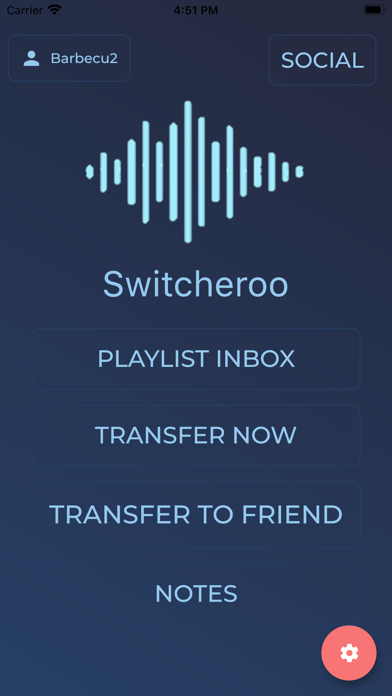


Description by Gillad Haftel Written by the developer, not by AppBrain. Click to read.
Additionally, Switcheroo offers an intuitive way to share your favorite playlists with friends!
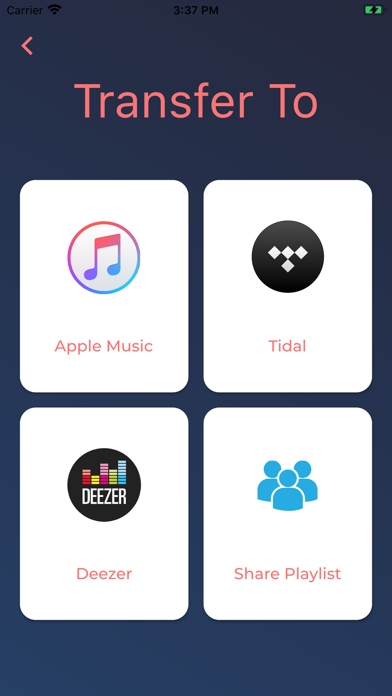
Supported services currently include:
-Apple Music
-Spotify
-Tidal
-Deezer
- YouTube
How To:
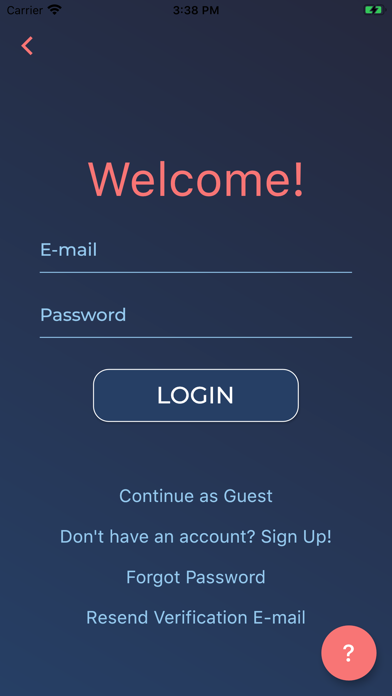
First select what service you would like to transfer from, then log in.
Afterwards a list of your playlists will appear, select the ones you would like to transfer and continue by touching the "next" button.
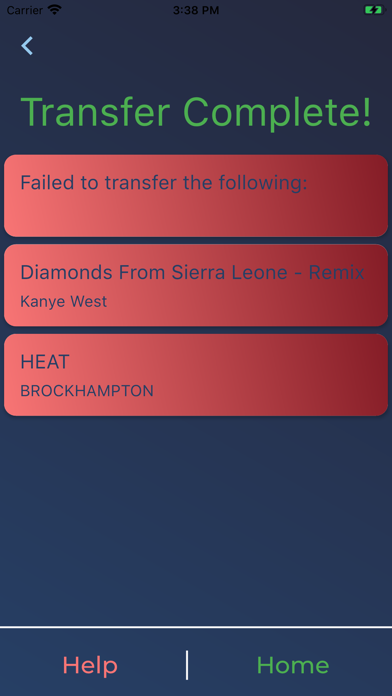
Finally select the destination for the playlists and log in. Then sit back, relax and we'll do the rest! once the process is complete you will be notified if any songs could not be transferred.