

Sync for FitBit Health
Sync for FitBit Health is made and published by Cloforce LLC. AppBrain is an independent app data site and isn't affiliated with Cloforce LLC. The app name, icon, screenshots and description belong to Cloforce LLC and are shown as published on the App Store.
AppBrain's verdict
EstablishedPoorly rated- Rating on App Store
- 2.73
- 113 ratings
- Last updated
- June 3, 2023
Users are critical: 2.7 stars from 113 ratings.
Rankings
App Store top chartsApp Store Rankings for Sync for FitBit Health
Competitors
Similar apps and more from Cloforce LLCAlternatives to Sync for FitBit Health






More from Cloforce LLC







Releases
Updates seen on the App Store- Version
- 2.6
- Launched
- December 2016
No changelog data
User feedback
Ratings and reviews on the App StoreComments on Sync for FitBit Health for iOS
We don't have enough comments to show example comments. Please check back later.
Technology
Found in the app by AppBrain- Price
- Free
- App size
- 21.1 MB
- Content rating
- Everyone
Technologies used by Sync for FitBit Health
About the app and developer
About Sync for FitBit Health
Sync for FitBit Health is a health & fitness app developed by Cloforce LLC.
User Ratings
Sync for FitBit Health is rated 2.73 out of 5 stars. The rating is based on 110 ratings.
App Information
Sync for FitBit Health is freely available from the App Store. The app size is 21.05 MB. The latest version available is 2.6. The last update was on June 3, 2023.
Technical Requirements
The app has a content rating of Everyone. The app has been available on the App Store since December 2016.
Developer information for Cloforce LLC
Address:
Store listing
By Cloforce LLC, from the App Store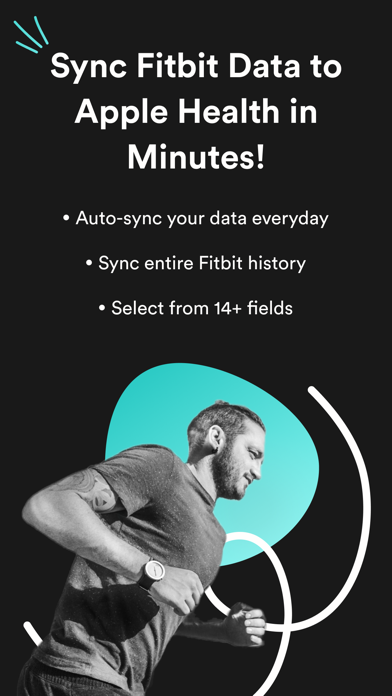
Description by Cloforce LLC Written by the developer, not by AppBrain. Click to read.
WHAT OUR USERS ARE SAYING
-------------------------------------------------
HGarrison75 - "This app is awesome! I have an Apple Watch but I love the Fitbit! Finally, an app that puts all my data in the iPhone Apple Health App and does it correctly AND automatically! Thank you"
SheilaB73 - "This is the Best app to Sync your Fitbit data to Apple’s Health App and it works perfectly. Auto sync feature works in the background without need for manual syncing from time to time. This is the best sync app I ever used. Great Buy!"
-------------------------------------------------
Please do not post issues with the app as a review. Report issues to support@cloforce.com so we can help you resolve them together. We have resolved every issue that has been reported.
Syncing your Fitbit data with your iPhone allows you to use the Apple’s Health App to view your Fitbit data and any other fitness or medical data in one convenient app. Fitbit Aria scale data will also be added to Apple Health when you sync.
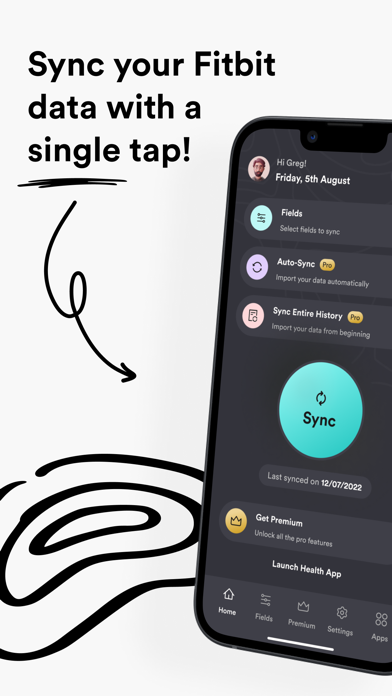
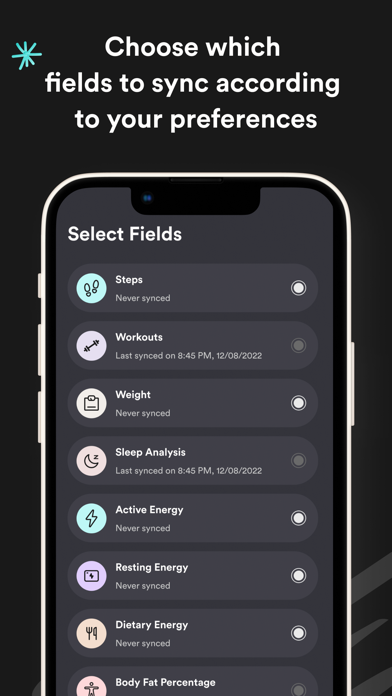
Sync for Fitbit syncs up to 12 fields. You can customize the app to only sync the fields you want.
- Steps
- Walking + Running Distance
- Active Energy
- Resting Energy
- Dietary Energy (Food Calories)
- Sleep Analysis
- Weight
- Body Fat Percentage
- Body Mass Index (BMI)
- Resting Heart Rate
- Flights Climbed
- Water / Hydration
MORE FEATURES
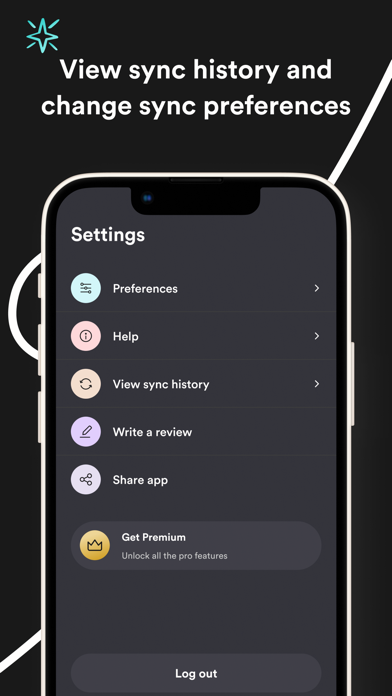
- Background auto sync. Run the app in the background for all day auto sync when new data is available from your Fitbit!
NOTE: Fitbit restricts access to intra-day heart rate data. We are working very hard to gain access to this.
Step by step instructions on how to use the app can be found in the app, but if you have any questions you can always contact us at support@cloforce.com and we’ll be happy to help you!
We want to hear from you!! We cannot respond to your questions or comments in review posts. Instead of posting questions or comment as a review, please send them to support@cloforce.com! Thank you
To remove all your Fitbit data from Apple Health and re-sync - delete our app, install it again from the App Store, launch the app and Sync again.
HOW DOES IT WORK
Data is synced using 3 easy steps after you have synced your data using the Fitbit app.
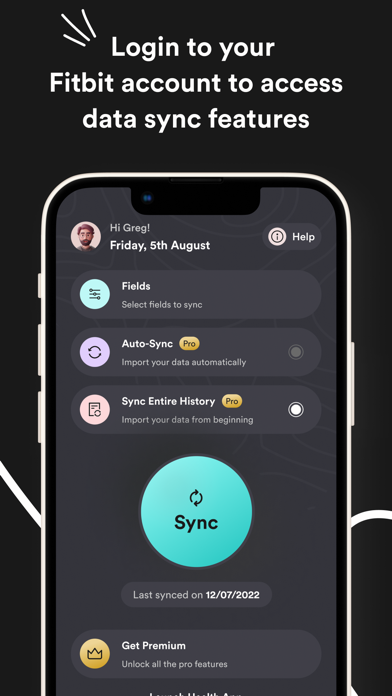
1. In the Sync for Fitbit app, sign into Fitbit.com using your account credentials.
2. Select the fitness fields (steps, sleep, etc..) you want to sync with Apple’s Health App.
3. Click the “Sync Now” button to start syncing your Fitbit data with Apple’s Health App.