

TabNote+ is made and published by YUTAKA KENJO. AppBrain is an independent app data site and isn't affiliated with YUTAKA KENJO. The app name, icon, screenshots and description belong to YUTAKA KENJO and are shown as published on the App Store.
AppBrain's verdict
Established- Rating on App Store
- 4.42
- 19 ratings
- Last updated
- March 4, 2021
It doesn't have enough ratings yet to judge what users think.
Rankings
App Store top chartsApp Store Rankings for TabNote+
Competitors
Similar apps and more from YUTAKA KENJOAlternatives to TabNote+








More from YUTAKA KENJO




Releases
Updates seen on the App Store- Version
- 1.0.3
- Launched
- March 2020
No changelog data
User feedback
Ratings and reviews on the App StoreComments on TabNote+ for iOS
We don't have enough comments to show example comments. Please check back later.
Technology
Found in the app by AppBrain- Price
- Free
- App size
- 69.7 MB
- Content rating
- Everyone
Technologies used by TabNote+
About the app and developer
About TabNote+
TabNote+ is an utilities app developed by YUTAKA KENJO.
User Ratings
TabNote+ is rated 4.42 out of 5 stars. The rating is based on 19 ratings.
App Information
TabNote+ is freely available from the App Store. The app size is 69.68 MB. The latest version available is 1.0.3. The last update was on March 4, 2021.
Technical Requirements
The app has a content rating of Everyone. The app has been available on the App Store since March 2020.
Developer information for YUTAKA KENJO
Address:
Store listing
By YUTAKA KENJO, from the App Store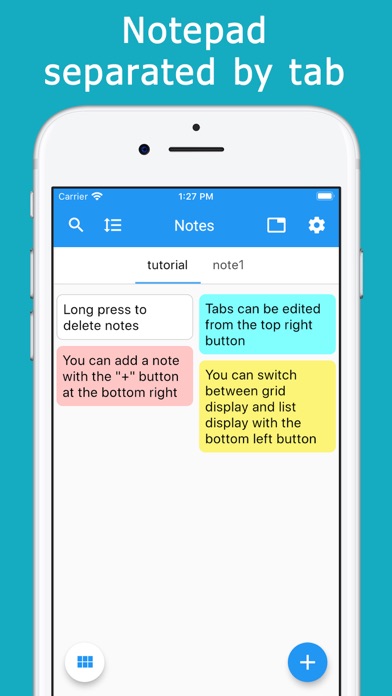
Description by YUTAKA KENJO Written by the developer, not by AppBrain. Click to read.
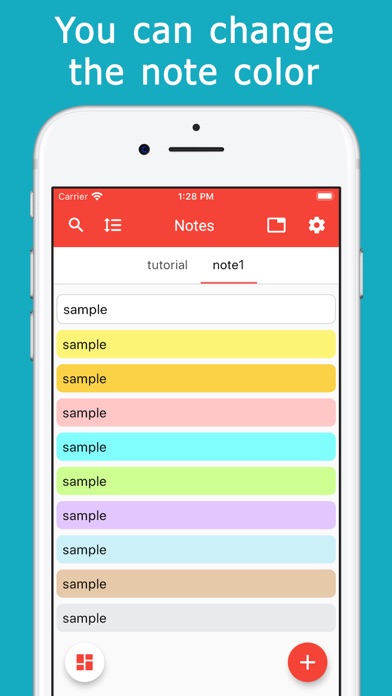
There are 10 colors and you can set them freely according to your preference.
Notes can be categorized by tabs.
Simply swipe to switch between categories.
It is convenient to manage by shopping, work, daily affairs, etc. by use.
The size of the note is automatically adjusted according to the size of the sentence, and is placed on the screen without any gaps.
This allows you to see many notes at once without having to scroll.
Notes can be displayed in two or three columns in a grid.
You can also switch to a single column, list view.
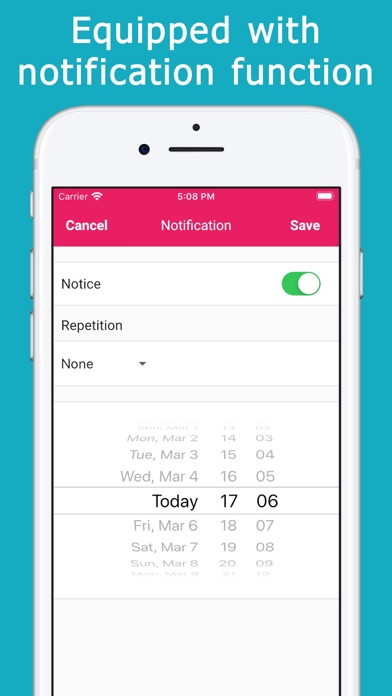
Since there is a notification function, it can also be used as a reminder or todo list.
You can specify a date and time, and repeat every day or every day of the week.
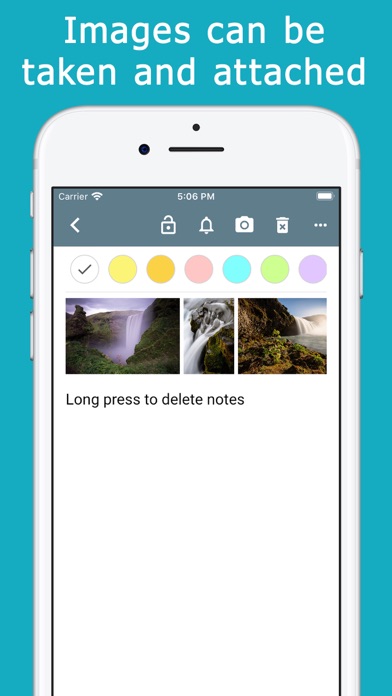
You can take a photo and attach it to a note.
You can also choose from a library of photos.
You can pinch in the attached photo to enlarge it or slide it to view it continuously.
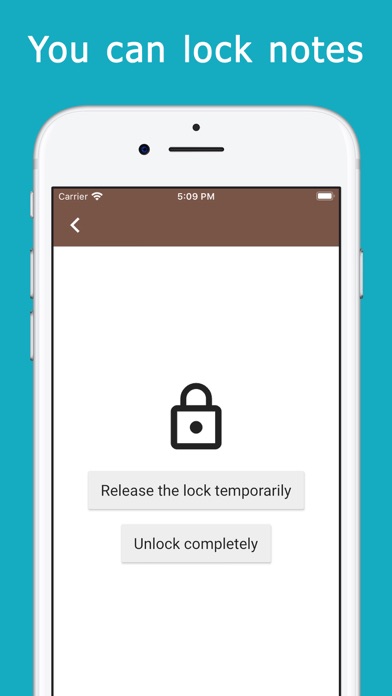
You can lock important notes.
You can choose how to unlock from face, fingerprint and password.
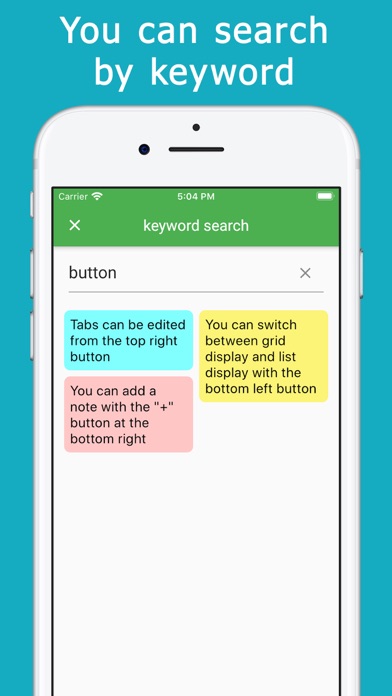
You can search for notes by keyword.
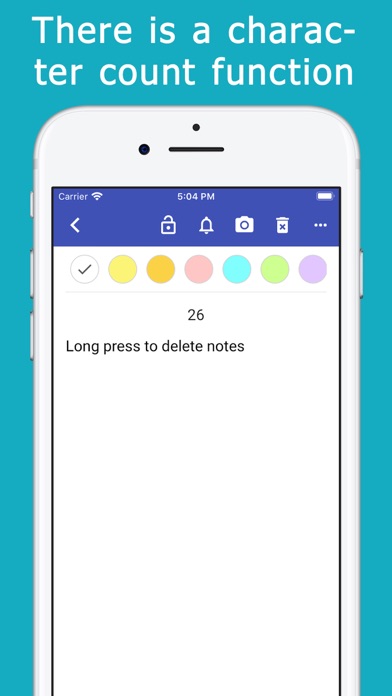
There is a character counter.
Other features
・ You can change the text size
・ You can change the theme color of the app
・ Memo can be deleted by long press
-You can display the date of memo update on the list screen
・ You can sort notes manually
・ Notes can be duplicated
・ You can share notes
・ The memo can be returned to the state before editing