

TapPDF - PDF Editor & Sign
TapPDF - PDF Editor & Sign is made and published by SMART MEDIA INTERNET MARKETING LTD. AppBrain is an independent app data site and isn't affiliated with SMART MEDIA INTERNET MARKETING LTD. The app name, icon, screenshots and description belong to SMART MEDIA INTERNET MARKETING LTD and are shown as published on the App Store.
AppBrain's verdict
- Rating on App Store
- 3.92
- 13 ratings
- Last updated
- August 26, 2025
It doesn't have enough ratings yet to judge what users think.
Rankings
App Store top chartsApp Store Rankings for TapPDF - PDF Editor & Sign
Competitors
Similar apps and more from SMART MEDIA INTERNET MARKETING LTDAlternatives to TapPDF - PDF Editor & Sign




More from SMART MEDIA INTERNET MARKETING LTD





Releases
Updates seen on the App Store- Version
- 1.5.6
- Launched
- December 2022
No changelog data
User feedback
Ratings and reviews on the App StoreComments on TapPDF - PDF Editor & Sign for iOS
We don't have enough comments to show example comments. Please check back later.
Technology
Found in the app by AppBrain- Price
- Free
- App size
- 130.7 MB
- Content rating
- Everyone
Technologies used by TapPDF - PDF Editor & Sign
About the app and developer
About TapPDF - PDF Editor & Sign
TapPDF - PDF Editor & Sign is a business app developed by SMART MEDIA INTERNET MARKETING LTD.
User Ratings
TapPDF - PDF Editor & Sign is rated 3.92 out of 5 stars. The rating is based on 13 ratings.
App Information
TapPDF - PDF Editor & Sign is freely available from the App Store. The app size is 130.66 MB. The latest version available is 1.5.6. The last update was on August 26, 2025.
Technical Requirements
The app has a content rating of Everyone. The app has been available on the App Store since December 2022.
Developer information for SMART MEDIA INTERNET MARKETING LTD
SMART MEDIA INTERNET MARKETING LTD
Address:
Frequently asked questions about TapPDF - PDF Editor & Sign
Is TapPDF - PDF Editor & Sign free?
Yes. TapPDF - PDF Editor & Sign is free on the App Store.
Is TapPDF - PDF Editor & Sign still available?
Yes. TapPDF - PDF Editor & Sign is on the App Store, and the last update we saw was on August 26, 2025.
How large is TapPDF - PDF Editor & Sign?
TapPDF - PDF Editor & Sign is 130.66 MB.
Is TapPDF - PDF Editor & Sign suitable for children?
App Store rates the content of TapPDF - PDF Editor & Sign as suitable for everyone.
How do people rate TapPDF - PDF Editor & Sign?
TapPDF - PDF Editor & Sign scores 3.92 out of 5 stars, from 13 ratings on the App Store.
Who made TapPDF - PDF Editor & Sign?
TapPDF - PDF Editor & Sign was developed by SMART MEDIA INTERNET MARKETING LTD. It is listed in the business category on the App Store.
What are the best alternatives to TapPDF - PDF Editor & Sign?
People looking at TapPDF - PDF Editor & Sign also look at these business apps: PDF to Word : PDF Converter, DropOffer, Convert to PDF, Word, PPT, Doc, Roi: AI Financial Companion, PDF Convert-PDF to Word/Excel.
Store listing
By SMART MEDIA INTERNET MARKETING LTD, from the App Store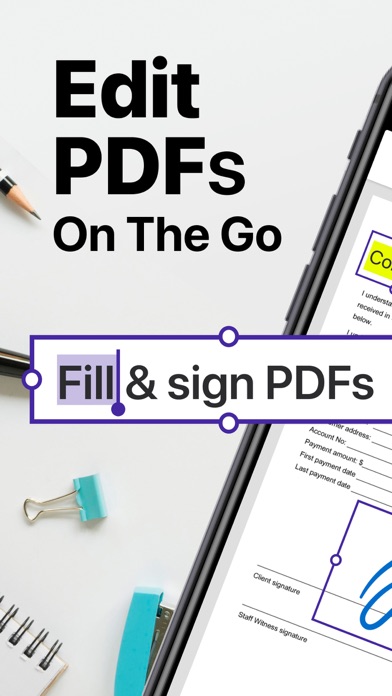
Description by SMART MEDIA INTERNET MARKETING LTD Written by the developer, not by AppBrain. Click to read.
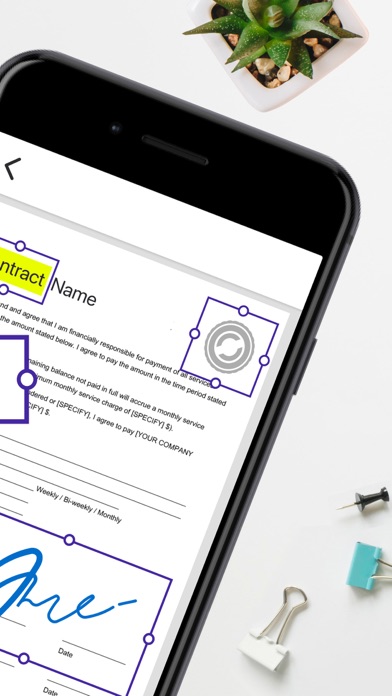
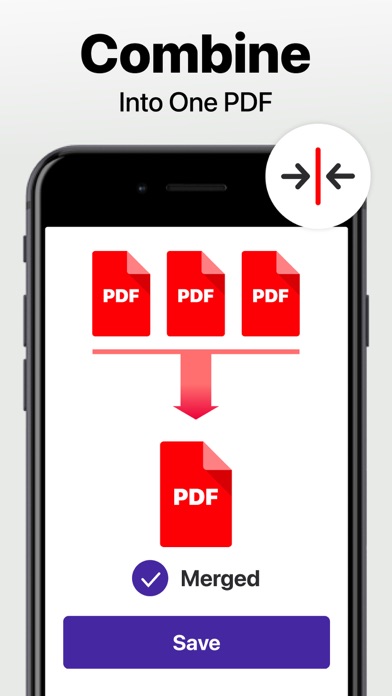
With Tap PDF, You can add annotations and highlights to your PDFs with ease, making it easy to draw attention to important parts of your PDF. You can also use merge PDF to combine PDF files into a single PDF , making it easier to share multiple documents at once And then you can compress PDF and make the PDF smaller and easier to share. Go paperless, and edit documents on the go.
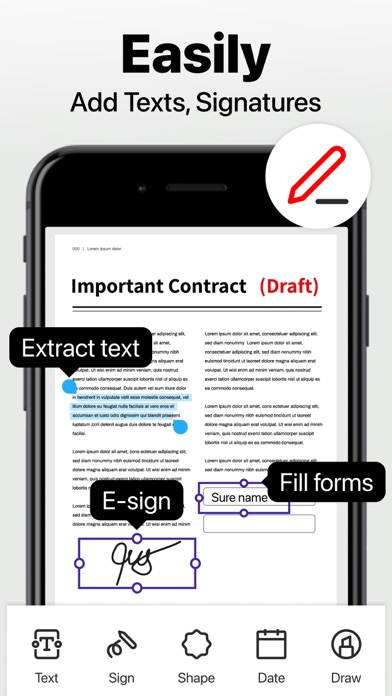
TapPDF will make your life easier - it’s like having your office in your pocket! Annotating, filling, signing - it’s all at your fingertips. Working with PDFs has never been simpler!
If you need to split a PDF, TapPDF has you covered with its split PDF feature. And if you want to keep your documents secure and private, you can use the password protection feature to lock PDF with a password. Plus, you can add an e-signature to your documents to make them look more professional and official.
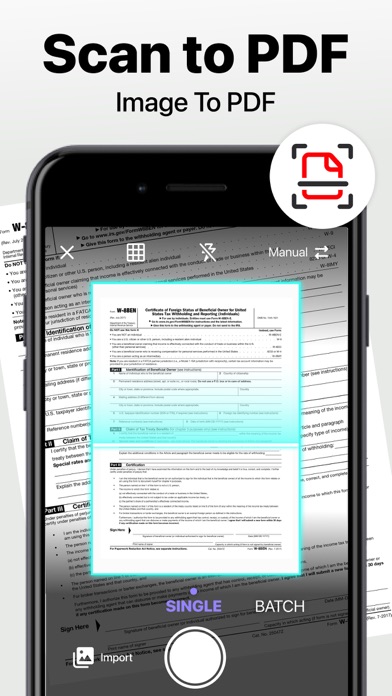
Scan to PDF
With your mobile device, you can scan any document and convert it to PDF.
Edit text from your scans
Automated text recognition enhanced by machine learning algorithms unlocks content and extracts text from images
Export accurate text straight from your docs
Convert Image to pdf (convert jpg to PDF)
Manage
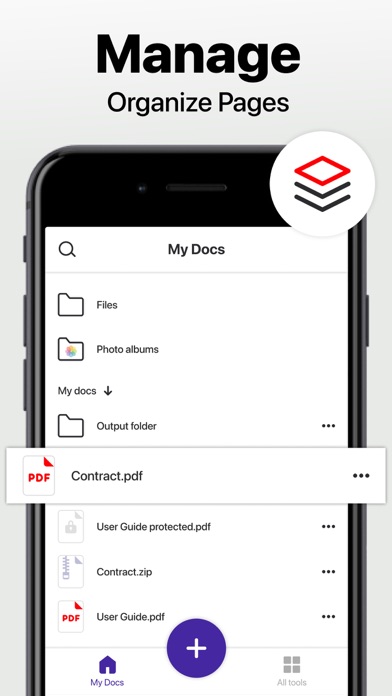
Tag documents and create folders to organize your files
You can search for documents in your library by name, tag, or folder
Inspect documents with the PDF viewer
Print directly from within the app
Split or combine multiple PDFs
Edit and annotate PDFs, Fill out forms
Easily fill out PDF documents with the edit feature
Add comments to your PDFs using sticky notes and drawing tools,
Fill out static PDF forms with interactive fields like text boxes, checkboxes, and radio buttons
E-sign - SIGN documents
Add multiple signatures and reuse them in your documents that are pending singing
Add pre-designed stamps like "Approved" or "Draft."
Keep your documents secure and private
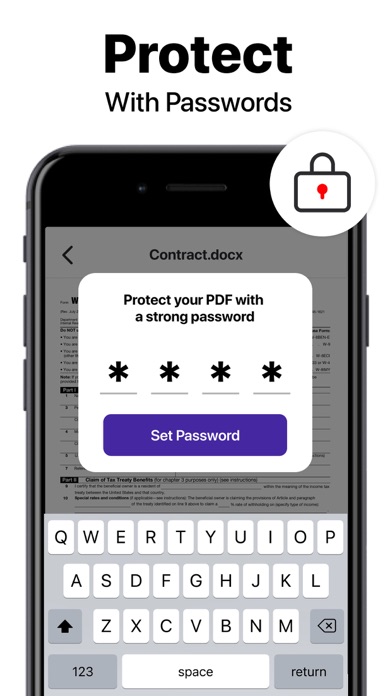
Ensure safety and privacy with a password to prevent unauthorized access
Permanently erase information in your PDFs
Get everyone in on the loop - easily and quickly share documents
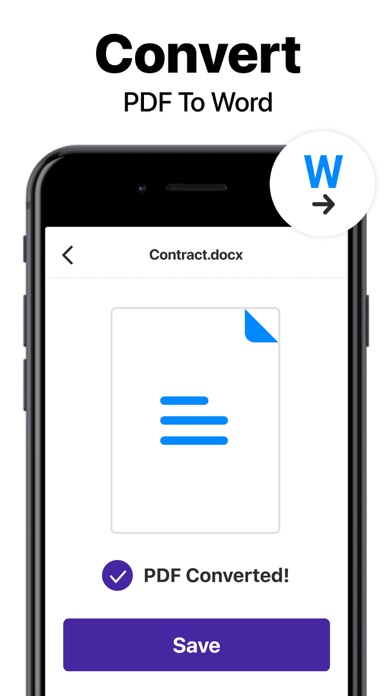
Convert PDF to word(PDF to DOCX)
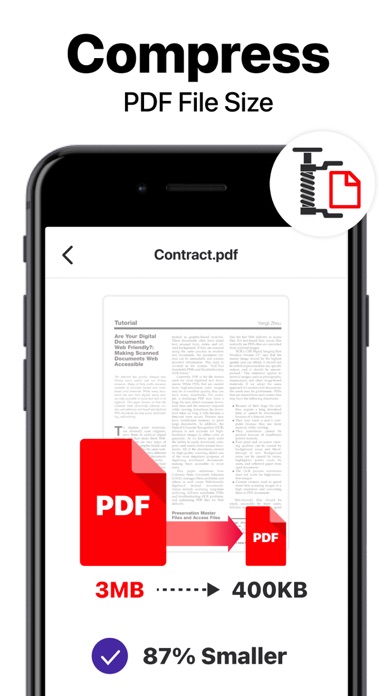
Compress the document to reduce pdf size
Easily share to email, social media, and instant messaging
Whether you need to edit, annotate, combine, split, password protect, or add an e-signature to your PDFs, TapPDF Editor has you covered
Get a 7-DAY FREE TRIAL so you can see it in action. Try it now
- Subscriptions are billed monthly or annually at the rate selected depending on the subscription plan.
Payment models for Premium subscription:
- Monthly Subscription: $7.99/month
- Payment will be charged to iTunes Account at confirmation of purchase
- Account will be charged for renewal within 24-hours prior to the end of the current period, and identify the cost of the renewal
- Subscriptions auto-renew at the cost of the chosen package, unless canceled 24-hours in advance prior to the end of the current period. Subscriptions may be managed by going to your iTunes Account Settings after purchase.
- You may manage your subscription and turn off auto-renewal by going to your Account Settings after purchase.
Privacy Policy - https://tap.pm/privacy-policy/
Service Terms - https://tap.pm/terms-of-service/