

Teleprompter Easy Prof Hornet
Teleprompter Easy Prof Hornet is made and published by Alvaro Garcia Ojea. AppBrain is an independent app data site and isn't affiliated with Alvaro Garcia Ojea. The app name, icon, screenshots and description belong to Alvaro Garcia Ojea and are shown as published on the App Store.
AppBrain's verdict
Established- Rating on App Store
- 4.32
- 19 ratings
- Last updated
- May 27, 2021
- Size
- 220.7 MB
It doesn't have enough ratings yet to judge what users think.
User feedback
Ratings and reviews on the App StoreComments on Teleprompter Easy Prof Hornet for iOS
We don't have enough comments to show example comments. Please check back later.
Store listing
By Alvaro Garcia Ojea, from the App Store
Description by Alvaro Garcia Ojea Written by the developer, not by AppBrain. Click to read.
Just 3 steps to start using a top-quality autocue:
- Import your script (or create a new one in the app).
- Configure the teleprompter options.
- Press the button and start reading.
Multiple innovative features:
**TELEPROMPTER SETUP:
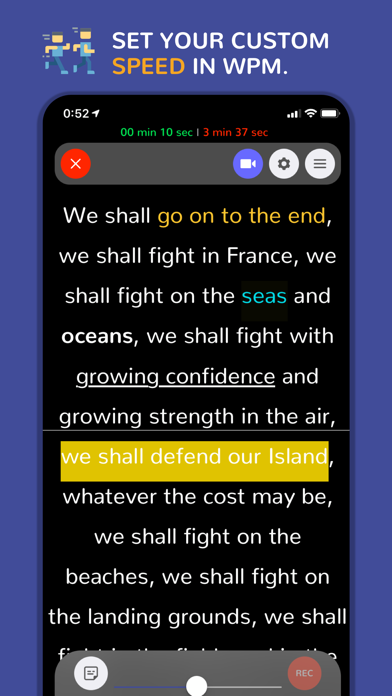
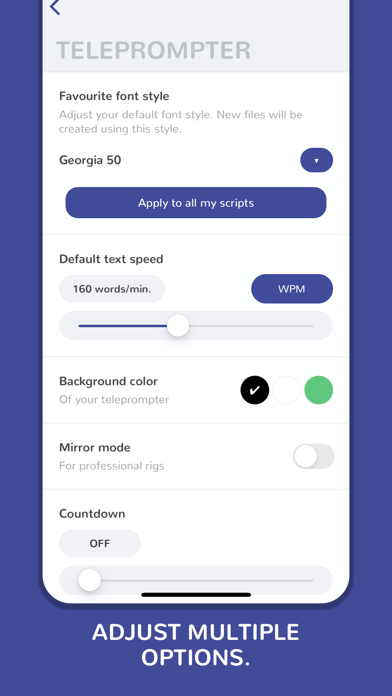
• Speed in words per minute - from 25 wpm to 300 wpm.
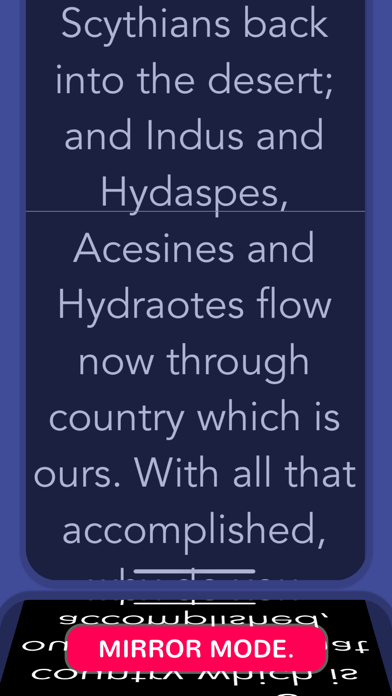
• Mirror mode - Mirror text for use with teleprompter glass rigs.
• Background color.
• Autostart timer (countdown).
• Reading guide and line indicator to help keep your place.
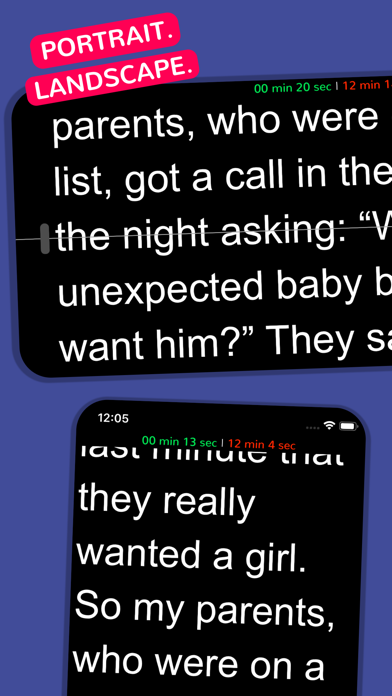
• Landscape and portrait mode.
• Customize your favorite font style.
**EDITOR:
• Individual script speed.
• Font family: Arial, Times New Roman, Courier, Helvetica, Verdana and many more.
• Font size: 20, 30, 40, 50, 60, 70, 80, 90, 100, 110, 130 and 150px.
• Font color: black, white and any RGB color.
• Font weight: bold / light.
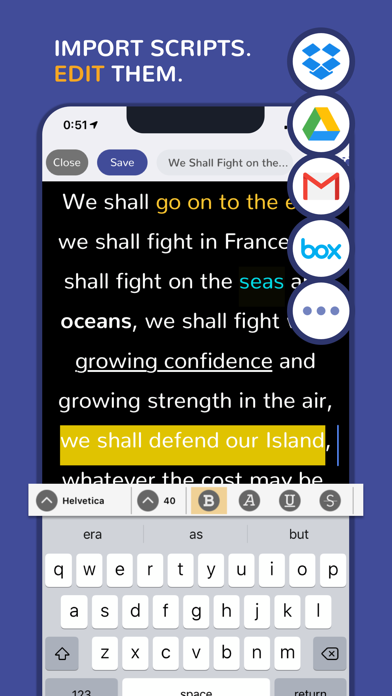
• Highlight your keywords: underline, italic, strikethrough...
• Text alignment.
• Background color.
• Adjust the line spacing.
• Add notes, comments, indexes or anything you need to remember during your speech.
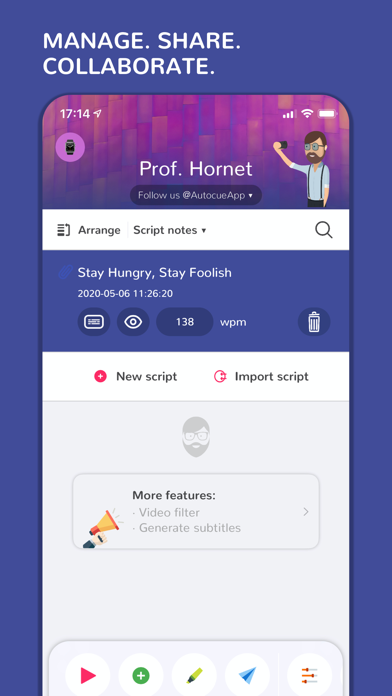
• Sort your scripts easily.
**IMPORT:
• Create your own scripts or import them from other apps such as Google Drive, DropBox, Spark, Gmail...
• Use the 'Open with' option that is available, for example, in iOS mail apps.
• Select your text from any app and press the 'Send to Prof. Hornet' button.
• Files accepted: .pdf, .txt, .rtf, .doc and .docx.
**OTHER FEATURES:
• Video promotion available.
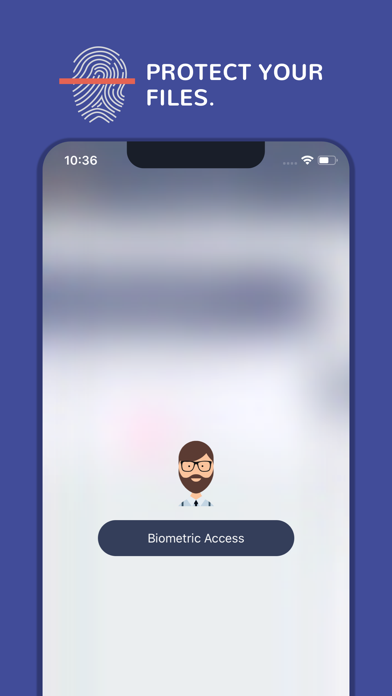
• Biometrical access to protect your scripts from undesired hands.
• Estimated remaining time and elapsed time on the screen.
• Move the teleprompter up and down easily.
• Historical speeches available to train with them.
• Share your scripts with your teammates and friends.
• Customer support messaging system - Are you having issues? need help? we will help you as soon as possible.
• WhatsApp and iMessage stickers.
• Zip your files.
**TELEPROMPTER CONTROL:
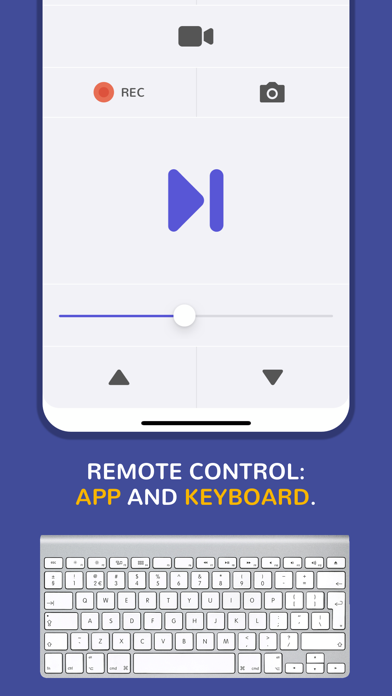
• Remote keyboard.
• Remote control app.
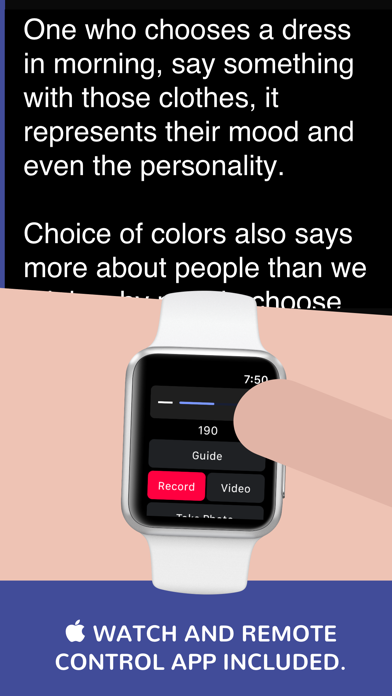
• Apple Watch remote control app included.
• Prof. Hornet File Manager for Mac OS lets you create and edit scripts easily and send them to the app in real-time.
**LANGUAGES:
English, Spanish, Japanese, Italian, Korean, Turkish, German, Chinese, French, Hindi, Portuguese, Russian (New languages coming soon).
**VIDEO RECORDING:
If you want/need to record videos directly from your iPhone or iPad, we recommend to use the app: Prof. Hornet Teleprompter Pro.
**CHROMA-KEY:
If you want/need to record videos using a green screen, we recommend to use the app: 'Green Screen Teleprompter by Prof. Hornet'.
You are a few "touches" away from creating awesome and unique videos.
**What users say about us:
- "This is a lovely autocue app."
- "The clarity of the display while reading is fantastic."
- "The best value for money Teleprompter for iPad/iPhone in the AppStore."
- "Nice app! Nicely done and easy to use super awesome! Love this application very much!"
- "The perfect and cheapest teleprompter"
--------------------------------------
Mail: hello@autocueapp.com
Twitter: @AutocueApp
Facebook: Prof. Hornet - Autocue App
Instagram: @AutocueApp
https://www.autocueapp.com
Safety and technology
Found in the app by AppBrain- Price
- $3.99
- App size
- 220.7 MB
- Content rating
- Everyone
Technologies used by Teleprompter Easy Prof Hornet
Releases
Updates seen on the App Store- Version
- 5.3
- Launched
- May 2017
No changelog data
Alternatives
Similar apps and more from Alvaro Garcia OjeaAlternatives to Teleprompter Easy Prof Hornet







 Instant Prompter: Teleprompter
More from Alvaro Garcia Ojea








Rankings
App Store top chartsApp Store Rankings for Teleprompter Easy Prof Hornet
About the app and developer
About Teleprompter Easy Prof Hornet
Teleprompter Easy Prof Hornet is a productivity app developed by Alvaro Garcia Ojea.
User Ratings
Teleprompter Easy Prof Hornet is rated 4.32 out of 5 stars. The rating is based on 19 ratings.
App Information
Teleprompter Easy Prof Hornet costs $3.99. The app size is 220.69 MB. The latest version available is 5.3. The last update was on May 27, 2021.
Technical Requirements
The app has a content rating of Everyone. The app has been available on the App Store since May 2017.
Developer information for Alvaro Garcia Ojea
Address:
Frequently asked questions about Teleprompter Easy Prof Hornet
Is Teleprompter Easy Prof Hornet free?
No. Teleprompter Easy Prof Hornet costs $3.99 on the App Store.
Is Teleprompter Easy Prof Hornet still available?
Yes. Teleprompter Easy Prof Hornet is on the App Store, and the last update we saw was on May 27, 2021.
How large is Teleprompter Easy Prof Hornet?
Teleprompter Easy Prof Hornet is 220.69 MB.
Is Teleprompter Easy Prof Hornet suitable for children?
App Store rates the content of Teleprompter Easy Prof Hornet as suitable for everyone.
How do people rate Teleprompter Easy Prof Hornet?
Teleprompter Easy Prof Hornet scores 4.32 out of 5 stars, from 19 ratings on the App Store.
Who made Teleprompter Easy Prof Hornet?
Teleprompter Easy Prof Hornet was developed by Alvaro Garcia Ojea. It is listed in the productivity category on the App Store.
What are the best alternatives to Teleprompter Easy Prof Hornet?
People looking at Teleprompter Easy Prof Hornet also look at these productivity apps: Audition Pro, Voice Teleprompter PRO, QuotTeleprompter, Duo-R, TeleprompterPAD.