
TempGrapher
TempGrapher is made and published by kazuhiko kuroda. AppBrain is an independent app data site and isn't affiliated with kazuhiko kuroda. The app name, icon, screenshots and description belong to kazuhiko kuroda and are shown as published on the App Store.
AppBrain's verdict
Established- Best rank
- #61
- Top Paid, Japan
- Rating on App Store
- 1.00
- 1 ratings
- Last updated
- September 29, 2023
It doesn't have enough ratings yet to judge what users think. Its best ranking is #61 in Top Paid, Health & Fitness in Japan.
Rankings
App Store top charts- Highest rank
- #61
- Chart
- Top Paid
- Health & Fitness
- Country
- Japan
App Store Rankings for TempGrapher
Top rankings
| Rank | Country | Category | List |
|---|---|---|---|
| 61 | Japan | Health & Fitness | Top Paid |
Ranking history in Japan
Competitors
Similar apps and more from kazuhiko kurodaAlternatives to TempGrapher






More from kazuhiko kuroda


Releases
Updates seen on the App Store- Version
- 3.6
- Launched
- February 2012
No changelog data
User feedback
Ratings and reviews on the App StoreComments on TempGrapher for iOS
We don't have enough comments to show example comments. Please check back later.
Technology
Found in the app by AppBrain- Price
- $0.99
- App size
- 6.34 MB
- Content rating
- Everyone
Technologies used by TempGrapher
About the app and developer
About TempGrapher
TempGrapher is a health & fitness app developed by kazuhiko kuroda.
What is the rating of TempGrapher?
TempGrapher is rated 1.00 out of 5 stars, based on one rating ratings.
Is TempGrapher free?
TempGrapher costs $0.99. The app size is 6.34 MB. The latest version available is 3.6. The last update was on September 29, 2023.
What are the requirements for TempGrapher?
The app has a content rating of Everyone. The app has been available on the App Store since February 2012.
Developer information for kazuhiko kuroda
Address:
Store listing
By kazuhiko kuroda, from the App Store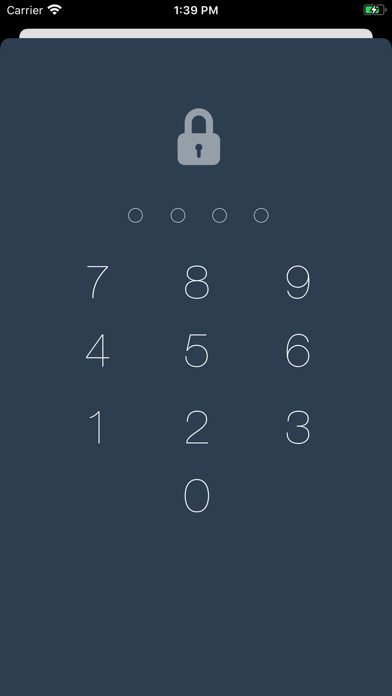
Description by kazuhiko kuroda Written by the developer, not by AppBrain. Click to read.
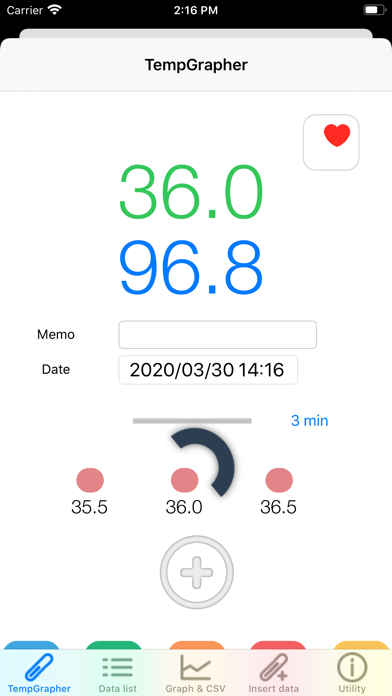
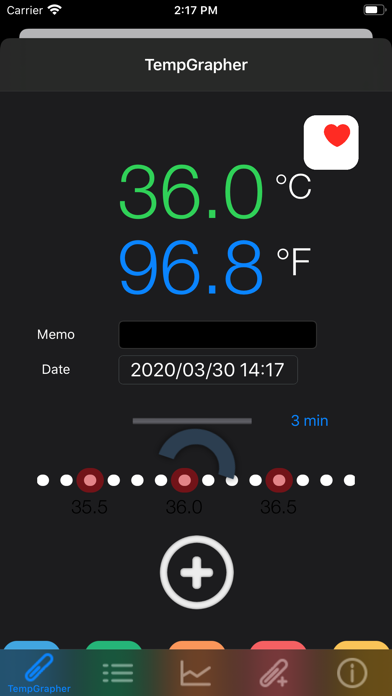
This app has a very simple input method that just slide your finger on slider to choose your body temp.. No Keypad.
And this app is converting between degrees Celsius to degrees Fahrenheit during input slider moving.
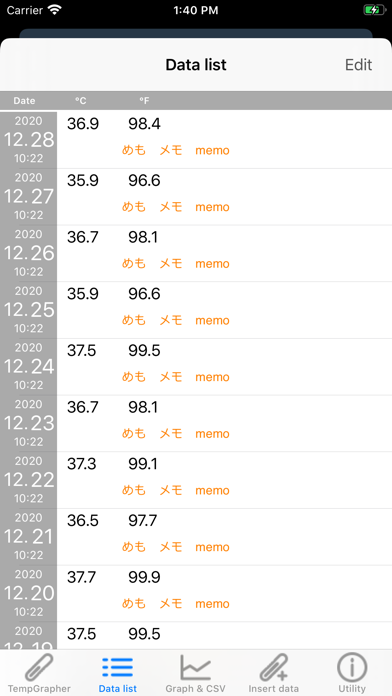
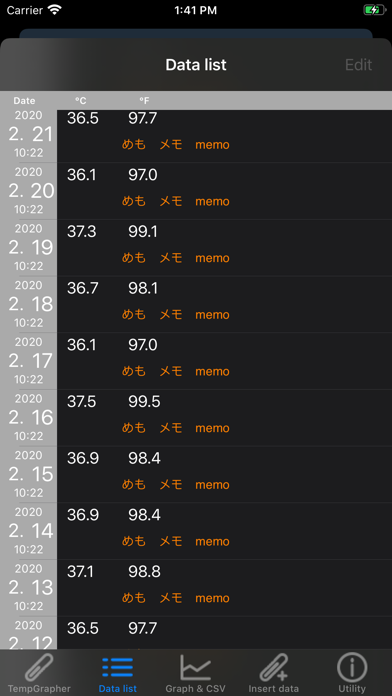
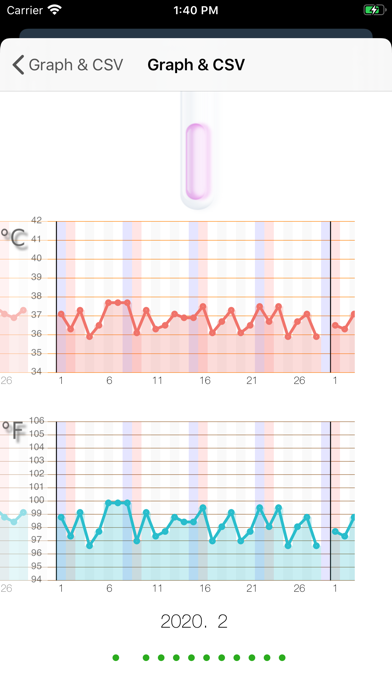
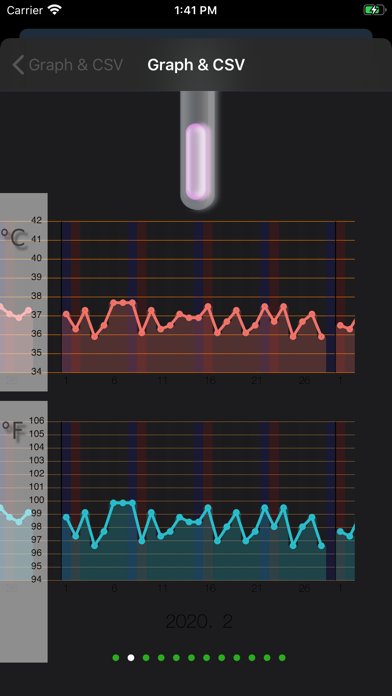
And you can check your temperature record with line graph with the both of Celsius and Fahrenheit.
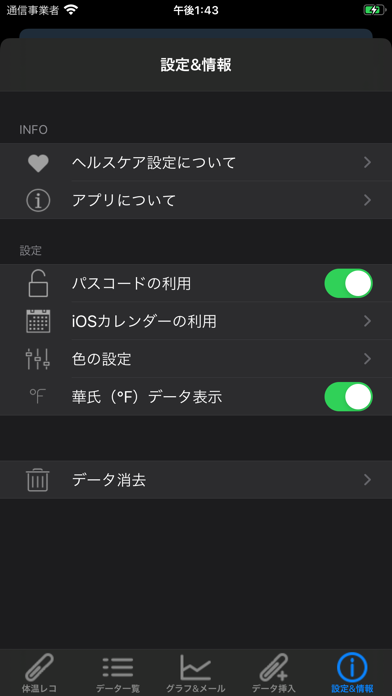
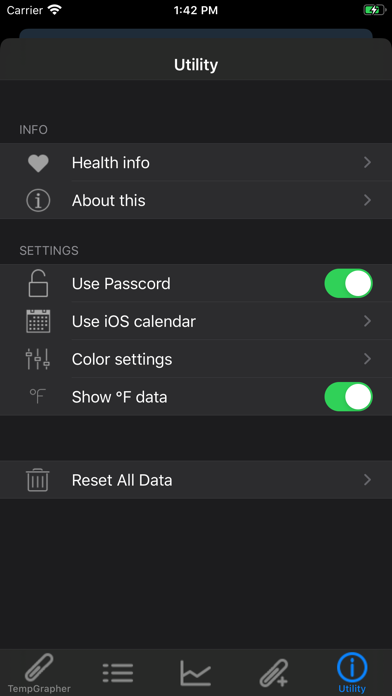
Selection of the use of default Calendar App of iOS.
Temperature data are saved at default Calendar App on iOS. You can check the date and data with default Calendar.
and with using Cloud service, sharing of data will be available and you can referring the data from PC.
Feature
1, There is a very simple user interface to input temperature data.
2, You can input notes.
3, The input range is between from 93.2 to 107.6 degrees Fahrenheit. (from34 to 42 degrees Celsius) with 0.1 degree interval.
4. Temperature data convert automatically between degrees Celsius to degrees Fahrenheit and record the both of data.
5, You can insert temp data.
6, There is a Reset menu to all data clear.
7, You can choose the font color for temperature display. There are White, Gray, Blue, Pink, Green and OFF. You can be hidden temp display by selecting OFF.
8, Dark mode support on iOS13.
9. Exporting stored data to mail in CSV format.
10, There is simple timer for five minute. A orange bar extend to the right.
11, HealthKit support.