

Tenuto is made and published by musictheory.net. AppBrain is an independent app data site and isn't affiliated with musictheory.net. The app name, icon, screenshots and description belong to musictheory.net and are shown as published on the App Store.
AppBrain's verdict
EstablishedLoved by usersTop 10- Best rank
- #2
- Top Paid, Canada
- Rating on App Store
- 4.74
- 665 ratings
- Last updated
- April 28, 2026
Users love it: 4.7 stars from 665 ratings. Its best ranking is #2 in Top Paid, Music in Canada.
Rankings
App Store top charts- Highest rank
- #2
- Chart
- Top Paid
- Music
- Country
- Canada
App Store Rankings for Tenuto
Top rankings
| Rank | Country | Category | List |
|---|---|---|---|
| 2 | Canada | Music | Top Paid |
| 4 | United States | Music | Top Paid |
| 4 | Switzerland | Music | Top Paid |
| 5 | Iran | Music | Top Paid |
| 7 | Austria | Music | Top Paid |
| 7 | Czech Republic | Music | Top Paid |
| 7 | United Kingdom | Music | Top Paid |
| 11 | Mexico | Music | Top Paid |
| 11 | Sweden | Music | Top Paid |
| 14 | Australia | Music | Top Paid |
Ranking history in Canada
Competitors
Similar apps and more from musictheory.netAlternatives to Tenuto





More from musictheory.net

Releases
Updates seen on the App Store- Version
- 5.1
- Launched
- August 2011
No changelog data
User feedback
Ratings and reviews on the App StoreComments on Tenuto for iOS
We don't have enough comments to show example comments. Please check back later.
Technology
Found in the app by AppBrain- Price
- $4.99
- App size
- 11.2 MB
- Content rating
- Everyone
Technologies used by Tenuto
About the app and developer
About Tenuto
Tenuto is a music app developed by musictheory.net.
User Ratings
Tenuto is rated 4.74 out of 5 stars. The rating is based on 670 ratings.
App Information
Tenuto costs $4.99. The app size is 11.22 MB. The latest version available is 5.1. The last update was on April 28, 2026.
Technical Requirements
The app has a content rating of Everyone. The app has been available on the App Store since August 2011.
Developer information for musictheory.net
Address:
Frequently asked questions about Tenuto
Is Tenuto free?
No. Tenuto costs $4.99 on the App Store.
Is Tenuto still available?
Yes. Tenuto is on the App Store, and the last update we saw was on April 28, 2026.
How large is Tenuto?
Tenuto is 11.22 MB.
Is Tenuto suitable for children?
App Store rates the content of Tenuto as suitable for everyone.
How do people rate Tenuto?
Tenuto scores 4.74 out of 5 stars, from 665 ratings on the App Store.
Who made Tenuto?
Tenuto was developed by musictheory.net. It is listed in the music category on the App Store.
What are the best alternatives to Tenuto?
People looking at Tenuto also look at these music apps: Earpeggio, Functional Ear Trainer, iReal Pro, Aural Wiz, EarMaster - Music Theory.
Store listing
By musictheory.net, from the App Store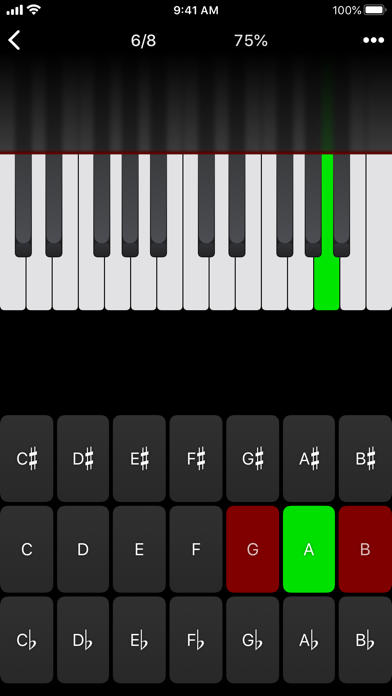
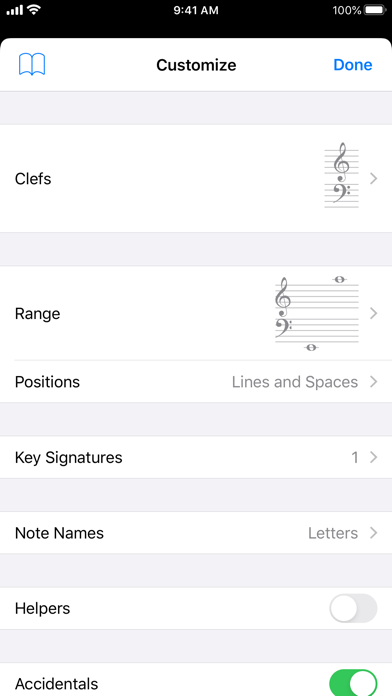
Description by musictheory.net Written by the developer, not by AppBrain. Click to read.
A short description of the exercises and calculators follows.
––––––
• Note Identification
• Key Signature Identification
• Interval Identification
• Scale Identification
• Chord Identification
Tap the button corresponding to the written staff line. For example: if shown a C, E, and G with a sharp; tap the "Augmented Triad" button.
––––––
• Note Construction
• Key Signature Construction
• Interval Construction
• Scale Construction
• Chord Construction
Construct the specified label by moving notes and/or adding accidentals. For example: if shown a C and an "Augmented 4th" label, move the second note to F and add a sharp.
––––––
• Keyboard Reverse Identification
Tap the piano key corresponding to the written note on the staff. While similar to Note Identification, this exercise uses a piano keyboard rather than note name buttons.
• Keyboard Note Identification
• Keyboard Interval Identification
• Keyboard Scale Identification
• Keyboard Chord Identification
Tap the button corresponding to the highlighted piano key(s). If the C and G keys are highlighted, tap the "P5" (Perfect 5th) button.
––––––
• Fretboard Note Identification
• Fretboard Interval Identification
• Fretboard Scale Identification
• Fretboard Chord Identification
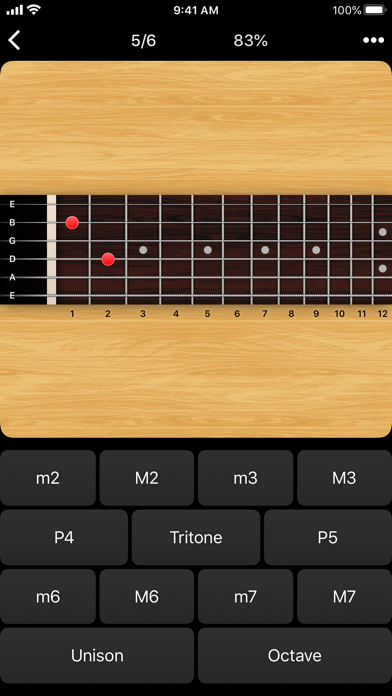
Tap the button corresponding to the marked fretboard position(s). If the 2nd fret of the D string is marked, tap the "E" button.
––––––
• Keyboard Ear Training
• Note Ear Training
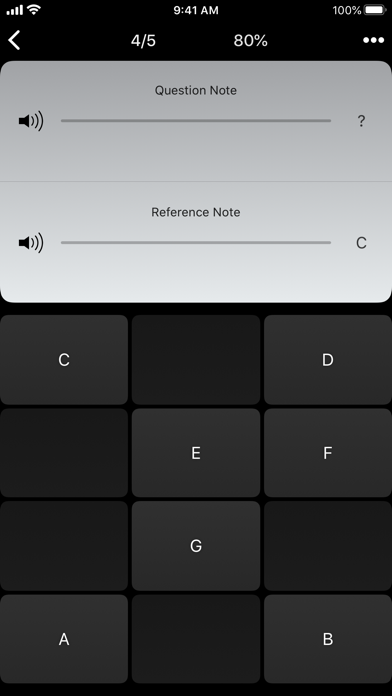
Listen to the played reference and question notes. Select the piano key or note button corresponding to the question note.
• Interval Ear Training
• Scale Ear Training
• Chord Ear Training
Tap the button corresponding to the played notes. If E and F are played, tap the "Minor 2nd" button.
––––––
• Accidental Calculator
Display the accidental for a note and key.
• Interval Calculator
Display the interval for a note, type, and key.
• Chord Calculator
Display the scale for a tonic and scale type.
• Chord Calculator
Display the chord for a note, type, and key.
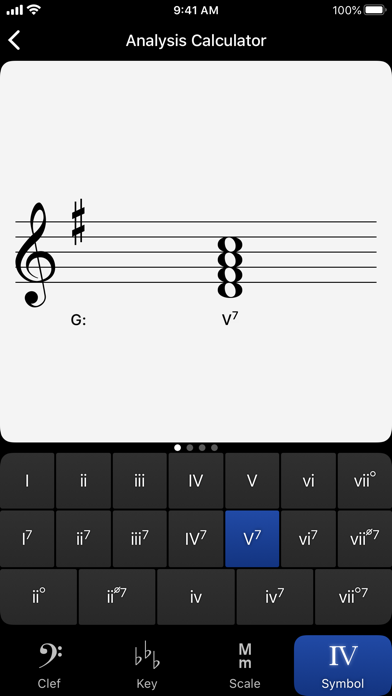
• Analysis Calculator
Display the chord for a symbol and key.
• Matrix Calculator
Display the twelve-tone matrix for a specified tone row.