

Teradek Launchpad
Teradek Launchpad is made and published by Teradek. AppBrain is an independent app data site and isn't affiliated with Teradek. The app name, icon, screenshots and description belong to Teradek and are shown as published on the App Store.
AppBrain's verdict
- Last updated
- November 22, 2023
Rankings
App Store top chartsApp Store Rankings for Teradek Launchpad
Competitors
Similar apps and more from TeradekAlternatives to Teradek Launchpad





More from Teradek






Releases
Updates seen on the App Store- Version
- 1.3.6
- Launched
- January 2020
No changelog data
User feedback
Ratings and reviews on the App StoreComments on Teradek Launchpad for iOS
We don't have enough comments to show example comments. Please check back later.
Technology
Found in the app by AppBrain- Price
- Free
- App size
- 25.9 MB
- Content rating
- Everyone
Technologies used by Teradek Launchpad
About the app and developer
About Teradek Launchpad
Teradek Launchpad is a photo & video app developed by Teradek.
User Ratings
The app has no ratings yet.
App Information
Teradek Launchpad is freely available from the App Store. The app size is 25.88 MB. The latest version available is 1.3.6. The last update was on November 22, 2023.
Technical Requirements
The app has a content rating of Everyone. The app has been available on the App Store since January 2020.
Developer information for Teradek
Address:
Store listing
By Teradek, from the App Store
Description by Teradek Written by the developer, not by AppBrain. Click to read.
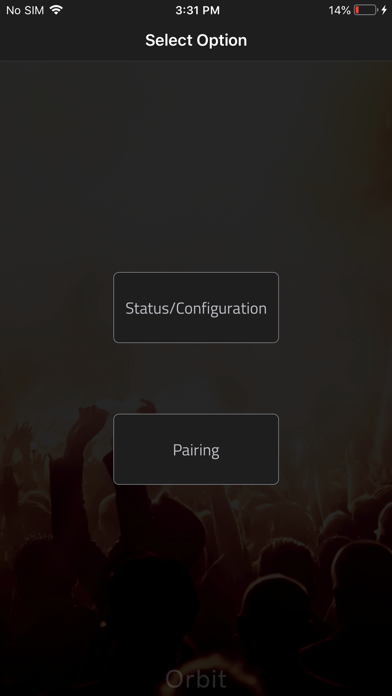
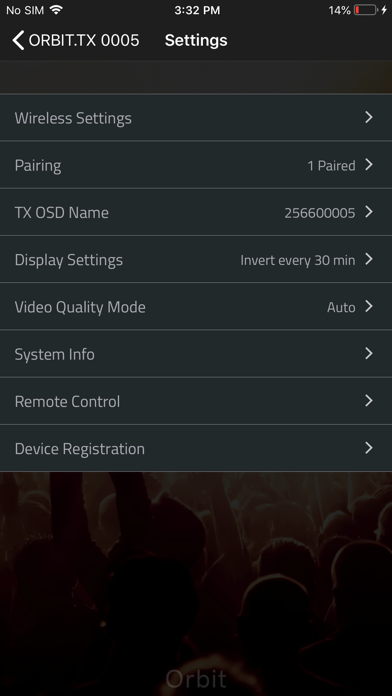
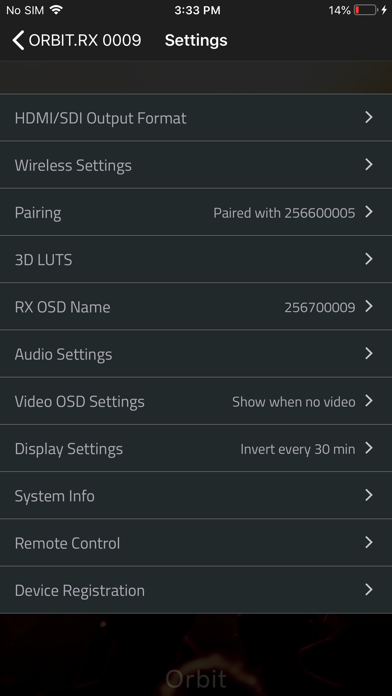
Pairing - Pair transmitters and receivers right from your iPhone or iPad.
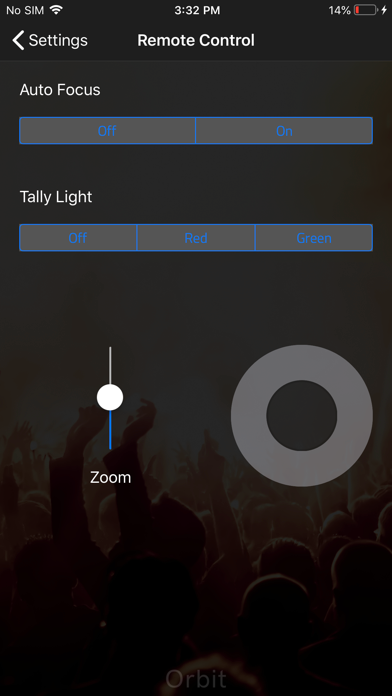
PTZ Camera Control - Configure your PTZ camera settings, such as pan, tilt, zoom, focus, etc... with your phone. No camera control unit is needed to enable this function in the app.
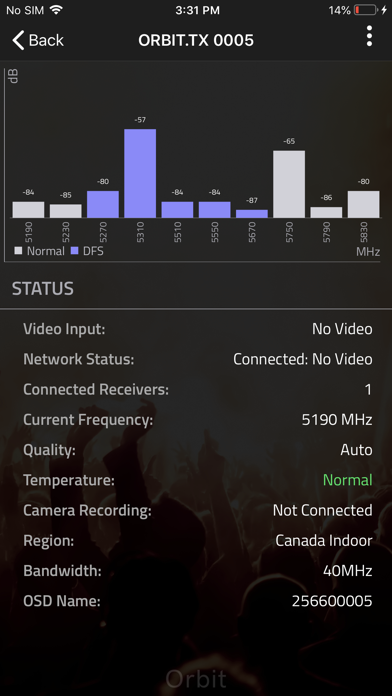
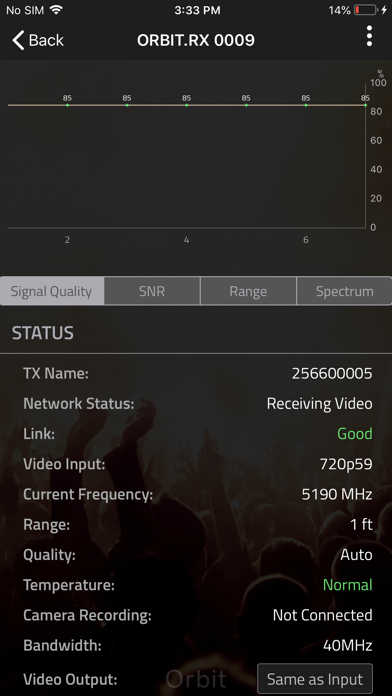
Spectrum Analyzer - Scan local wireless spectrum and configure the optimal 5GHz channel for your Orbit PTZ.
Channel Selection - Manually select a 5GHz (40 MHz) channel. Orbit PTZ can also be set to operate over 20 MHz channels for better wireless performance.
Quality/Range Analyzer - Monitor the quality and range of your wireless link.
3D LUT Selection - Achieve the look you’re after with Orbit PTZ’s integrated 3D LUT technology. Select from LUT presets or upload your own into the app.
Quality Selection - Choose between several modes of operation: Maximum Quality, Maximum Range and Balanced.
Output Format - Select the output resolution and framerate.
Test Pattern - Output a test pattern.
Audio Settings - Enable a tone to ring when camera recording is triggered, or mute sounds on the device.
Display Settings - Adjust display light output.
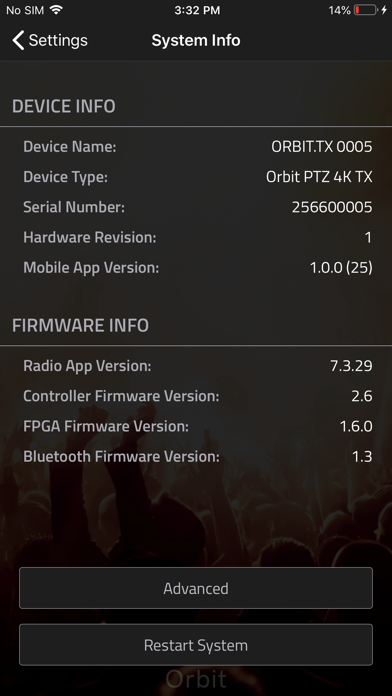
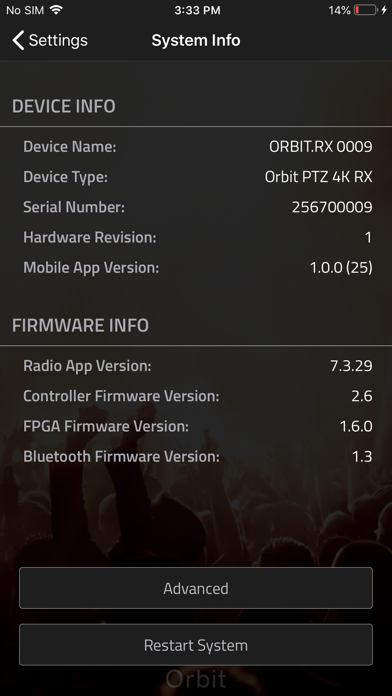
System Info - Check the current firmware version and apply updates when available. Also performs factory resets directly from the app.