

Test Lane Connect
Test Lane Connect is made and published by VEHICLE SERVICE GROUP ITALY S.R.L. AppBrain is an independent app data site and isn't affiliated with VEHICLE SERVICE GROUP ITALY S.R.L. The app name, icon, screenshots and description belong to VEHICLE SERVICE GROUP ITALY S.R.L. and are shown as published on the App Store.
AppBrain's verdict
- Last updated
- April 12, 2023
Rankings
App Store top chartsApp Store Rankings for Test Lane Connect
Competitors
Similar apps and more from VEHICLE SERVICE GROUP ITALY S.R.L.Alternatives to Test Lane Connect







More from VEHICLE SERVICE GROUP ITALY S.R.L.


Also available on Google Play

Releases
Updates seen on the App Store- Version
- 1.0.55
- Launched
- December 2016
No changelog data
User feedback
Ratings and reviews on the App StoreComments on Test Lane Connect for iOS
We don't have enough comments to show example comments. Please check back later.
Technology
Found in the app by AppBrain- Price
- Free
- App size
- 83.6 MB
- Content rating
- Everyone
Technologies used by Test Lane Connect
About the app and developer
About Test Lane Connect
Test Lane Connect is an utilities app developed by VEHICLE SERVICE GROUP ITALY S.R.L.
What is the rating of Test Lane Connect?
Test Lane Connect has no ratings yet.
Is Test Lane Connect free?
Test Lane Connect is free. The app size is 83.58 MB. The latest version available is 1.0.55. The last update was on April 12, 2023.
What are the requirements for Test Lane Connect?
The app has a content rating of Everyone. The app has been available on the App Store since December 2016.
Developer information for VEHICLE SERVICE GROUP ITALY S.R.L.
VEHICLE SERVICE GROUP ITALY S.R.L.
Address:
Store listing
By VEHICLE SERVICE GROUP ITALY S.R.L., from the App Store
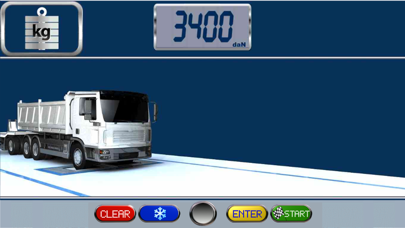
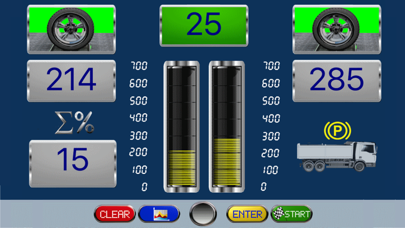
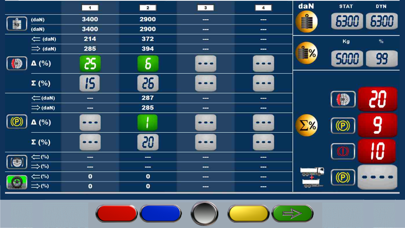
Description by VEHICLE SERVICE GROUP ITALY S.R.L. Written by the developer, not by AppBrain. Click to read.
Controlla l'avanzamento nelle varie pagine anche quando sei lontano dal cabinato.
Le funzionalità principali del programma:
l'app si connette via wifi al tuo cabinato (il cabinato deve essere stato precedentemente messo in rete
con lo stesso access point utilizzato dallo Smartphone).
la connessione è protetta da pin
vengono resi disponibili per utilizzo in remoto:
i pulsanti di avanzamento
i controlli di misura
le varie immagini del sw
possibiltà di zoom delle immagini
possibilità di selezione del controllo misura da visualizzare