Text Blocks is an overall app developed by Kitestack Software.
Download Statistics
User Ratings
The app has no ratings yet.
App Information
Text Blocks is FREE to download. The APK download size is 11.13 MB. The latest version available is 1.3.1. The last update was on October 5, 2018.
Technical Requirements
The app has a content rating of Everyone. The app has been available on Google Play January 2018.
Description
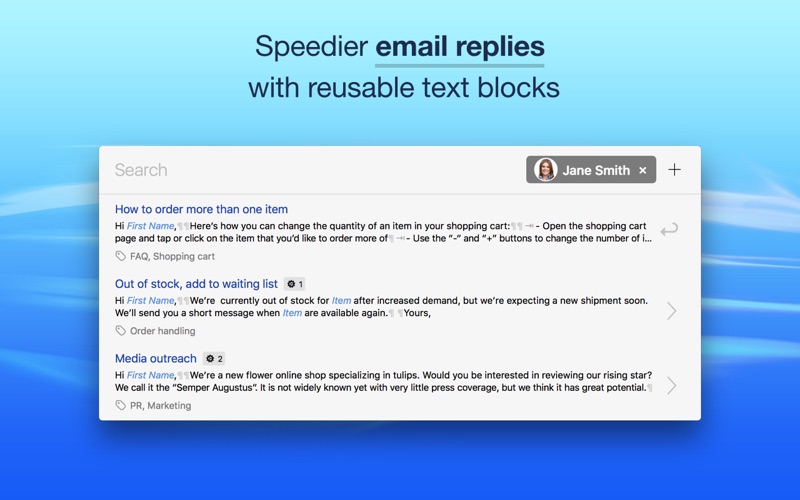
Speedier email replies — compose emails and documents out of frequently used text blocks.
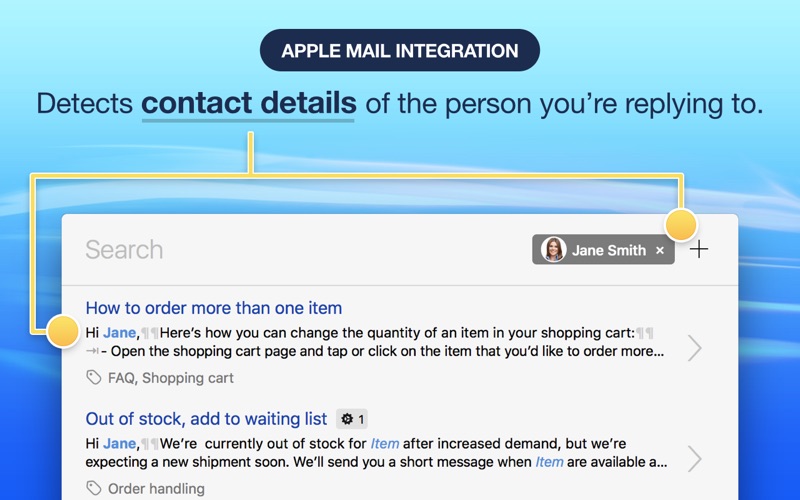
Name and email address of the person you are replying to are detected automatically and can be used to personalize the greeting in your templates. You can use form fields to further customize your text blocks.
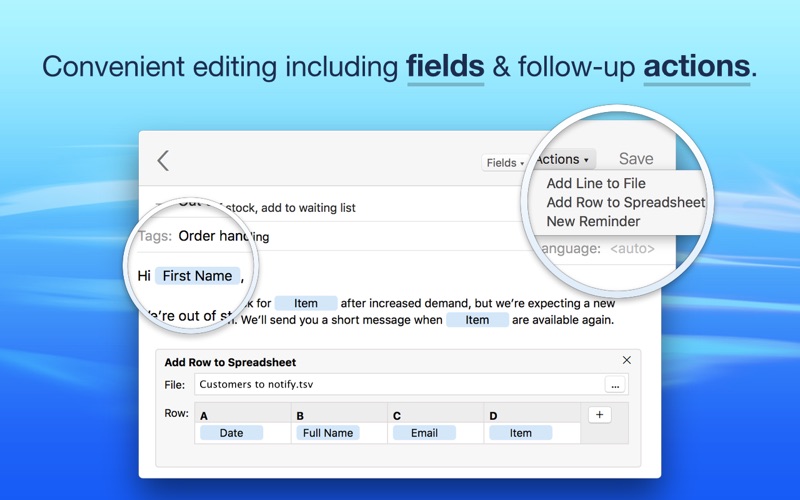
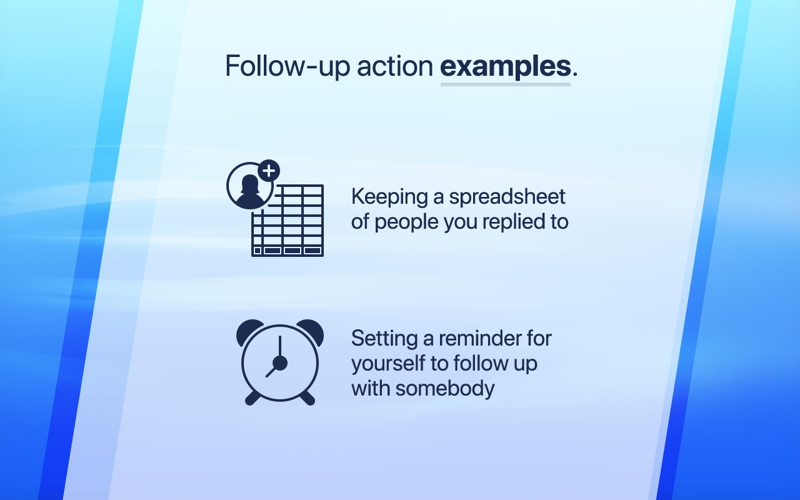
Once you’re done replying to an email, you can have the app schedule a reminder to follow up with somebody or add their contact details to a spreadsheet (great for keeping track of potential customers, contact lists, feature requests, bug reports, etc.).
Text Blocks is built around search, there are no abbreviations to memorize.
FREE TRIAL (AVAILABLE VIA IN-APP PURCHASE)
With the free two week trial, you can try all features of the Pro edition. After two weeks you can either upgrade or continue to use the app for free in read-only mode to use your text blocks.
PRO EDITION:
• A one-time In-App Purchase, no subscription • Up to 1.000 text blocks per document & unlimited documents • Use a menu bar icon instead of a dock icon
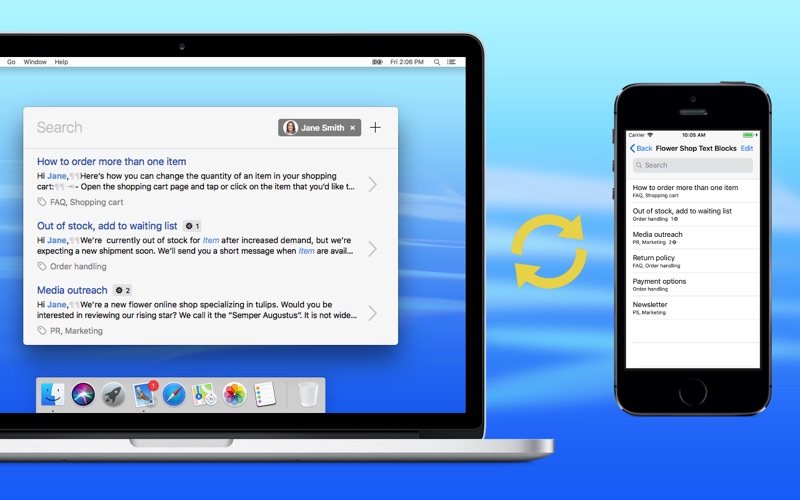
• Free iPhone/iPad app: The Pro edition includes the Text Blocks iOS app.
FEATURES FOR ALL EDITIONS:
Speedier email replies:
• Save your most frequent replies as text blocks and reuse them • Personalize your text blocks with form fields • Use tags to organize your text blocks
Keep it personal with Apple Mail integration:
• Name and email address of the person you’re replying to are detected automatically • Automatically personalize the greeting in your messages with the correct name • Have the app show the profile picture of the person you’re replying to (turn this feature on in the app’s Preferences)
Workflow integration:
• Have the app schedule a reminder after replying to follow up with somebody later • Automatically save the contact details of whom you’re replying to in a spreadsheet • Keep unrelated text blocks in separate documents (e.g. one set of text blocks per project)
Multi-language support:
• Restrict search results to a specific language (e.g. “#de” to show only German text blocks) • The language of a text block is detected automatically
What this is not:
• This is not a text expansion app (i.e. no automatic expansion of abbreviations). The app is built around search so there are no abbreviations to memorize.
Each subscription will automatically renew 3 days before the expiration date for
the same time period. Subscriptions can be cancelled at any time before the renewal.