

Text To Speech: Type and Talk
Text To Speech: Type and Talk is made and published by Trevor Kamhunga. AppBrain is an independent app data site and isn't affiliated with Trevor Kamhunga. The app name, icon, screenshots and description belong to Trevor Kamhunga and are shown as published on the App Store.
AppBrain's verdict
Established- Rating on App Store
- 3.40
- 67 ratings
- Last updated
- April 21, 2021
It doesn't have enough ratings yet to judge what users think.
Rankings
App Store top chartsApp Store Rankings for Text To Speech: Type and Talk
Competitors
Similar apps and more from Trevor KamhungaAlternatives to Text To Speech: Type and Talk






More from Trevor Kamhunga








Releases
Updates seen on the App Store- Version
- 1.2
- Launched
- January 2021
No changelog data
User feedback
Ratings and reviews on the App StoreComments on Text To Speech: Type and Talk for iOS
We don't have enough comments to show example comments. Please check back later.
Technology
Found in the app by AppBrain- Price
- Free
- App size
- 5.92 MB
- Content rating
- Everyone
Technologies used by Text To Speech: Type and Talk
About the app and developer
About Text To Speech: Type and Talk
Text To Speech: Type and Talk is an utilities app developed by Trevor Kamhunga.
User Ratings
Text To Speech: Type and Talk is rated 3.40 out of 5 stars. The rating is based on 67 ratings.
App Information
Text To Speech: Type and Talk is freely available from the App Store. The app size is 5.92 MB. The latest version available is 1.2. The last update was on April 21, 2021.
Technical Requirements
The app has a content rating of Everyone. The app has been available on the App Store since January 2021.
Developer information for Trevor Kamhunga
Address:
Store listing
By Trevor Kamhunga, from the App Store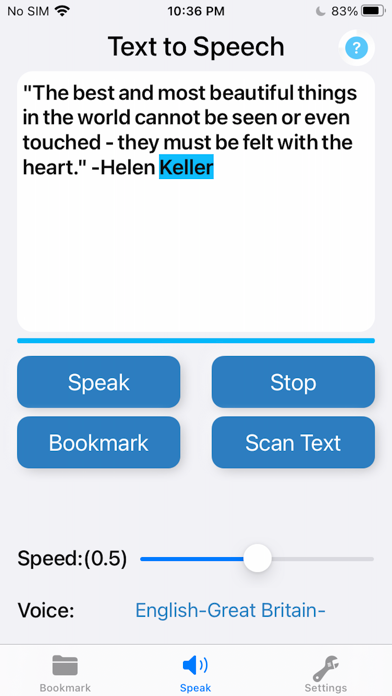
Description by Trevor Kamhunga Written by the developer, not by AppBrain. Click to read.
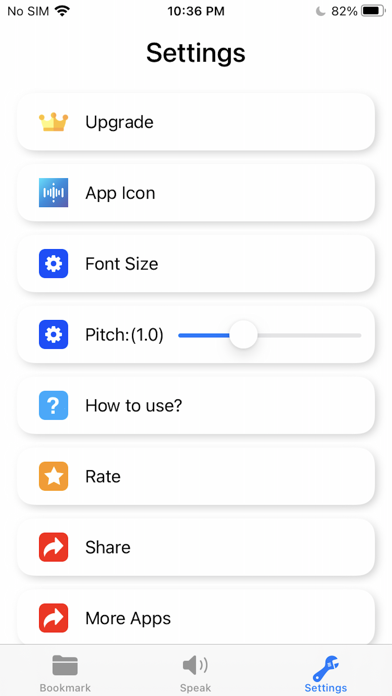
"Text To Speech: Type and Talk" is a Voice Aloud Reader App that produces natural sounding synthesized text from the text that you have entered in. You can adjust the speaker, Speed and Pitch.
"Text To Speech: Type and Talk" support 43 languages.
=== How To Use? ===
1. Enter your text in the text box
2. Choose a voice that match the language
3. Tap "Speak"
=== Features ===
1. Text To Speech: Type and Talk
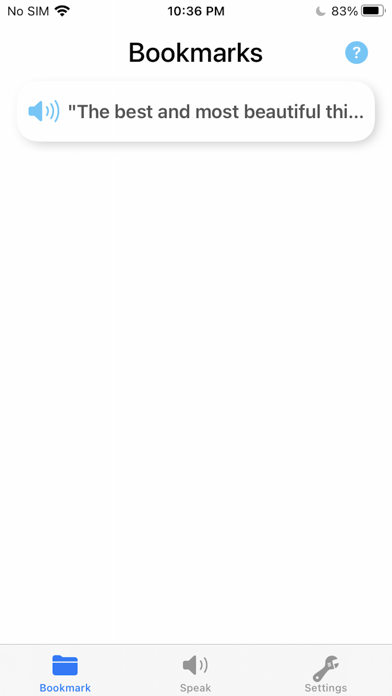
2. Bookmark
3. Highlight spoken text
4. Scan Text OCR
5. Speak for me: read to you TTS
6. Support 43 languages
7. Voice aloud reader
8. Type to speak
9. TTS
10. Adjust the rate and pitch
Note: The free version can use the speak function 8 times.