

The BALM Primer App
The BALM Primer App is made and published by The BALM LLC. AppBrain is an independent app data site and isn't affiliated with The BALM LLC. The app name, icon, screenshots and description belong to The BALM LLC and are shown as published on the App Store.
AppBrain's verdict
- Last updated
- May 19, 2026
Rankings
App Store top chartsApp Store Rankings for The BALM Primer App
Competitors
Similar apps and more from The BALM LLCAlternatives to The BALM Primer App


Releases
Updates seen on the App Store- Version
- 1.0.1
- Launched
- January 2023
No changelog data
User feedback
Ratings and reviews on the App StoreComments on The BALM Primer App for iOS
We don't have enough comments to show example comments. Please check back later.
Technology
Found in the app by AppBrain- Price
- Free
- App size
- 18.7 MB
- Content rating
- High
Technologies used by The BALM Primer App
About the app and developer
About The BALM Primer App
The BALM Primer App is an education app developed by The BALM LLC.
User Ratings
The app has no ratings yet.
App Information
The BALM Primer App is freely available from the App Store. The app size is 18.65 MB. The latest version available is 1.0.1. The last update was on May 19, 2026.
Technical Requirements
The app has a content rating of High Maturity. The app has been available on the App Store since January 2023.
Developer information for The BALM LLC
Address:
Store listing
By The BALM LLC, from the App Store



Description by The BALM LLC Written by the developer, not by AppBrain. Click to read.
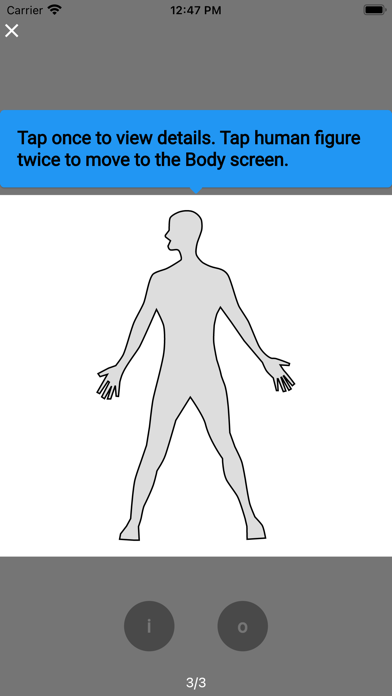
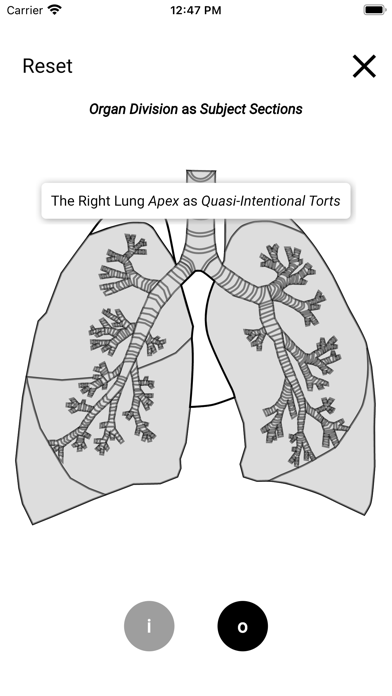
The Splash Screen introduces the user to the BALM’s brand. The Home Screen establishes the “Human Body as the Body of Law” metaphor to be the model’s functional framework. The Body Screen expands the metaphor to include society in general. The Region Screen reviews the individual and examines the sum of both human and legal body parts. The Lung Screen compares the specifically named organ within the organ systems of the human body to the legal organs operation within their systems in the body of law. Lastly, the Organ Screen portrays each section of human as well as legal organ parts.
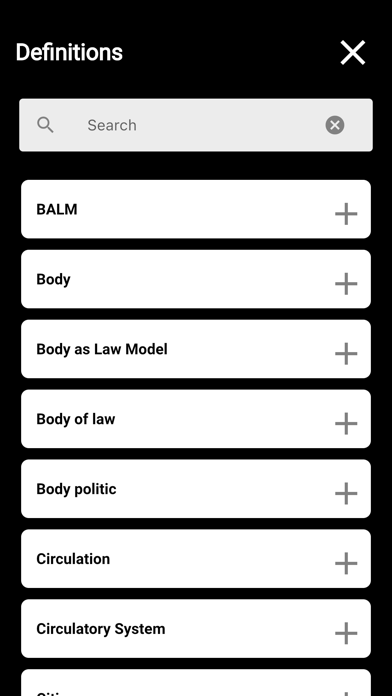
Blue tutorial bubbles appear on each screen to provide navigation. Tapping the white “x” in the upper corner of a screen or bubble removes the content. Tapping the blue tutorial bubbles progress the user through the displayed screen. Tap the figure once and italicized words appear above it. Tap any italicized words or terms and definitions appear. Tap the figure twice and the next screen displays. Tap the “X” on the upper right corner of the screen and the previous screen will display. Tapping “Reset” on the Region and Organ Screens restores the initially displayed screen. The “i” and “o” buttons at the bottom of all but the Splash Screen, provide definitions and direct access to the Organ Screen.