

The BPR is made and published by Optimum Output. AppBrain is an independent app data site and isn't affiliated with Optimum Output. The app name, icon, screenshots and description belong to Optimum Output and are shown as published on the App Store.
AppBrain's verdict
Established- Rating on App Store
- 5.00
- 2 ratings
- Last updated
- October 6, 2026
It doesn't have enough ratings yet to judge what users think.
Rankings
App Store top chartsApp Store Rankings for The BPR
Competitors
Similar apps and more from Optimum OutputAlternatives to The BPR





Also available on Google Play

Releases
Updates seen on the App Store- Version
- 4.1.0
- Launched
- December 2018
No changelog data
User feedback
Ratings and reviews on the App StoreComments on The BPR for iOS
We don't have enough comments to show example comments. Please check back later.
Technology
Found in the app by AppBrain- Price
- Free
- App size
- 431.3 MB
- Content rating
- Everyone
Technologies used by The BPR
About the app and developer
About The BPR
The BPR is a business app developed by Optimum Output.
User Ratings
The BPR is rated 5.00 out of 5 stars. The rating is based on 2 ratings.
App Information
The BPR is freely available from the App Store. The app size is 431.32 MB. The latest version available is 4.1.0. The last update was on October 6, 2026.
Technical Requirements
The app has a content rating of Everyone. The app has been available on the App Store since December 2018.
Developer information for Optimum Output
Address:
Store listing
By Optimum Output, from the App Store

Description by Optimum Output Written by the developer, not by AppBrain. Click to read.
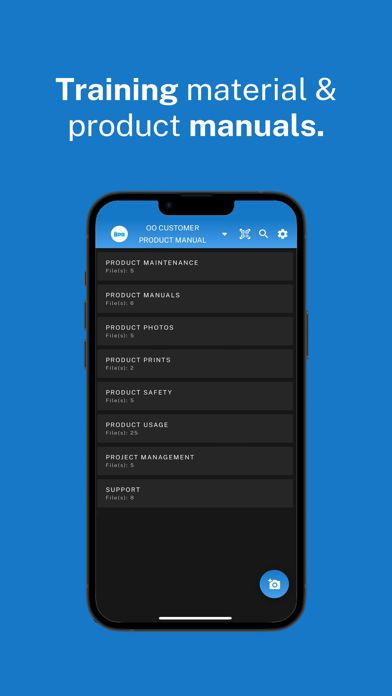
The BPR puts your company's knowledge library in your pocket: work instructions, product manuals, procedures and 3D models, always the latest version and always where your team needs them.
CREATE JAW-DROPPING INSTRUCTIONS
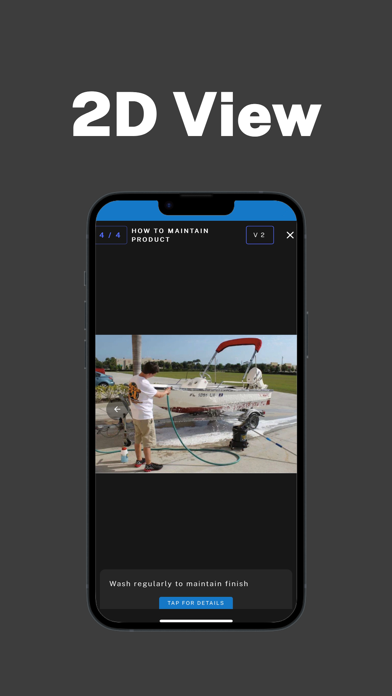
• Build step-by-step work instructions and product manuals your team can follow at a glance.
• Get a head start with the AI Writer.
• Organize everything by library and department, so people find the right document fast.
CONNECT IT TO THE REAL WORLD
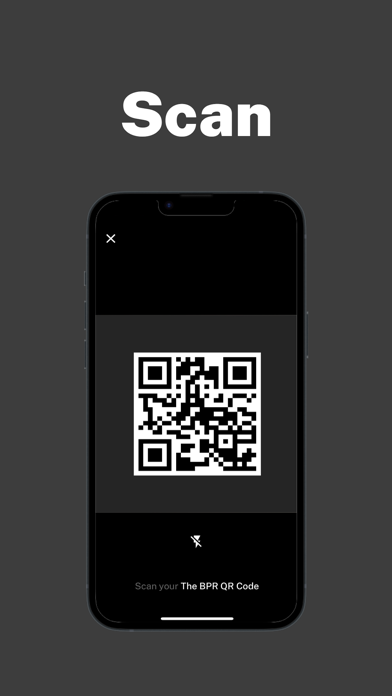
• Link any document or model to equipment, workstations and products with secure QR codes.
• Write NFC tags straight from your phone.
• Scan a code and open exactly the right content, instantly.
EXPLORE IN 3D AND AR
• View models in 3D, top-down or in augmented reality, right where the work happens.
• Explode models to see how every part fits together.
• Add comments, first-person markers and QR codes right on the model.
WORK ANYWHERE, EVEN OFFLINE
• Save documents and 3D models to your device and open them with no internet.
• Keep track of everything you've saved in Downloads and 3D Downloads.
SECURE BY DESIGN
• Sign in securely, with biometric login on supported devices.
• Saved models are stored encrypted on your device.
• Your content stays in your company's private library.
The BPR requires an account. Contact your administrator for access.