

The Mile Marker Vault
The Mile Marker Vault is made and published by FutureVault Inc. AppBrain is an independent app data site and isn't affiliated with FutureVault Inc. The app name, icon, screenshots and description belong to FutureVault Inc. and are shown as published on the App Store.
AppBrain's verdict
- Rating on App Store
- 5.00
- 1 ratings
- Last updated
- April 1, 2026
It doesn't have enough ratings yet to judge what users think.
Rankings
App Store top chartsApp Store Rankings for The Mile Marker Vault
Competitors
Similar apps and more from FutureVault Inc.


Releases
Updates seen on the App Store- Version
- 5.40.0
- Launched
- April 2022
No changelog data
User feedback
Ratings and reviews on the App StoreComments on The Mile Marker Vault for iOS
We don't have enough comments to show example comments. Please check back later.
Technology
Found in the app by AppBrain- Price
- Free
- App size
- 34.1 MB
- Content rating
- Everyone
Technologies used by The Mile Marker Vault
About the app and developer
About The Mile Marker Vault
The Mile Marker Vault is a finance app developed by FutureVault Inc.
What is the rating of The Mile Marker Vault?
The Mile Marker Vault is rated 5.00 out of 5 stars, based on one rating ratings.
Is The Mile Marker Vault free?
The Mile Marker Vault is free. The app size is 34.08 MB. The latest version available is 5.40.0. The last update was on April 1, 2026.
What are the requirements for The Mile Marker Vault?
The app has a content rating of Everyone. The app has been available on the App Store since April 2022.
Developer information for FutureVault Inc.
Address:
Store listing
By FutureVault Inc., from the App Store

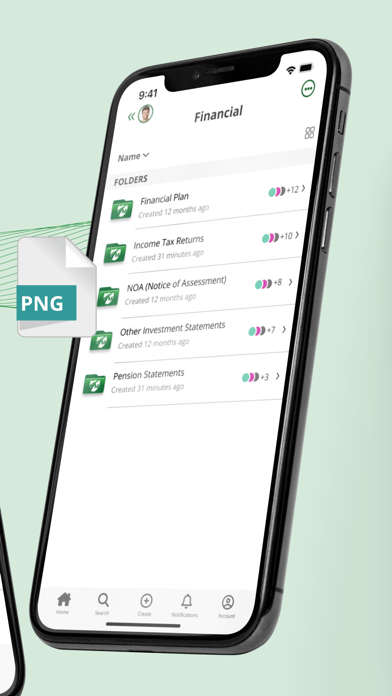


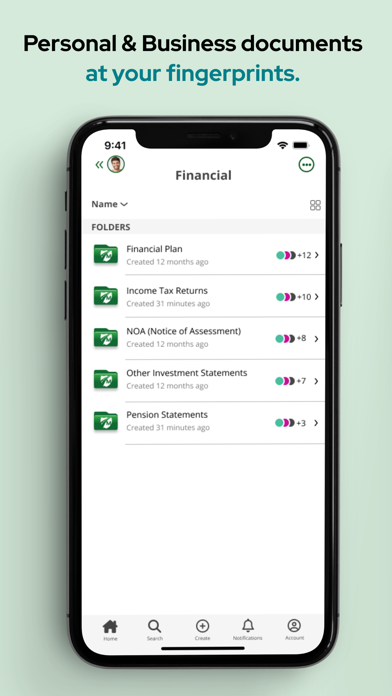
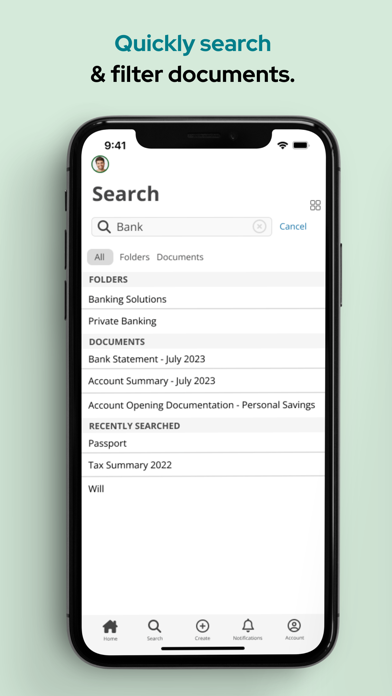

Description by FutureVault Inc. Written by the developer, not by AppBrain. Click to read.
Key benefits of the Mile Marker Vault app include the ability to:
• Access all the documents in your Vault wherever you are.
• Upload documents on the go using your camera as a scanner.
• Download documents.
• Manage documents across multiple entities and family members.
• Securely share your documents with your Trusted Advisors.
• Review your reminders and notifications.
* Note: You need to be an SRG Financial Advisors client and have an active account to login to the app.