

ThinkTeams
ThinkTeams is made and published by Vizualize Limited. AppBrain is an independent app data site and isn't affiliated with Vizualize Limited. The app name, icon, screenshots and description belong to Vizualize Limited and are shown as published on the App Store.
AppBrain's verdict
- Last updated
- September 17, 2026
Rankings
App Store top chartsApp Store Rankings for ThinkTeams
Competitors
Similar apps and more from Vizualize LimitedAlternatives to ThinkTeams





More from Vizualize Limited


Releases
Updates seen on the App Store- Version
- 1.1.42
- Launched
- December 2019
No changelog data
User feedback
Ratings and reviews on the App StoreComments on ThinkTeams for iOS
We don't have enough comments to show example comments. Please check back later.
Technology
Found in the app by AppBrain- Price
- Free
- App size
- 53.9 MB
- Content rating
- Everyone
Technologies used by ThinkTeams
About the app and developer
About ThinkTeams
ThinkTeams is a business app developed by Vizualize Limited.
User Ratings
The app has no ratings yet.
App Information
ThinkTeams is freely available from the App Store. The app size is 53.91 MB. The latest version available is 1.1.42. The last update was on September 17, 2026.
Technical Requirements
The app has a content rating of Everyone. The app has been available on the App Store since December 2019.
Developer information for Vizualize Limited
Address:
Store listing
By Vizualize Limited, from the App Store

Description by Vizualize Limited Written by the developer, not by AppBrain. Click to read.
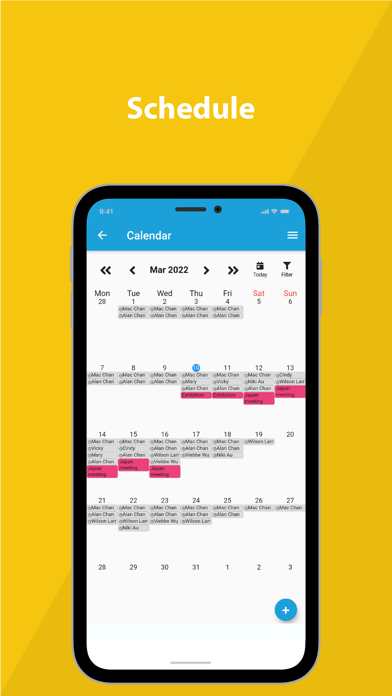
ROSTER SCHEDULING
Quick, easy and flexible roster scheduling to suit your day-to-day need.
ATTENDANCE
Track actual attendance with GPS/Beacon or your existing attendance devices.
SWAP/REQUEST SHIFTS
Manage process on swapping shifts and requesting shift on the go.
TIME OFF/LEAVE REQUEST
Manage leave request and process on the mobile.
PAYROLL
Dynamically calculate payroll accurately with many calculation options.
REPORTS
Consolidated reports for quick understanding of your business.
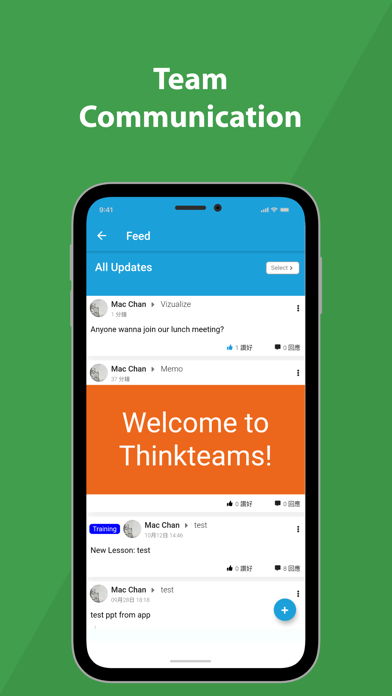
MEMO/UPDATES
Give memo or updates to employees or teammates.
TRAINING
Access to useful materials, routine trainings or regulatory courses.
ROOM BOOKING
View booking status of meeting rooms, and make the booking if there’s available time slot.