It doesn't have enough ratings yet to judge what users think.
TikMark - Manage Tick Video is made and published by
燕娜 许.
AppBrain is an independent app data site and isn't affiliated with 燕娜 许.
The app name, icon, screenshots and description belong to 燕娜 许 and are shown as
published on the App Store.
About TikMark - Manage Tick Video
TikMark - Manage Tick Video is an utilities app developed by 燕娜 许.
User Ratings
TikMark - Manage Tick Video is rated 5.00 out of 5 stars. The rating is based on 3 ratings.
App Information
TikMark - Manage Tick Video is freely available from the App Store. The app size is 55.83 MB. The latest version available is 1.0.2. The last update was on December 5, 2023.
Technical Requirements
The app has a content rating of Everyone. The app has been available on the App Store since December 2023.
Description by 燕娜 许(from the App Store)
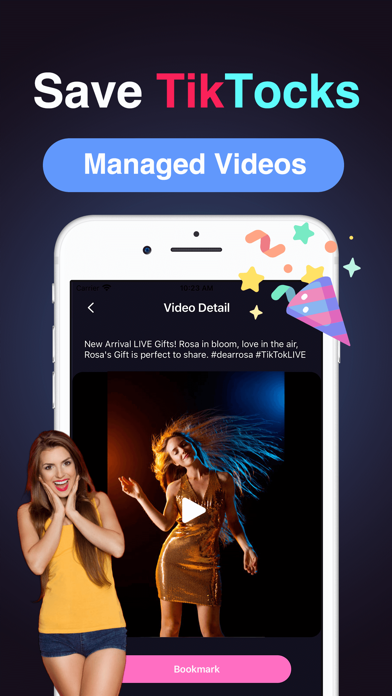
Welcome to the Video Manager! This tool is designed to help you effortlessly manage your favorite videos while bringing you the most exhilarating and trending content. It boasts the following rich set of features
Video Link Play : With a clever video play feature, enabling you to enjoy your favorite content anytime, anywhere.
Bookmark History: A personalized history feature allows you to effortlessly review, manage, ensuring your favorite content is never lost.
Hot Video Recommendations: Never miss out on any hot trends or captivating videos! Our system recommends the hottest and most interesting videos tailored to your interests.
Important Note: Please adhere to legal regulations and platform policies. This application is intended for personal use only; please refrain from misuse or infringing on the rights of others.
We also provide paid VIP benefits. After activating VIP, you can get the following features: - Unlimited use - Play And Manage Video Link - HD Quality - Remove All Ads
2. Payment: After the user confirms the purchase and makes the payment, it will be credited to their iTunes account
3. Renewal: If you purchase a continuous monthly subscription account, Apple iTunes will deduct the fee within 24 hours before the expiration date. If the deduction is successful, the subscription period will be extended accordingly.
4. Cancel Renewal: To cancel the renewal, please enter the "iTunes Store and App Store" 24 hours before the current subscription period expires, click on "Apple ID", and select "View Apple ID". Enter the "Account Settings" page, click "Subscription", select the corresponding subscription item to cancel.
Each subscription will automatically renew 3 days before the expiration date for
the same time period. Subscriptions can be cancelled at any time before the renewal.