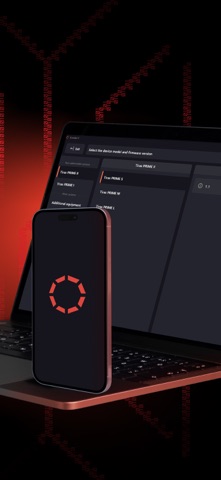
tLoader II: for Engineers is an overall app developed by TIRAS-12, TOV.
How many times has tLoader II: for Engineers been downloaded?
What is the rating of tLoader II: for Engineers?
tLoader II: for Engineers has no ratings yet.
Is tLoader II: for Engineers free?
tLoader II: for Engineers is free to download. The APK download size is 72.36 MB. The latest version available is 1.3.1. The last update was on March 3, 2026.
What are the requirements for tLoader II: for Engineers?
The app has a content rating of Everyone. The app has been available on Google Play January 2025.
Description
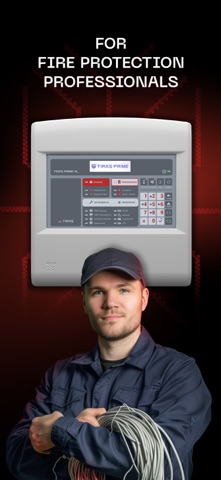
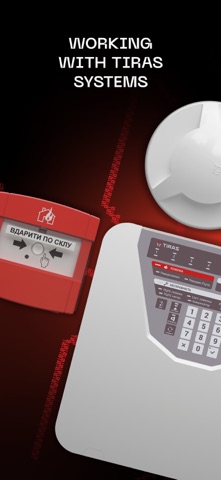
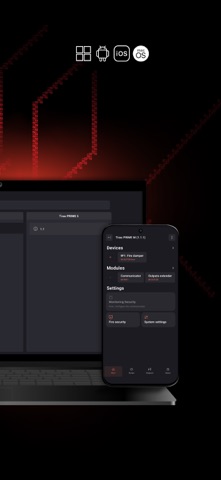
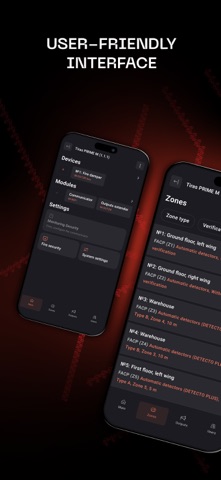
Convenient easy-to-work application for engineers in configuring TIRAS fire systems. Designed for configuring non-addressable Tiras PRIME systems, Tiras 1X fire extinguishing control device and various additional equipment.
…
TIRAS fire technologies protect hundreds of thousands of facilities throughout Ukraine from one of the most dangerous elements - fire. All components of the security system, from the detector to the monitoring station, are developed with strict adherence to European standards and based on more than 30 years of expertise in the category.
…
Configuring a fire protection system is a crucial stage in ensuring the correct operation of the system.
The tLoader II application was created for this very purpose.
…
Using tLoader II (HOW TO USE):
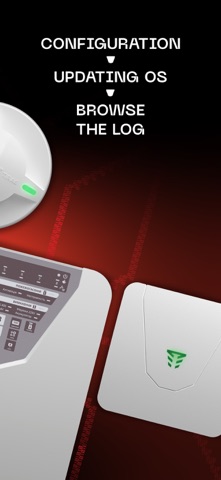
- Create configuration files for different types of TIRAS fire protection systems; - Make all necessary settings and view all the capabilities of fire protection systems in a convenient way; - Save the created configuration files to the phone's memory or download ready-made files directly to the device (when directly connected to the device); - Open previously created settings for viewing or editing; - View the event log of the control panel (when directly connected) and save the log file to the desired location; - Check for updates and update the control panel to the latest firmware version; - Be mobile and configure the device using only your phone without the need to carry a PC with you to the facilities.
…
Please note! To connect the control panel to your mobile device, you must have 2 adapter cables: 1. Connection to the control panel is made using a USB-A to mini USB-A/USB-C cable (depending on the model of the device you plan to configure) 2. To connect the control panel to an iPhone or iPad, you additionally need an official Apple USB OTG to USB-C/USB Lightning adapter (depending on the iPhone or iPad model)
Each subscription will automatically renew 3 days before the expiration date for
the same time period. Subscriptions can be cancelled at any time before the renewal.