

TNStateBank Mobile
TNStateBank Mobile is made and published by TENNESSEE STATE BANK. AppBrain is an independent app data site and isn't affiliated with TENNESSEE STATE BANK. The app name, icon, screenshots and description belong to TENNESSEE STATE BANK and are shown as published on the App Store.
AppBrain's verdict
EstablishedLoved by users- Rating on App Store
- 4.86
- 3,587 ratings
- Last updated
- October 15, 2026
Users love it: 4.9 stars from 3,587 ratings.
Rankings
App Store top chartsApp Store Rankings for TNStateBank Mobile
Competitors
Similar apps and more from TENNESSEE STATE BANK



Releases
Updates seen on the App Store- Version
- 3.39.0
- Launched
- January 2017
No changelog data
User feedback
Ratings and reviews on the App StoreComments on TNStateBank Mobile for iOS
We don't have enough comments to show example comments. Please check back later.
Technology
Found in the app by AppBrain- Price
- Free
- App size
- 198.3 MB
- Content rating
- Everyone
Technologies used by TNStateBank Mobile
About the app and developer
About TNStateBank Mobile
TNStateBank Mobile is a finance app developed by TENNESSEE STATE BANK.
What is the rating of TNStateBank Mobile?
TNStateBank Mobile is rated 4.86 out of 5 stars, based on 3.6 thousand ratings.
Is TNStateBank Mobile free?
TNStateBank Mobile is free. The app size is 198.34 MB. The latest version available is 3.39.0. The last update was on October 15, 2026.
What are the requirements for TNStateBank Mobile?
The app has a content rating of Everyone. The app has been available on the App Store since January 2017.
Developer information for TENNESSEE STATE BANK
Address:
Store listing
By TENNESSEE STATE BANK, from the App Store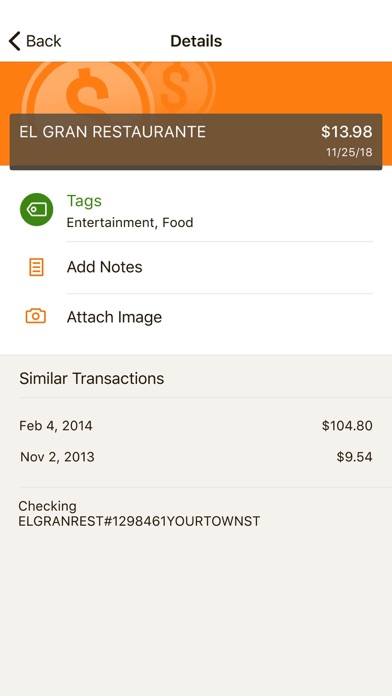
Description by TENNESSEE STATE BANK Written by the developer, not by AppBrain. Click to read.
FEATURES
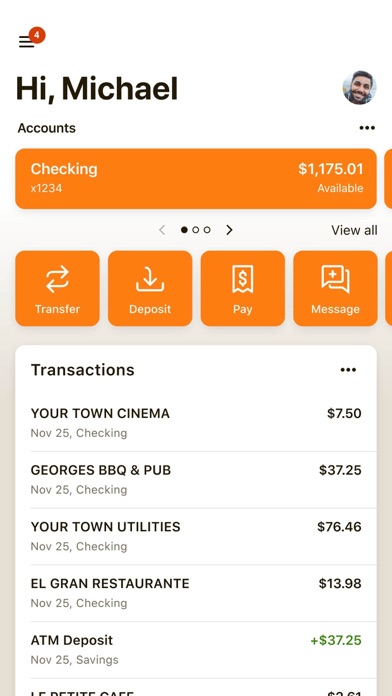
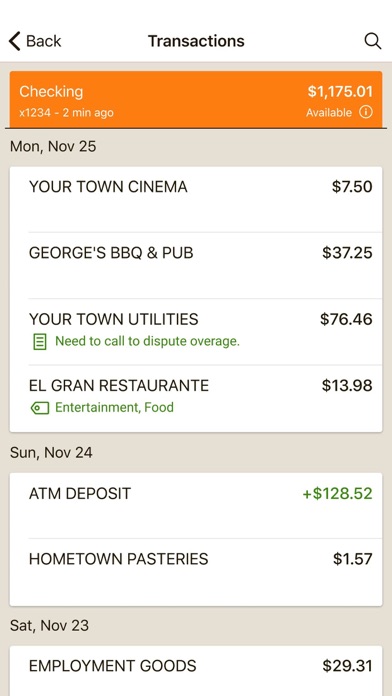
Multi-Account Aggregation: View all of your financial information (balances, transaction history, merchant spending averages) in one place for on-the-go organization.
Alerts & Notifications: Set alerts for low funds and be notified about upcoming bills.
Add Tags, Notes, Images & Geo-Information: By enhancing transactions with custom tags, notes or photos of a receipt or check, you have the ability to stay organized and find exactly what you’re looking for when searching through your finances.
Contact: Locate ATMs or branches and contact Tennessee State Bank customer service directly from the app.
SAFE AND SECURE
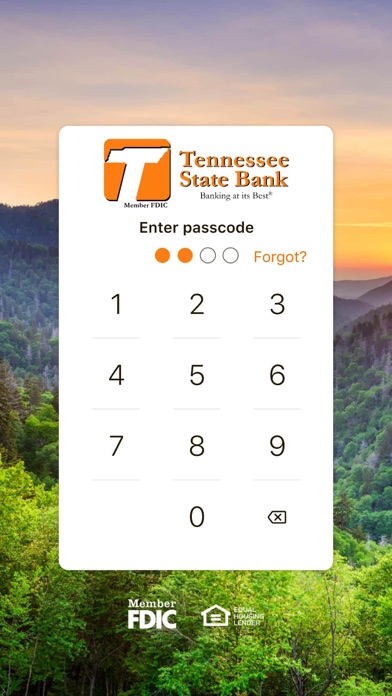
The app utilizes the same bank-level security that protects you when you’re on Internet Banking. The app also features a unique 4-digit passcode setting that prevents unauthorized access.
GETTING STARTED
To use the Tennessee State Bank App, you must be enrolled as a Tennessee State Bank Internet Banking user. If you currently use our Internet Banking, simply download the app, launch it, and login with the same Internet Banking credentials. After you successfully login to the app, your accounts and transactions will begin updating.