

To do list maker – task set
To do list maker – task set is made and published by Maxim Backevich. AppBrain is an independent app data site and isn't affiliated with Maxim Backevich. The app name, icon, screenshots and description belong to Maxim Backevich and are shown as published on the App Store.
AppBrain's verdict
- Last updated
- June 4, 2021
Rankings
App Store top chartsApp Store Rankings for To do list maker – task set
Competitors
Similar apps and more from Maxim BackevichAlternatives to To do list maker – task set






More from Maxim Backevich





Releases
Updates seen on the App Store- Version
- 1.2
- Launched
- December 2020
No changelog data
User feedback
Ratings and reviews on the App StoreComments on To do list maker – task set for iOS
We don't have enough comments to show example comments. Please check back later.
Technology
Found in the app by AppBrain- Price
- Free
- App size
- 34.9 MB
- Content rating
- Everyone
Technologies used by To do list maker – task set
About the app and developer
About To do list maker – task set
To do list maker – task set is a productivity app developed by Maxim Backevich.
User Ratings
The app has no ratings yet.
App Information
To do list maker – task set is freely available from the App Store. The app size is 34.90 MB. The latest version available is 1.2. The last update was on June 4, 2021.
Technical Requirements
The app has a content rating of Everyone. The app has been available on the App Store since December 2020.
Developer information for Maxim Backevich
Address:
Store listing
By Maxim Backevich, from the App Store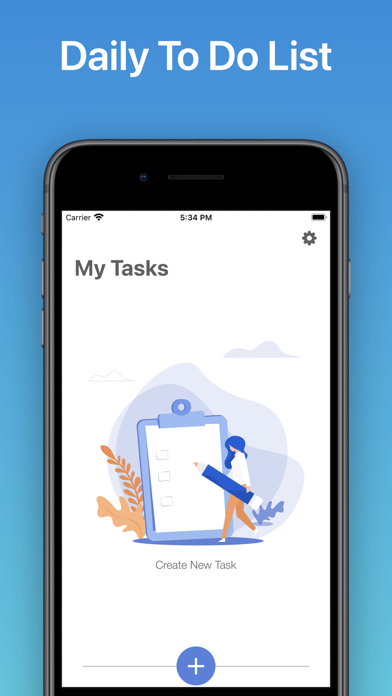
Description by Maxim Backevich Written by the developer, not by AppBrain. Click to read.
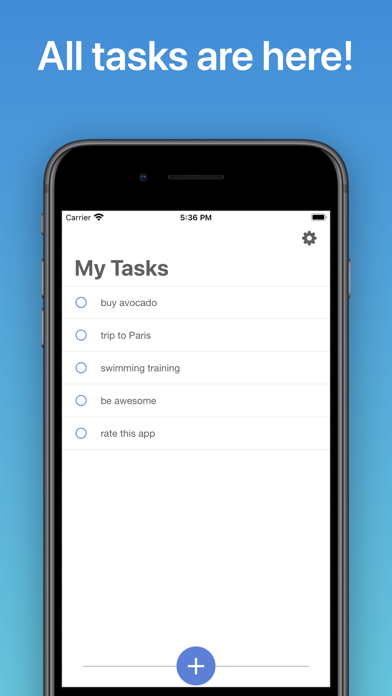
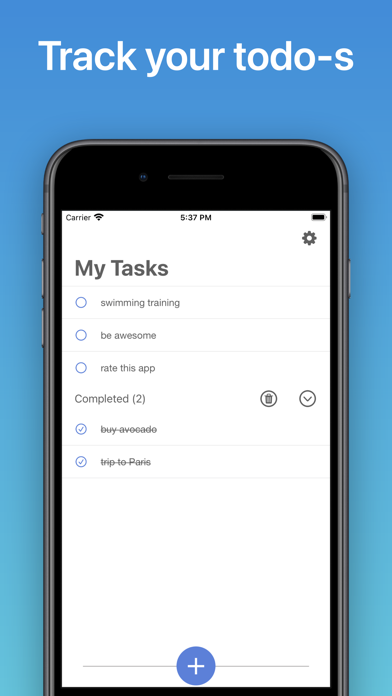
Whether you’re creating a grocery list, working on a project, or planning a vacation, the app makes it easy to complete and control your to-dos.
* Subscription with a free trial period will automatically renew to a paid subscription.
* Please note: any unused portion of a free trial period (if offered) will be forfeited when you purchase a premium subscription during the free trial period.
* You can cancel a free trial or subscription anytime cancelling your subscription through your iTunes account settings. This must be done 24 hours before the end of a free trial or subscription period to avoid being charged. The cancellation will take effect the day after the last day of the current subscription period, and you will be downgraded to the free service.
Privacy Policy: https://sites.google.com/view/callrecappitc/privacy-policy
Terms of Use: https://sites.google.com/view/callrecappitc/terms-of-use