Tomato: Screen Time Control is made and published by
Galton Ma.
AppBrain is an independent app data site and isn't affiliated with Galton Ma.
The app name, icon, screenshots and description belong to Galton Ma and are shown as
published on the App Store.
About Tomato: Screen Time Control
Tomato: Screen Time Control is a productivity app developed by Galton Ma.
User Ratings
The app has no ratings yet.
App Information
Tomato: Screen Time Control is freely available from the App Store. The app size is 17.11 MB. The latest version available is 1.0.4. The last update was on September 7, 2026.
Technical Requirements
The app has a content rating of Everyone. The app has been available on the App Store since July 2026.
Description by Galton Ma(from the App Store)
Spend less time scrolling and more time living.
Tomato is a screen time and focus app that helps you cut distractions, build better habits, and stay in control of your day.
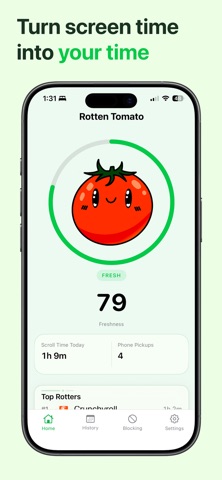
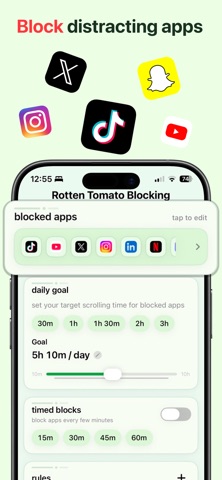
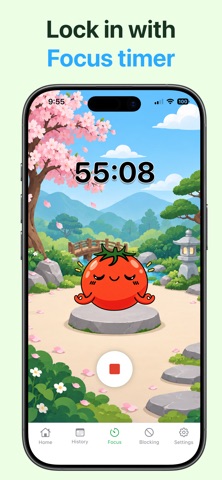
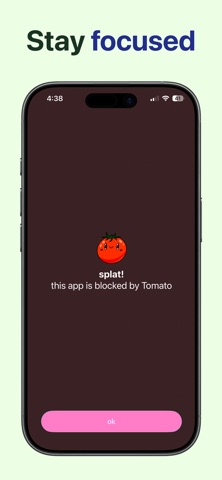
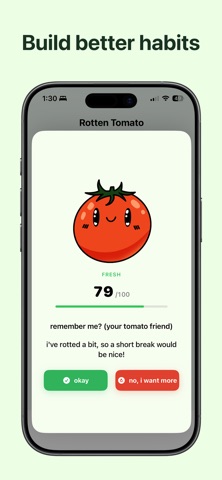
Choose the apps that distract you, set a daily limit, schedule times when you want them blocked, or start a Focus Timer when you need to lock in. As your screen time increases, your tomato changes, giving you a simple visual reminder to step away and use your time more intentionally.
FEATURES
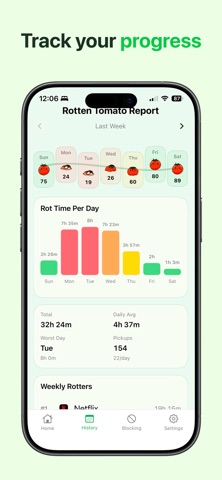
• Block distracting apps • Set a daily screen time limit • Schedule blocking times • Use the Focus Timer for distraction-free sessions • Track your progress over time • See which selected apps use the most time • Build healthier habits with simple check-ins • Stay motivated with your visual tomato companion
Whether you’re studying, working, reading, or just trying to spend less time on your phone, Tomato gives you simple tools to stay focused and make your time count.
Tomato uses Apple’s Screen Time tools to help you manage selected apps while keeping your activity private.
Some features require a Tomato Premium subscription. Subscriptions automatically renew unless cancelled at least 24 hours before the end of the current period. You can manage or cancel your subscription in your Apple ID settings.
Each subscription will automatically renew 3 days before the expiration date for
the same time period. Subscriptions can be cancelled at any time before the renewal.