

TrackRoad is made and published by ADOC. AppBrain is an independent app data site and isn't affiliated with ADOC. The app name, icon, screenshots and description belong to ADOC and are shown as published on the App Store.
AppBrain's verdict
Established- Rating on App Store
- 4.80
- 5 ratings
- Last updated
- November 21, 2023
It doesn't have enough ratings yet to judge what users think.
Rankings
App Store top chartsApp Store Rankings for TrackRoad
Competitors
Similar apps and more from ADOCAlternatives to TrackRoad




More from ADOC


Releases
Updates seen on the App Store- Version
- 2.8
- Launched
- December 2010
No changelog data
User feedback
Ratings and reviews on the App StoreComments on TrackRoad for iOS
We don't have enough comments to show example comments. Please check back later.
Technology
Found in the app by AppBrain- Price
- Free
- App size
- 9.06 MB
- Content rating
- Everyone
Technologies used by TrackRoad
About the app and developer
About TrackRoad
TrackRoad is a navigation app developed by ADOC.
What is the rating of TrackRoad?
TrackRoad is rated 4.80 out of 5 stars, based on 5 ratings.
Is TrackRoad free?
TrackRoad is free. The app size is 9.06 MB. The latest version available is 2.8. The last update was on November 21, 2023.
What are the requirements for TrackRoad?
The app has a content rating of Everyone. The app has been available on the App Store since December 2010.
Developer information for ADOC
Address:
Store listing
By ADOC, from the App Store

Description by ADOC Written by the developer, not by AppBrain. Click to read.
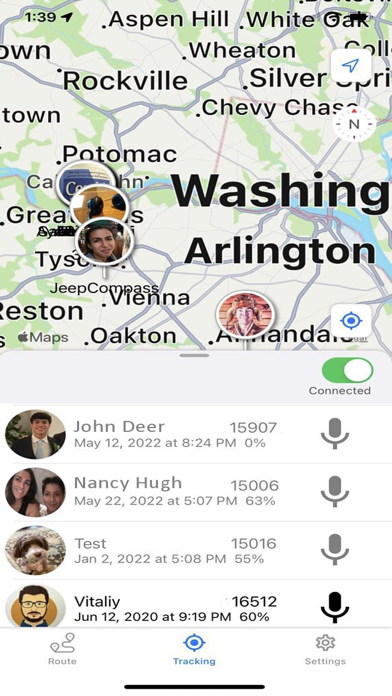
To track users in your group, go to the list of users, then click on the person you want to track.
To walkie-talkie with users in your group, go to the list of users, then hold down the "mic" button on the person you want to chat. Release button when done. You can also broadcast to Everyone in your group by clicking the "Everyone" button on top.
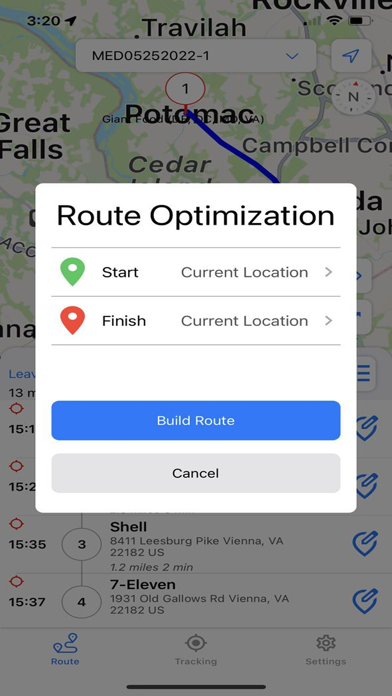
To optimize your route, follow the steps below:
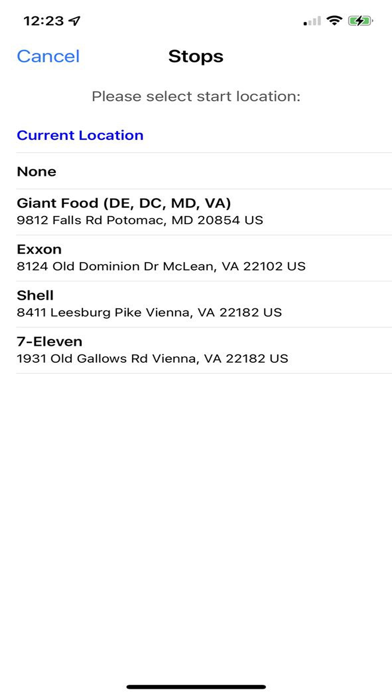
-Enter each stop location.
-Click Build Route to distribute stops among single or multiple drivers.
-Share the optimized routes with your multiple drivers for GPS tracking and real-time updates.
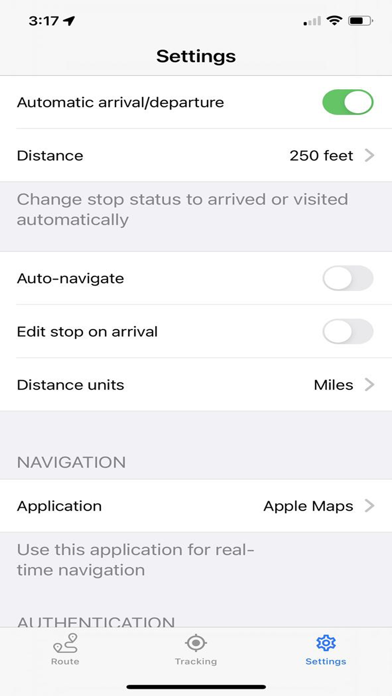
-Geofencing marks each stop "arrived" (stop turns yellow) on approach circle, and visited (stop turns green) on exit circle.
-Walkie-Talkie to people in your group (works with either WiFi or Cellular data)
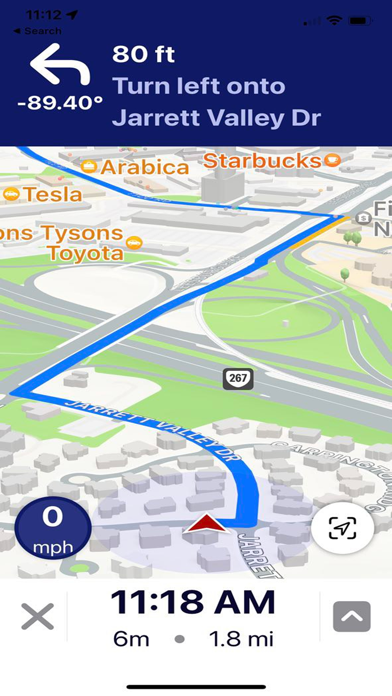
-Get audio navigation and turn-by-turn directions.
-Auto navigation.
-Track your assets in real time (every hour, every minute, or every 20 seconds).
-Signature capture and two-way notes at each stop.
For EULA please visit https://www.trackroad.com/PayBill/Terms.htm