

Traffic Maps: realtime info
Traffic Maps: realtime info is made and published by Little Mouse Software. AppBrain is an independent app data site and isn't affiliated with Little Mouse Software. The app name, icon, screenshots and description belong to Little Mouse Software and are shown as published on the App Store.
AppBrain's verdict
EstablishedLoved by users- Rating on App Store
- 4.68
- 6,416 ratings
- Last updated
- September 17, 2024
Users love it: 4.7 stars from 6,416 ratings.
Rankings
App Store top chartsApp Store Rankings for Traffic Maps: realtime info
Competitors
Similar apps and more from Little Mouse SoftwareAlternatives to Traffic Maps: realtime info







More from Little Mouse Software



Releases
Updates seen on the App Store- Version
- 10.2.2
- Launched
- June 2014
No changelog data
User feedback
Ratings and reviews on the App StoreComments on Traffic Maps: realtime info for iOS
We don't have enough comments to show example comments. Please check back later.
Technology
Found in the app by AppBrain- Price
- Free
- App size
- 24.5 MB
- Content rating
- Everyone
Technologies used by Traffic Maps: realtime info
About the app and developer
About Traffic Maps: realtime info
Traffic Maps: realtime info is a navigation app developed by Little Mouse Software.
User Ratings
Traffic Maps: realtime info is rated 4.68 out of 5 stars. The rating is based on 6.4 thousand ratings.
App Information
Traffic Maps: realtime info is freely available from the App Store. The app size is 24.51 MB. The latest version available is 10.2.2. The last update was on September 17, 2024.
Technical Requirements
The app has a content rating of Everyone. The app has been available on the App Store since June 2014.
Developer information for Little Mouse Software
Address:
Store listing
By Little Mouse Software, from the App Store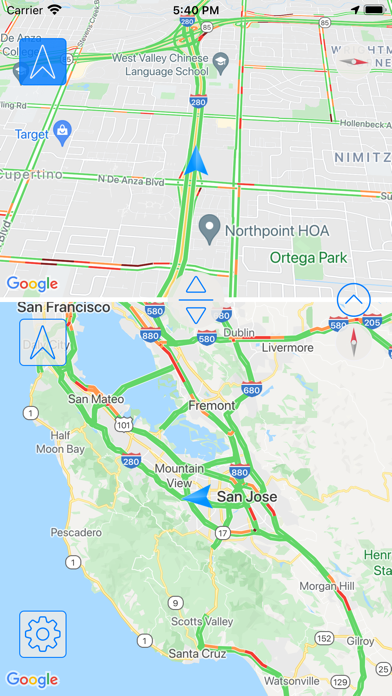
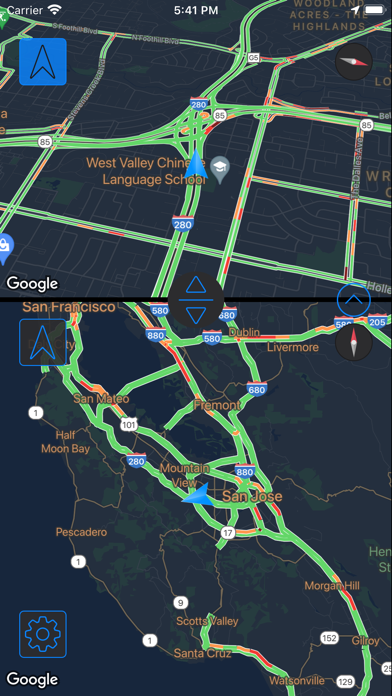
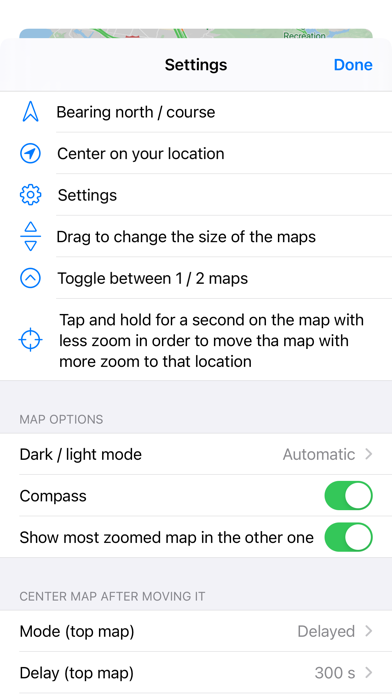
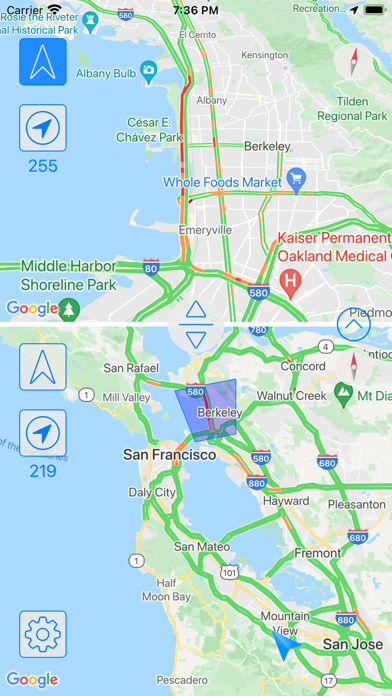
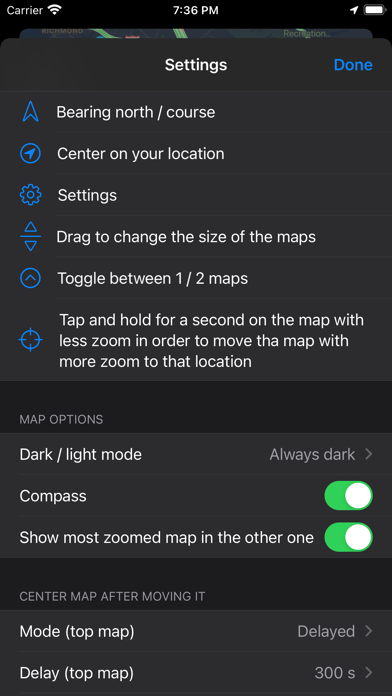
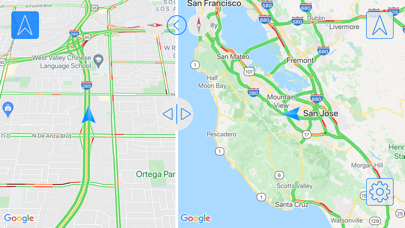
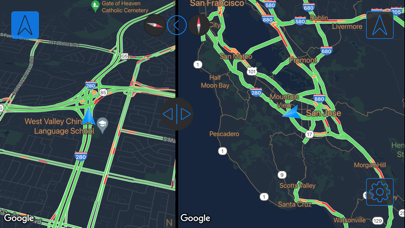
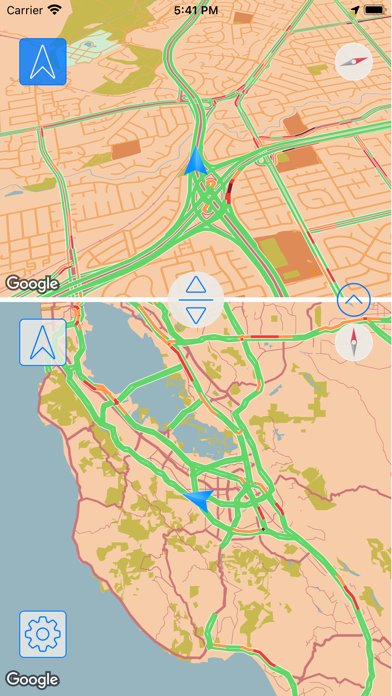
Description by Little Mouse Software Written by the developer, not by AppBrain. Click to read.
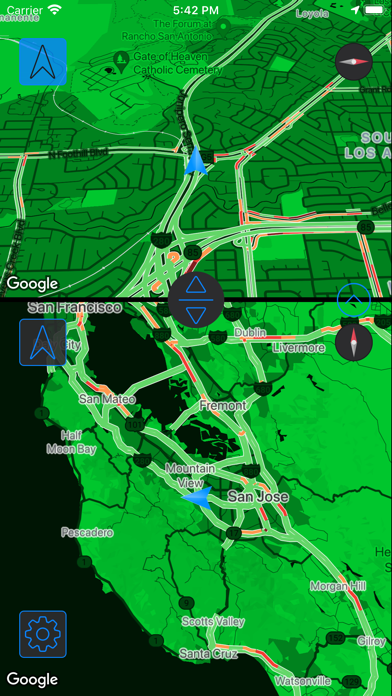
- Each map shows and follows your position while you drive
- Set the zoom in each map independently, the app will remember it the next time you use it
- Set the size of the maps, you can also remove one of them and use just one
- Use the button in each map to make it follow the bearing of your vehicle, or to see the map bearing north from above
- Choose if the map will be shown in the direction you are moving, or if your location will be placed in the center of the map
- Choose if after moving a map, it is centered in your position automatically, manually or after a time
With Traffic Maps you can check if your highway exit is jammed and choose another, o change your way if there is a traffic jam ahead.
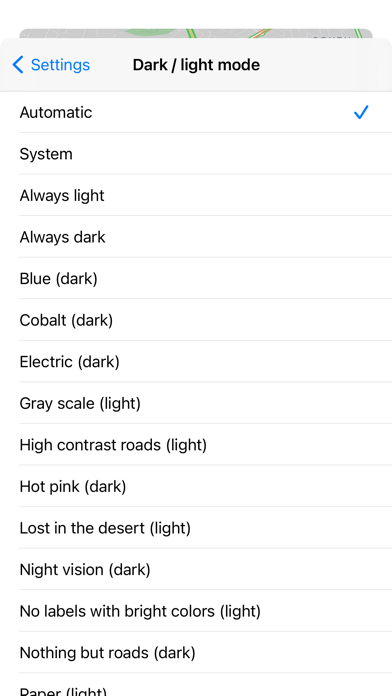
The Pro version does not have ads, has a Siri shortcut and map styles.
Note: this app uses your GPS, this can drain your battery quickly.