

Traveling Expense Adjustment
Traveling Expense Adjustment is made and published by SHOGO MATSUNAGA. AppBrain is an independent app data site and isn't affiliated with SHOGO MATSUNAGA. The app name, icon, screenshots and description belong to SHOGO MATSUNAGA and are shown as published on the App Store.
AppBrain's verdict
- Last updated
- May 12, 2023
Rankings
App Store top chartsApp Store Rankings for Traveling Expense Adjustment
Competitors
Similar apps and more from SHOGO MATSUNAGAAlternatives to Traveling Expense Adjustment








More from SHOGO MATSUNAGA








Releases
Updates seen on the App Store- Version
- 7.0
- Launched
- August 2013
No changelog data
User feedback
Ratings and reviews on the App StoreComments on Traveling Expense Adjustment for iOS
We don't have enough comments to show example comments. Please check back later.
Technology
Found in the app by AppBrain- Price
- $1.99
- App size
- 811.0 KB
- Content rating
- Everyone
Technologies used by Traveling Expense Adjustment
About the app and developer
About Traveling Expense Adjustment
Traveling Expense Adjustment is a business app developed by SHOGO MATSUNAGA.
What is the rating of Traveling Expense Adjustment?
Traveling Expense Adjustment has no ratings yet.
Is Traveling Expense Adjustment free?
Traveling Expense Adjustment costs $1.99. The app size is 811.00 kB. The latest version available is 7.0. The last update was on May 12, 2023.
What are the requirements for Traveling Expense Adjustment?
The app has a content rating of Everyone. The app has been available on the App Store since August 2013.
Developer information for SHOGO MATSUNAGA
Address:
Store listing
By SHOGO MATSUNAGA, from the App Store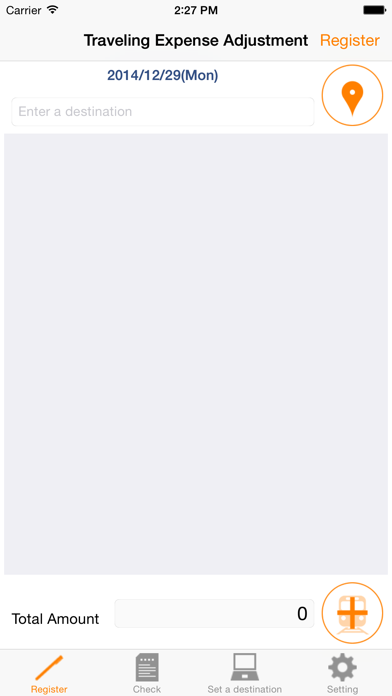
Description by SHOGO MATSUNAGA Written by the developer, not by AppBrain. Click to read.
Traveling expense is automatically displayed by selecting "Destination", and you just touch "Enter" button to adjust the expense.
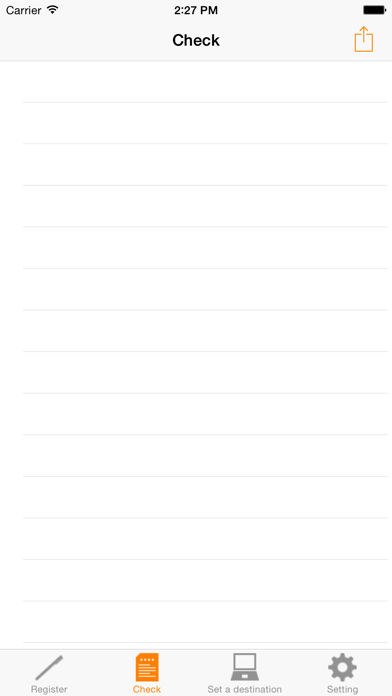
Also, you can see the list of travel expenses for each "Destination" on Check Screen.
(How to Use)
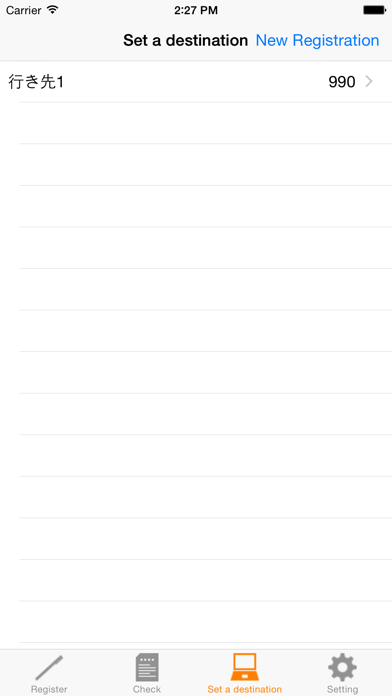
- Register "Destination" you frequently visit as initial setting.
- The information that needs to be entered is "Route" and "Travel Expense".
- You can register a maximum of four routes. e.g.: St. A > St. B / St. B > St. C / St. C > St. B / St. B > St. A
- Travel expense is automatically set when you select "Destination".
- You can change "Travel Expense", "Destination", and "Comment" when you enter information.
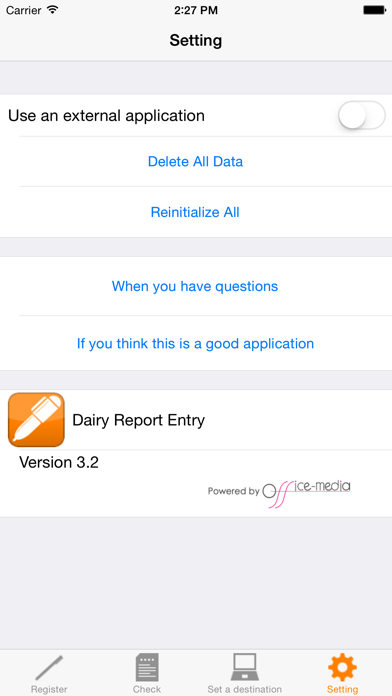
- You can delete accumulated travel expense data by touching "Clear Travel Expense" button.
(Features)
- Simple format with only "Date", "Destination", "Route", and "Amount".
- You can enter information easily because "Destination", "Route", and "Amount" are registered as master information.
- You can send recorded travel expense data to the Cloud such as EverNote and DropBox or e-mail addresses in CSV format.
(Support)
Please contact us if you have any questions, problems, and requests on this application.
http://www.ios-appli.jp/