

Triangle3 is made and published by ryo sasaki. AppBrain is an independent app data site and isn't affiliated with ryo sasaki. The app name, icon, screenshots and description belong to ryo sasaki and are shown as published on the App Store.
AppBrain's verdict
- Best rank
- #64
- Top Paid, Japan
- Last updated
- August 19, 2026
Rankings
App Store top charts- Highest rank
- #64
- Chart
- Top Paid
- Productivity
- Country
- Japan
App Store Rankings for Triangle3
Top rankings
| Rank | Country | Category | List |
|---|---|---|---|
| 64 | Japan | Productivity | Top Paid |
Ranking history in Japan
Competitors
Similar apps and more from ryo sasakiAlternatives to Triangle3




More from ryo sasaki


Releases
Updates seen on the App Store- Version
- 3.10.4
- Launched
- September 2023
No changelog data
User feedback
Ratings and reviews on the App StoreComments on Triangle3 for iOS
We don't have enough comments to show example comments. Please check back later.
Technology
Found in the app by AppBrain- Price
- $3.99
- App size
- 7.32 MB
- Content rating
- Everyone
Technologies used by Triangle3
About the app and developer
About Triangle3
Triangle3 is a productivity app developed by ryo sasaki.
What is the rating of Triangle3?
Triangle3 has no ratings yet.
Is Triangle3 free?
Triangle3 costs $3.99. The app size is 7.32 MB. The latest version available is 3.10.4. The last update was on August 19, 2026.
What are the requirements for Triangle3?
The app has a content rating of Everyone. The app has been available on the App Store since September 2023.
Developer information for ryo sasaki
Address:
Frequently asked questions about Triangle3
Is Triangle3 free?
No. Triangle3 costs $3.99 on the App Store.
Is Triangle3 still available?
Yes. Triangle3 is on the App Store, and the last update we saw was on August 19, 2026.
How large is Triangle3?
Triangle3 is 7.32 MB.
Is Triangle3 suitable for children?
App Store rates the content of Triangle3 as suitable for everyone.
Who made Triangle3?
Triangle3 was developed by ryo sasaki. It is listed in the productivity category on the App Store.
What are the best alternatives to Triangle3?
People looking at Triangle3 also look at these productivity apps: SubMitter, 現場打ちタイムカードDX, Area and Volume Calc lite, RSR Alignment App, CSV Master.
Store listing
By ryo sasaki, from the App Store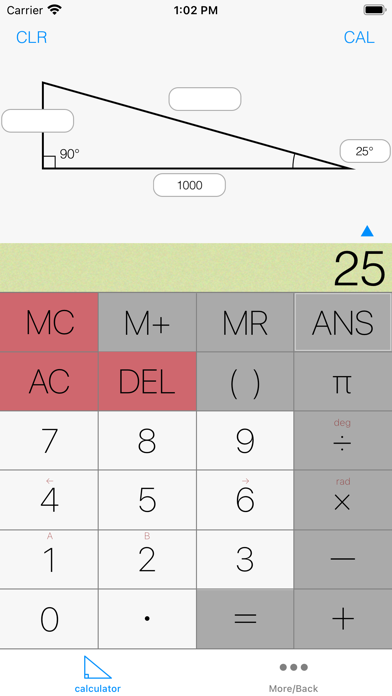
Description by ryo sasaki Written by the developer, not by AppBrain. Click to read.
Even if you don't understand trigonometric functions, you can easily calculate with this calculator.
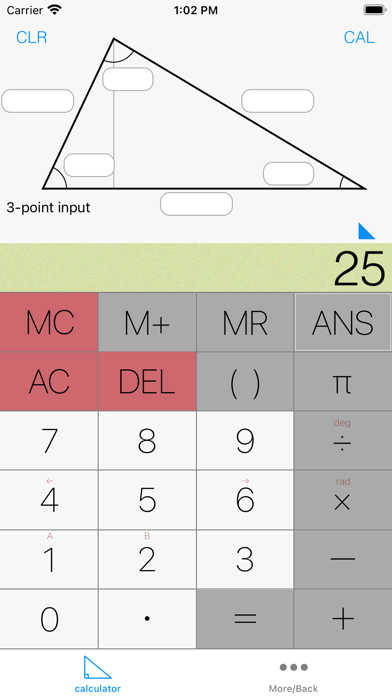
It can calculate right triangles and unequal triangles.
It can calculate memory, answer memory, pi, repetition, parentheses, trigonometric functions, and cosine theorem.
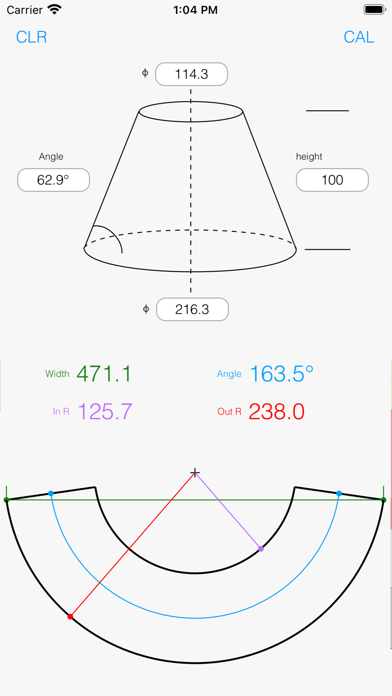
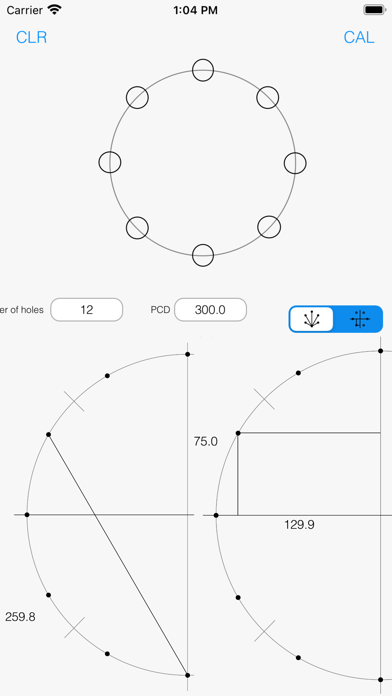
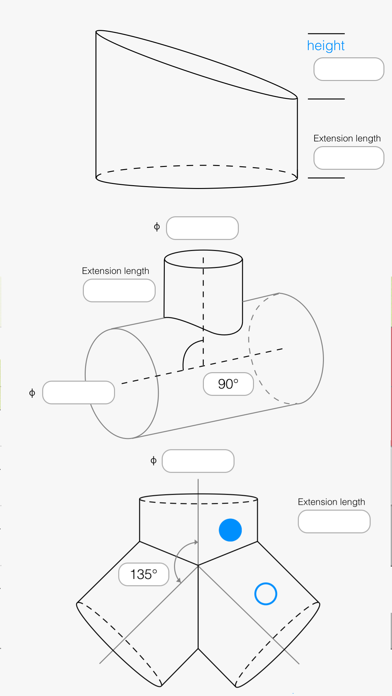
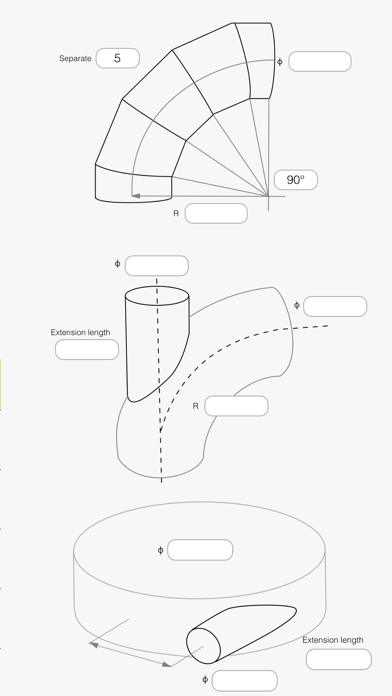
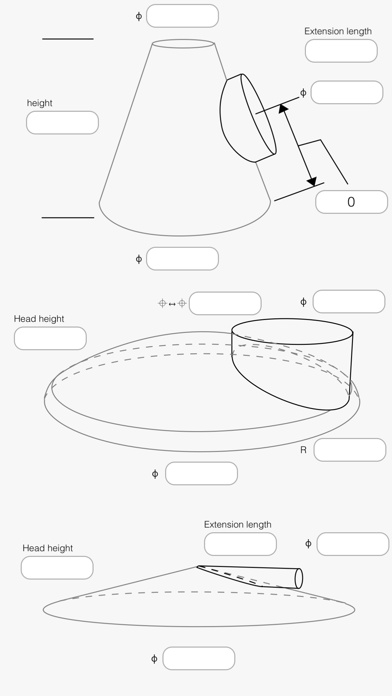
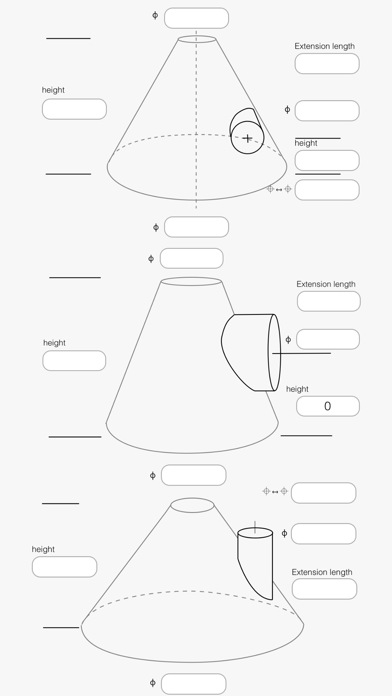
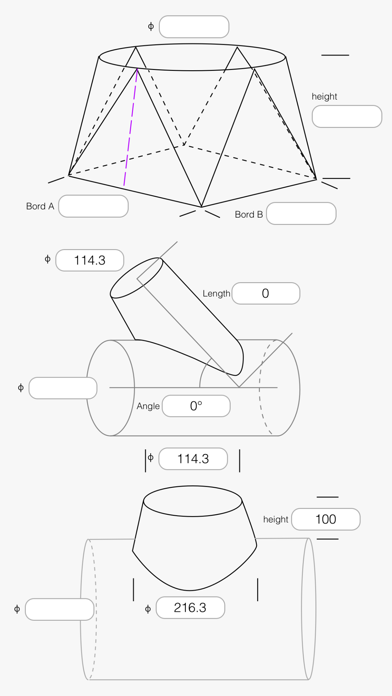
Develop cones (including misalignment), diagonal cuts, R-cuts, T-pipes, shrimp tubes, rounded corners, rounded corners (eccentricity), hopper eccentricity, pipes from mirror plates, connecting pipes to tapered pipes, screw wings, and calculate PCD.
It is possible to display the development on the floor in full size with AR for a specific development.
User's Manual ############################
Calculator section
Press and hold the "ANS" button to display past calculation results.
Tap the label of the calculation result (right after pressing =) to mark the value in the ANS list.
Tap the white button to enter the value displayed on the label.
Swipe the screen to the left or right to rotate the right triangle.
Swipe the screen up and down to flip the right triangle.
Enter two right triangles and three unequal triangles.
Tap the "Cal" button to display the calculation result.
Tap "Cl" button to clear the displayed value.
You can also use the "0" label to erase only the specified locations.
If you touch the button and slide it down, the numerical value of the calculation result will be displayed on the label, and can be used for the next calculation.
Trigonometric calculations can be done with
By sliding the [4] and [6] buttons, you can go back and forward.
Pressing the CLR button once will erase the number.
Press twice to reset the rotation.
Press and hold to erase numbers, reset rotation, and erase memory.
Press and hold to erase numbers, reset rotation, and clear memory.
Automatic input of pipe outline
Example 50A -> Input "5", "0", "1 slide".
1¼B -> Input "1", "4", "1" and "2 slides".
Each slide twice in succession will reduce the value by half.
Expansion section
The input method is the same as in the calculator section.
To expand a pipe, PCD, or mirror, slide the screen to the left or right to select the expansion diagram.
Basically, all buttons need to be entered, but in some places "0" can be used.
For round corners (eccentricity), double-tap the screen after entering the numerical value for round corners to switch to the input screen.
Please enter the division of the circumference in multiples of 4.
The calculation result is an image, so it may differ from the actual shape.
Disclaimer
Although every effort has been made to ensure the accuracy of the calculation results in this application, the accuracy is not guaranteed.
Please note that we are not responsible for any damage, loss, or disadvantage caused by the use of this application.