

URL Manager Pro is made and published by Alco Blom. AppBrain is an independent app data site and isn't affiliated with Alco Blom. The app name, icon, screenshots and description belong to Alco Blom and are shown as published on the App Store.
AppBrain's verdict
Established- Rating on App Store
- 3.86
- 7 ratings
- Last updated
- October 12, 2026
It doesn't have enough ratings yet to judge what users think.
Rankings
App Store top chartsApp Store Rankings for URL Manager Pro
Competitors
Similar apps and more from Alco BlomAlternatives to URL Manager Pro



More from Alco Blom







Releases
Updates seen on the App Store- Version
- 2.4
- Launched
- July 2011
No changelog data
User feedback
Ratings and reviews on the App StoreComments on URL Manager Pro for iOS
We don't have enough comments to show example comments. Please check back later.
Technology
Found in the app by AppBrain- Price
- Free
- App size
- 7.09 MB
- Content rating
- Everyone
Technologies used by URL Manager Pro
About the app and developer
About URL Manager Pro
URL Manager Pro is a reference app developed by Alco Blom.
What is the rating of URL Manager Pro?
URL Manager Pro is rated 3.86 out of 5 stars, based on 7 ratings.
Is URL Manager Pro free?
URL Manager Pro is free. The app size is 7.09 MB. The latest version available is 2.4. The last update was on October 12, 2026.
What are the requirements for URL Manager Pro?
The app has a content rating of Everyone. The app has been available on the App Store since July 2011.
Developer information for Alco Blom
Address:
Store listing
By Alco Blom, from the App Store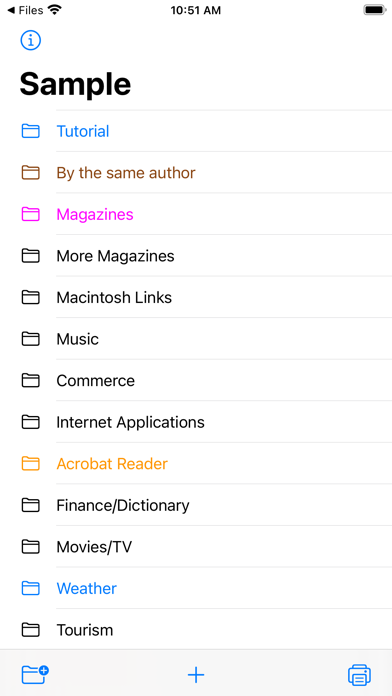


Description by Alco Blom Written by the developer, not by AppBrain. Click to read.
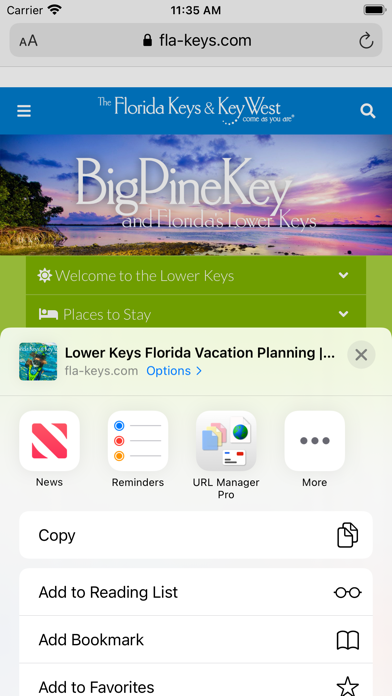
You can also bookmark any web URL that any other app might make available after you use the share button.
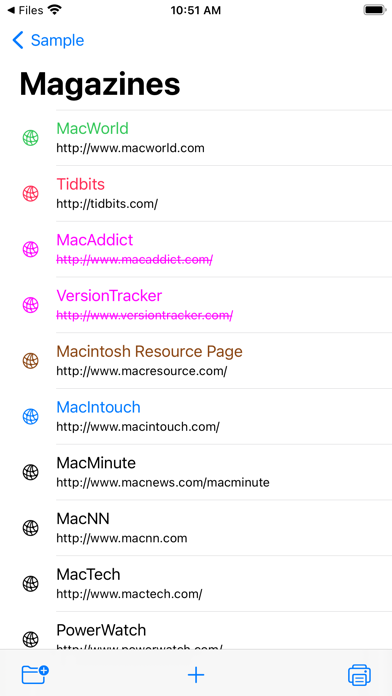
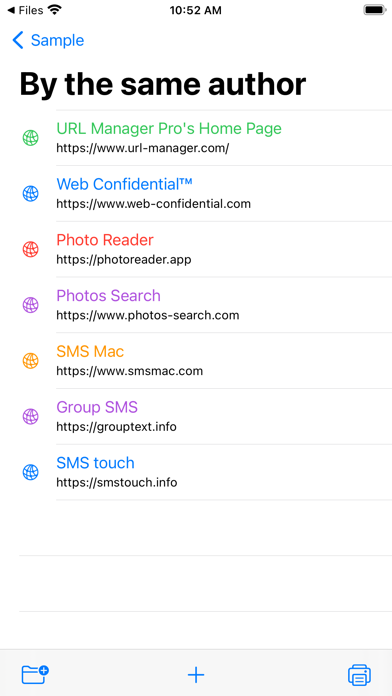
It supports the following features:
- user guide (PDF)
- creating bookmarks
- adding bookmarks
- adding notes to bookmarks
- creating folders
- moving bookmarks to folders
- deleting bookmarks and folders
- colorise bookmarks and folders
- opening (launching) bookmarks
- opening bookmarks in Safari, Chrome, Firefox, Opera, Vivaldi etc.
- emailing bookmarks
- printing bookmarks
- sorting bookmarks
- selecting bookmarks
- searching bookmarks
- copy URL(s) of bookmark(s) (several formats)
- mail bookmarks in HTML format
- export bookmarks to an HTML file
- Tweet (X) bookmarks
- showing name, URL and note
- showing date added attribute
- support for Apple Shortcuts
- compatibility with URL Manager Pro for macOS
- make several collections (documents) of bookmarks
Some examples:
1) build a collection of bookmarks for your research project
2) build another collection to fund your research project
3) use it as a Clipboard or Notepad of often used URLs you need to copy and paste
4) use it to print a handout to give to a class with reference documentation URLs
5) use Apple Shortcuts to automate