

Verify Origify
Verify Origify is made and published by Robert Bosch GmbH. AppBrain is an independent app data site and isn't affiliated with Robert Bosch GmbH. The app name, icon, screenshots and description belong to Robert Bosch GmbH and are shown as published on the App Store.
AppBrain's verdict
- Last updated
- June 26, 2026
- Size
- 54.9 MB
User feedback
Ratings and reviews on the App StoreComments on Verify Origify for iOS
We don't have enough comments to show example comments. Please check back later.
Store listing
By Robert Bosch GmbH, from the App Store


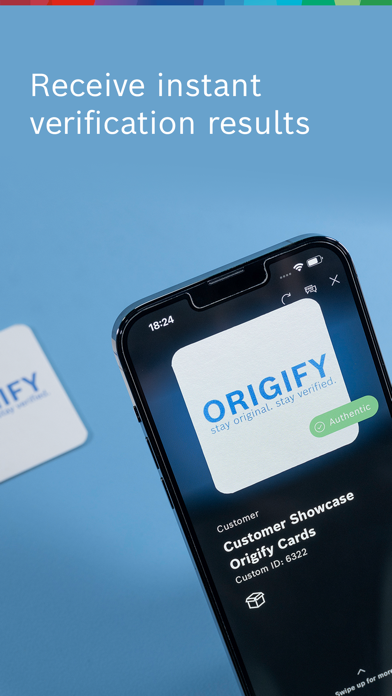
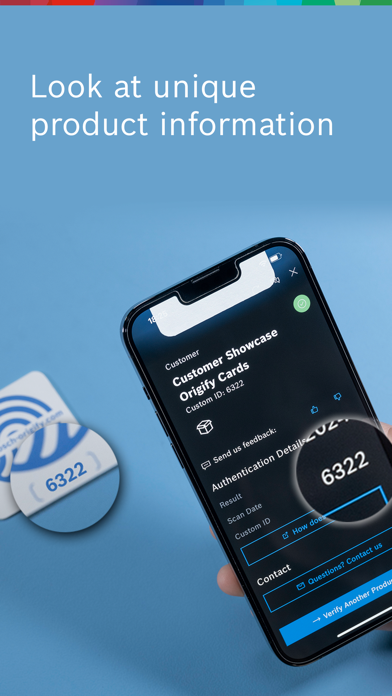
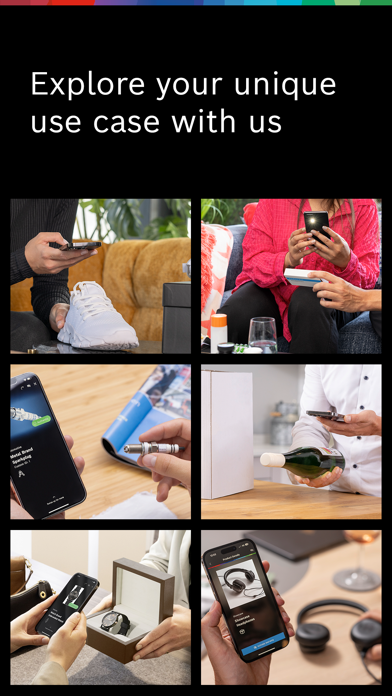
Description by Robert Bosch GmbH Written by the developer, not by AppBrain. Click to read.
If you are a business user, interested in product authentication and want to try the app, please fill out our contact form: bosch-origify.com/contact-2.html. We will then send you the respective Verify Origify Demo Cards for free.
Once you have received the Verify Origify Demo Cards:
* Start the app and select Origify Demo Card from the list for verification.
* Be guided to capture an optimal image of the Origify Demo Card to be verified.
* Give your consent to upload the image to the cloud environment. The system generates an ID from it and matches it with the IDs generated at Bosch.
* The result will be displayed to you.
The following results are possible:
1. Match: "Authentic"
This result means that an identical ID was determined during matching by the system. The matched Origify Demo Card corresponds to a single item registered by Robert Bosch GmbH.
2. No match: "The material piece you scanned is not registered in the database."
This result means that a different ID was detected during matching by the system. The matched Origify Demo Card does not visually correspond to any of the individual pieces scanned by Robert Bosch GmbH. It could be that the scanned Origify Demo Card was not registered by Robert Bosch GmbH or it already has too much wear in the defined surface area.
Registered Origify Demo Cards feature a unique number on their reverse side, establishing traceability at the individual unit level. Non-registered Origify Demo Cards lack a number ("XXXX") and are highlighted by a red border. Upon scanning, a result labeled "Authentic" indicates previous registration by Robert Bosch GmbH along with the distinctive custom ID.
General recommendations to achieve the best possible scanning results:
* Ensure sufficient lighting
* Place the Origify Demo Card on a firm and neutral surface e.g. a table and hold the smartphone steady to avoid blurry images
* Make sure that no personal objects, people or body parts (e.g. fingers) are recorded during the exposure
* Works best on latest smartphones with a high resolution camera
A total recognition process time of a few seconds is targeted. This depends mainly on technical runtimes and the quality of the existing internet connection but is also strongly influenced by the environmental conditions (lighting, surface conditions and computing power of the smartphone). Therefore, please make sure that you follow the recommendations for optimal scanning results.
General notes: The manufacturer's instructions for the smartphone must be observed and should be used for the intended purpose.
Further information: www.bosch-origify.com
Questions, problems, suggestions? Contact us: authentication.service@de.bosch.com
Safety and technology
Found in the app by AppBrain- Price
- Free
- App size
- 54.9 MB
- Content rating
- Everyone
Technologies used by Verify Origify
Releases
Updates seen on the App Store- Version
- 2.6.2
- Launched
- December 2023
No changelog data
Alternatives
Similar apps and more from Robert Bosch GmbHAlternatives to Verify Origify


More from Robert Bosch GmbH


Rankings
App Store top chartsApp Store Rankings for Verify Origify
About the app and developer
About Verify Origify
Verify Origify is a shopping app developed by Robert Bosch GmbH.
What is the rating of Verify Origify?
Verify Origify has no ratings yet.
Is Verify Origify free?
Verify Origify is free. The app size is 54.95 MB. The latest version available is 2.6.2. The last update was on June 26, 2026.
What are the requirements for Verify Origify?
The app has a content rating of Everyone. The app has been available on the App Store since December 2023.
Developer information for Robert Bosch GmbH
Address: