

Video Chapter Player
Video Chapter Player is made and published by Takeshi Kayahashi. AppBrain is an independent app data site and isn't affiliated with Takeshi Kayahashi. The app name, icon, screenshots and description belong to Takeshi Kayahashi and are shown as published on the App Store.
AppBrain's verdict
- Last updated
- January 27, 2025
Rankings
App Store top chartsApp Store Rankings for Video Chapter Player
Competitors
Similar apps and more from Takeshi KayahashiAlternatives to Video Chapter Player








More from Takeshi Kayahashi






Releases
Updates seen on the App Store- Version
- 3.2
- Launched
- September 2016
No changelog data
User feedback
Ratings and reviews on the App StoreComments on Video Chapter Player for iOS
We don't have enough comments to show example comments. Please check back later.
Technology
Found in the app by AppBrain- Price
- $2.99
- App size
- 13.9 MB
- Content rating
- Everyone
Technologies used by Video Chapter Player
About the app and developer
About Video Chapter Player
Video Chapter Player is an utilities app developed by Takeshi Kayahashi.
User Ratings
The app has no ratings yet.
App Information
Video Chapter Player costs $2.99. The app size is 13.94 MB. The latest version available is 3.2. The last update was on January 27, 2025.
Technical Requirements
The app has a content rating of Everyone. The app has been available on the App Store since September 2016.
Developer information for Takeshi Kayahashi
Address:
Store listing
By Takeshi Kayahashi, from the App Store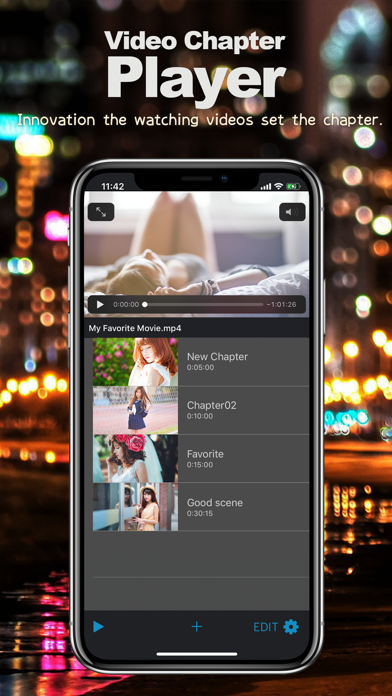
Description by Takeshi Kayahashi Written by the developer, not by AppBrain. Click to read.
With the abolition of iTunes, macOS catalina or later can be transferred from the file of the connected terminal from Finder.
We recommend to healthy men, is a useful video player to watching videos for adults.
watching videos revolution, the video player innovation in mobile.
In trust of security, it can be used to not found the secret to the parent, friends and partners.
You can transfer one mp4 video to the VideoChapterPlayer folder in Files App.
[New]
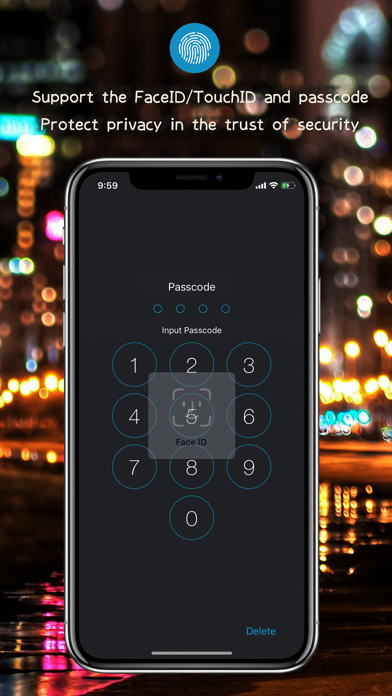
The face ID is linked automatically with the passcode.
[Attention]
Support only one mp4 file.
[Feature]
Setting the chapter is also smooth access can be managed in the list with a thumbnail.
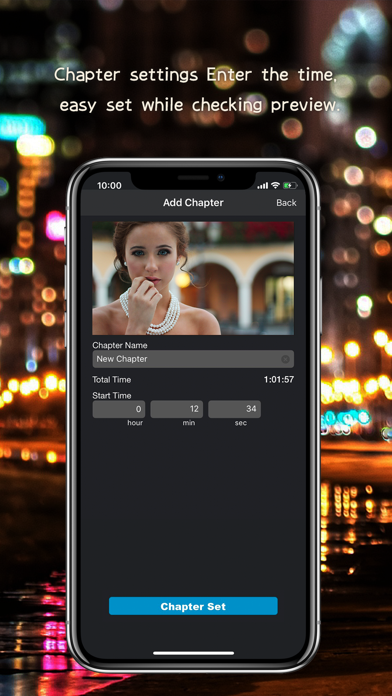
Also easy to understand displays the preview When you enter a time when the chapter setting.
It is possible to put security at the touch ID and app dedicated passcode privacy and use the reassurance.
[How to use]
1.
You can transfer one mp4 video to the VideoChapterPlayer folder in Files App.
Connect the PC a device, Open iTunes or Finder(macOS Catalina) connect device.
Synchronize the device the mp4 format video that was prepared in addition to the iTunes of "ChapterPlayer" app.
2.
Restart or the app on the device, to update the list in the swipe-down, to recognize the file.
3.
Enter the start time in the chapter setting mode, add to the list.
4.
To seek from the scene by tapping a cell on the list can be played.
5.
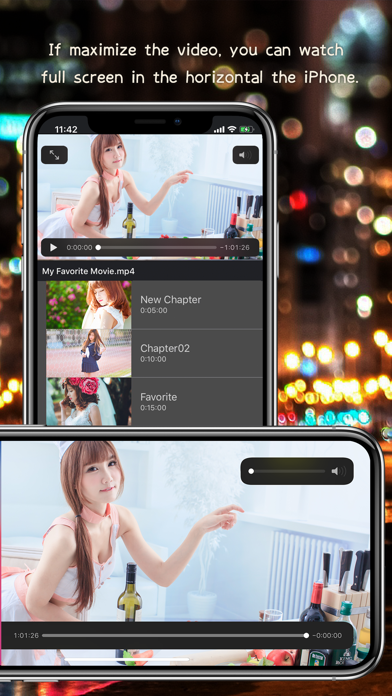
Full screen by the maximum of the video controller.
When full-screen you can watch in the landscape orientation device.
6.
Initialization of the list, security configuration, change the password code is in the config mode.