

Video Presentation Control
Video Presentation Control is made and published by ATEN INTERNATIONAL CO., LTD. AppBrain is an independent app data site and isn't affiliated with ATEN INTERNATIONAL CO., LTD. The app name, icon, screenshots and description belong to ATEN INTERNATIONAL CO., LTD. and are shown as published on the App Store.
AppBrain's verdict
- Last updated
- November 8, 2024
Rankings
App Store top chartsApp Store Rankings for Video Presentation Control
Competitors
Similar apps and more from ATEN INTERNATIONAL CO., LTD.Alternatives to Video Presentation Control





More from ATEN INTERNATIONAL CO., LTD.







Releases
Updates seen on the App Store- Version
- 1.6.153
- Launched
- October 2019
No changelog data
User feedback
Ratings and reviews on the App StoreComments on Video Presentation Control for iOS
We don't have enough comments to show example comments. Please check back later.
Technology
Found in the app by AppBrain- Price
- Free
- App size
- 106.1 MB
- Content rating
- Everyone
Technologies used by Video Presentation Control
About the app and developer
About Video Presentation Control
Video Presentation Control is an utilities app developed by ATEN INTERNATIONAL CO., LTD.
User Ratings
The app has no ratings yet.
App Information
Video Presentation Control is freely available from the App Store. The app size is 106.05 MB. The latest version available is 1.6.153. The last update was on November 8, 2024.
Technical Requirements
The app has a content rating of Everyone. The app has been available on the App Store since October 2019.
Developer information for ATEN INTERNATIONAL CO., LTD.
Address:
Store listing
By ATEN INTERNATIONAL CO., LTD., from the App Store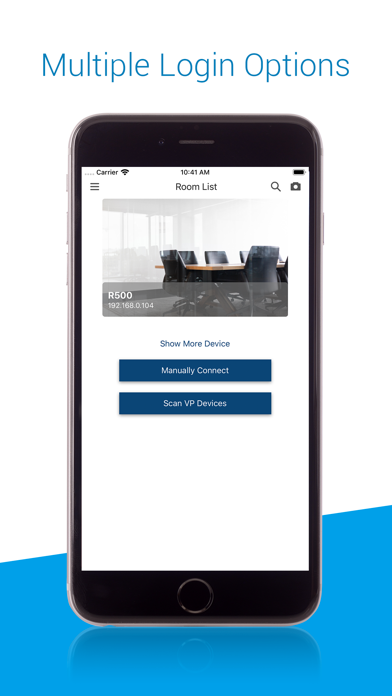
Description by ATEN INTERNATIONAL CO., LTD. Written by the developer, not by AppBrain. Click to read.
Features include*:
- Multiple Login Options: Auto search the network for devices and log in manually or via QR Code.
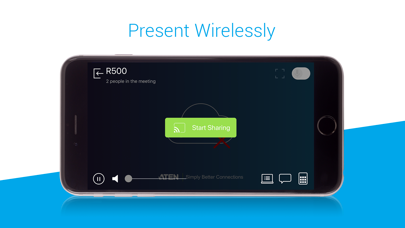
- Wireless Streaming: Stream presentation content from your smartphone with ease or ‘Go Live’ to share content to participants located elsewhere.
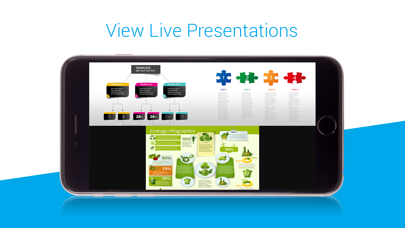
- Source Preview: Drag and drop what you want to see to where you want to see it to efficiently control the display of presentation sources.
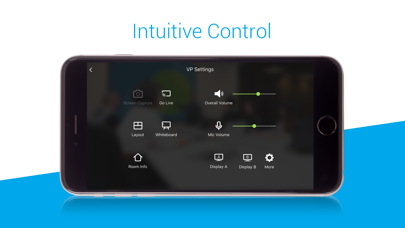
- Intuitive Control: Set layouts, switch presentation sources, control audio and more with a few simple taps.
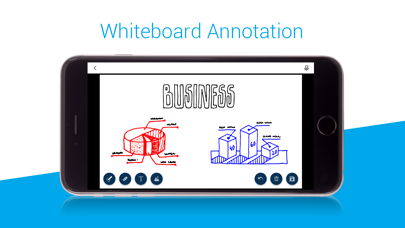
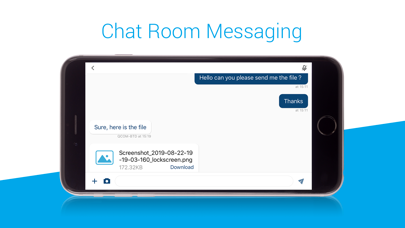
- Collaboration Features: Take notes, make annotations with the Whiteboard as well as instantly chat via the Chat Room
* The supported features differ by models.
Models Supported: VP2120, VP2420, VP2730, VP1420, VP1421, VP3520