




AppBrain's verdict
EstablishedLoved by users- Rating on App Store
- 4.67
- 642 ratings
- Last updated
- June 3, 2025
- Size
- 128.2 MB
Users love it: 4.7 stars from 642 ratings.
User feedback
Ratings and reviews on the App StoreComments on VIMORY: Slideshow Video Maker for iOS
We don't have enough comments to show example comments. Please check back later.
Store listing
By Appilian, from the App StoreDescription by Appilian Written by the developer, not by AppBrain. Click to read.
◉ TOOLS:
•Free Photo Editor
•Free Slideshow Video Maker
◉ BENEFITS:
•Standout from the Social Media Crowd
•Grow Brand Awareness
•Build Relationships
•Increase Sales
◉ TOP FEATURES:
•Trend wise up-to-date content
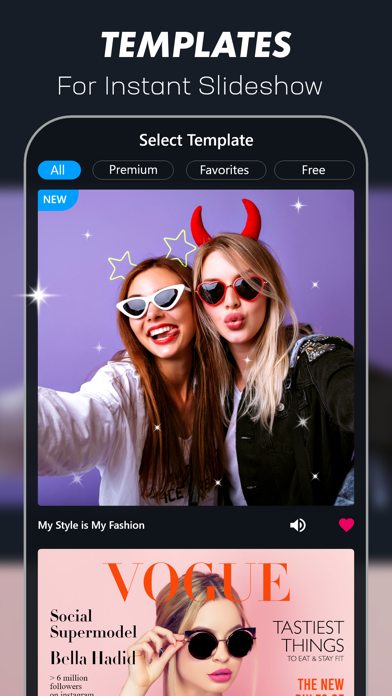
•Eye-catching Video Template
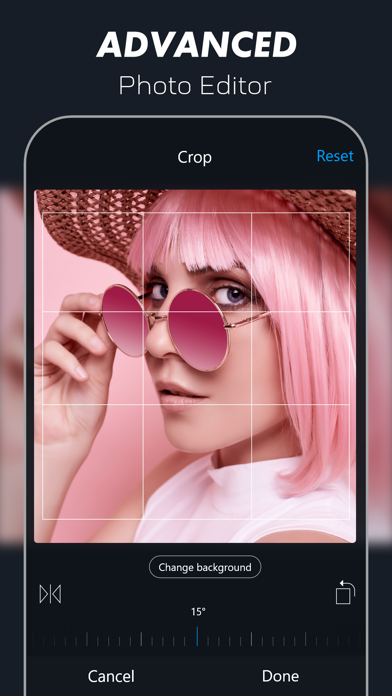
•Advanced Photo Editing Environment
•Dynamic Slide
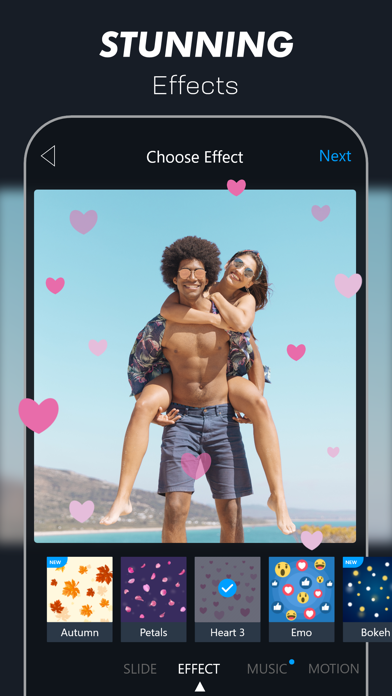
•Breathtaking Effect
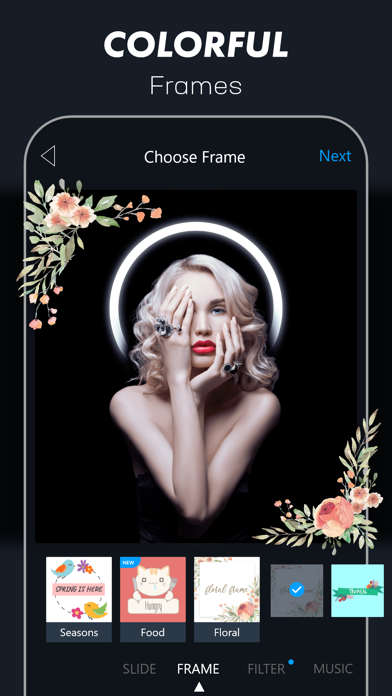
•Elegant Frame
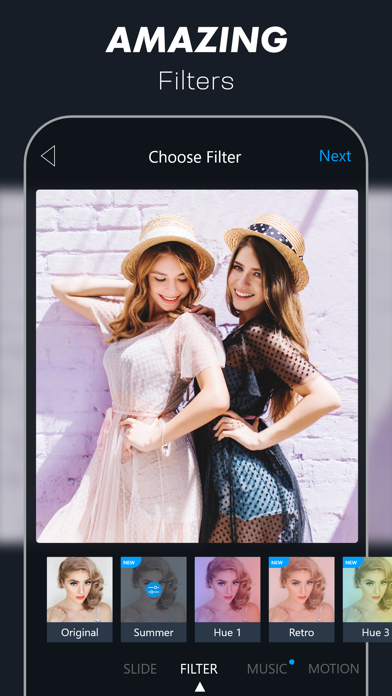
•Stunning Filter
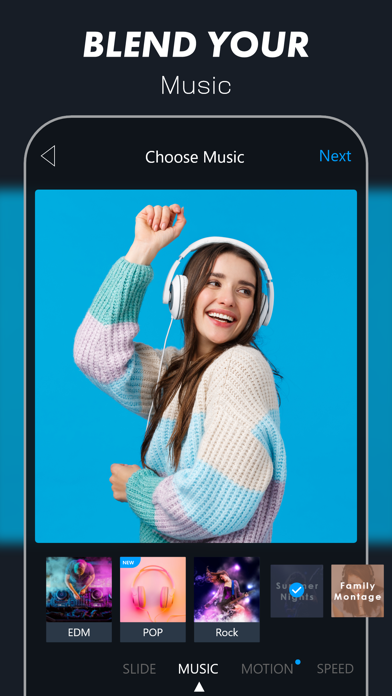
•Cutting-edge Music
•Motion
•Speed Control
•High-resolution Video Output
◉ Who should use Vimory?
Vimory Slideshow Video Maker has been invented for those who are looking for a creative way to make an impression on the web and social media platforms.
Such as:
•video maker
•photo editor
•youngsters
•parents
•friends & family
•celebrity
•blogger
•influencer
•online marketer
•seller
•retailer
•business owner
•athletes
•photographer
•video editor
•graphic designer & the rest of all
Vimory Slideshow Video Maker & Photo Editor lets you turn your images into looping video slideshows to use on your website and helps your social media platform's photo and video posts stand out from the crowd.
Such as:
•Tumblr
•MySpace
•YouTube
•Vimeo
•TikTok, etc
◉ Share photo & video:
Vimory Slideshow Video Maker has instant photo & video sharing facilities. You can post a photo or video to the selected social media & share it via several chat mediums.
Such as:
•Messenger
•Snapchat
•Viber
•Hangouts
•Skype
•Zoom
•Viber
•IMO
•Kik
•Line, etc.
◉ Photo Editing Features:
•Crop
•Filter
•Adjustment
•Sharpen
•Focus
•Vignette
•Emoji
•Text, etc.
◉ Photo Editing Process [follow the steps 1-11]:
[1]
Install the Vimory Slideshow Video Maker app on your device
[2]
Open Vimory
[3]
Click plus (+) button located on the bottom middle position of your device screen
[4]
Scroll down & click the Single Photo Memory button
[5]
Add a photo & click the Next button
[6]
Choose the PHOTO option & click the Edit button
[7]
Edit photo & click the Done button
[8]
Click the FRAME option
[9]
Choose FRAME & click the Next button
[10]
Choose Resolution & click the Continue button
[11]
Save & share the photo on social media
[Home]
Click the Home button.
◉ Slideshow Video Maker Features:
[Main features]
• Template-based Slideshow Video Maker
• Custom Slideshow Video Maker
[Other features]
[PHOTO]
• Edit
• Crop
• Filter
• Adjustment
• Sharpen
• Focus
• Vignette
• Emoji
• Text, etc.
[MUSIC]
• My Music
• Pop
• Country
• Children
• Hip Hop
• Jazz
• Orchestra
• Rock
• EDM
• R&B Soul
• Reggae
• Christmas
• New Year, etc.
[MOTION]
• Motion on
• Motion off
[SPEED]
• Slow
• Fast
◉ Template-based Slideshow Video Making Process [follow the steps 1-10]:
[1]
Install the Vimory Slideshow Video Maker app on your device
[2]
Open Vimory
[3]
Select Template
[4]
Choose Type
[5]
Add Photos & click the Next button
[6]
Edit default text & click the Done button
[7]
Click the Next button
[8]
Choose Resolution & Click the Continue button
[9]
Processing
[10]
Save & share videos with friends & family, fans, followers, etc
[Home]
Click the Home button
◉ Custom Slideshow Video Making Process [follow the steps 1-18]:
[1]
Install the Vimory Slideshow Video Maker app on your device
[2]
Open Vimory
[3]
Click the plus (+) button located on the bottom middle position of your device screen
[4]
Choose Type
[5]
Add Photos & click the Next button
[6]
Select PHOTO & click the Edit button
[7]
Edit photos & click the Done button
[8]
Choose Slide
[9]
Choose Effect
[10]
Choose Frame
[11]
Choose Filter
[12]
Choose Music
[13]
Set Motion
[14]
Control Speed
[15]
Click the Next button
[16]
Choose Resolution & Click the Continue button
[17]
Processing
[18]
Save & share videos with friends & family, fans, followers, etc
[Home]
Click the Home button
Terms of Use: https://appilian.com/terms.html
Safety and technology
Found in the app by AppBrain- Price
- Free
- App size
- 128.2 MB
- Content rating
- Everyone
Technologies used by VIMORY: Slideshow Video Maker
Releases
Updates seen on the App Store- Version
- 4.33
- Launched
- March 2018
No changelog data
Alternatives
Similar apps and more from AppilianAlternatives to VIMORY: Slideshow Video Maker


More from Appilian

Rankings
App Store top chartsApp Store Rankings for VIMORY: Slideshow Video Maker
About the app and developer
About VIMORY: Slideshow Video Maker
VIMORY: Slideshow Video Maker is a photo & video app developed by Appilian.
User Ratings
VIMORY: Slideshow Video Maker is rated 4.67 out of 5 stars. The rating is based on 640 ratings.
App Information
VIMORY: Slideshow Video Maker is freely available from the App Store. The app size is 128.17 MB. The latest version available is 4.33. The last update was on June 3, 2025.
Technical Requirements
The app has a content rating of Everyone. The app has been available on the App Store since March 2018.
VIMORY: Slideshow Video Maker is made and published by Appilian. AppBrain is an independent app data site and isn't affiliated with Appilian. The app name, icon, screenshots and description belong to Appilian and are shown as published on the App Store.
Developer information for Appilian
Address: